Turn on two-factor sign-in
Ask for a 6-digit code from your phone each time you sign in.
You need
- An authenticator app
- Any app that shows 6-digit codes, such as the one in your password manager.
Turn it on
- Open the menu under your name, then Settings. Open Account.
- Under Sign-in and two-factor, next to Two-factor authentication, press Turn on….
- Scan the code with your authenticator app. If you can’t scan, press Copy key and enter the key instead.
- Type the six digits the app shows into Code from your app, and press Turn on.
- Under Save your recovery codes, press Copy codes and keep them in your password manager. Press Done.
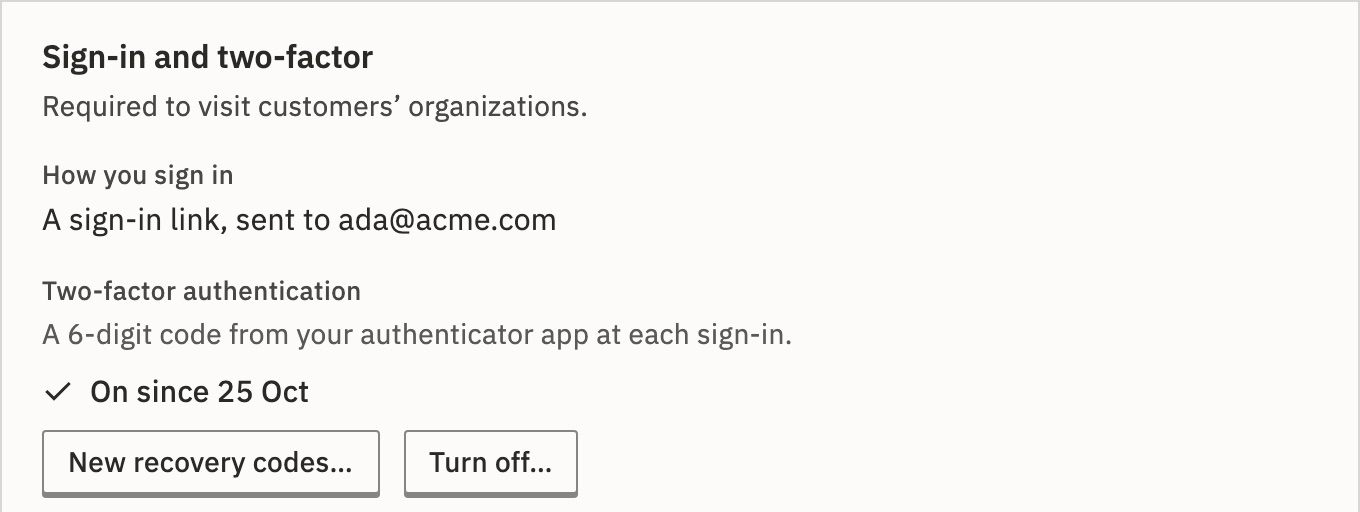
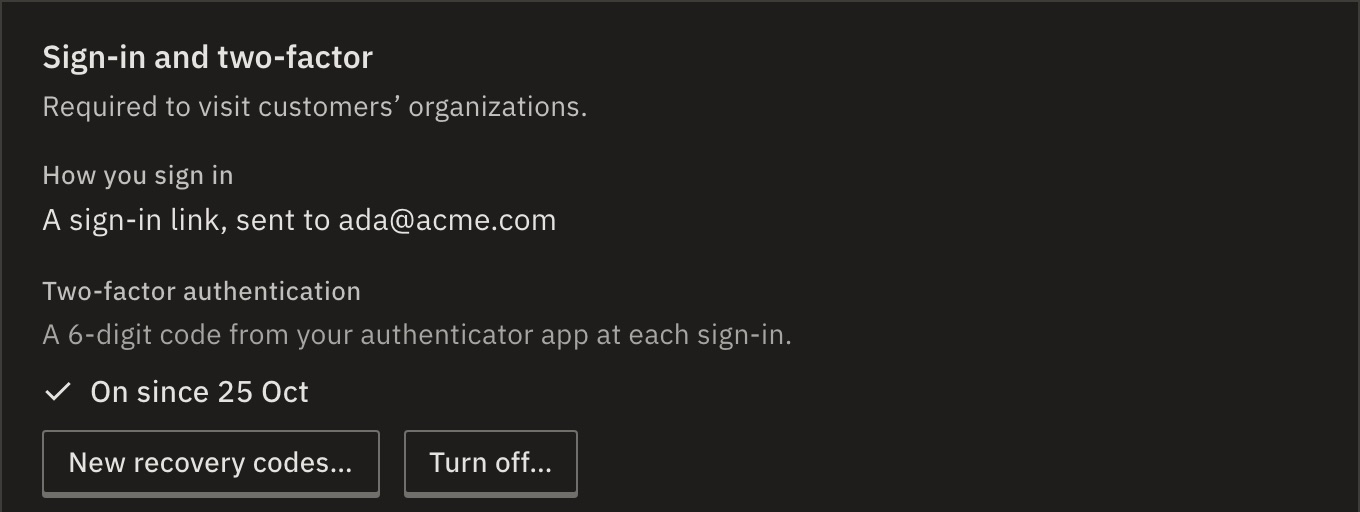
You should see Two-factor authentication says On since and today’s date.
From your next sign-in, GoRunner asks for the code after the email link, your password or single sign-on.
If you lose your phone
At the code step, press Use a recovery code and type one of the 10 you saved. Each works once.
Once you are in, turn two-factor off and on again with your new phone, or press New recovery codes… for a fresh set. The old codes stop working.
Lost the codes too? Write to GoRunner support. They can turn two-factor off for you.
Lost the codes too? A platform admin can turn it off for you in Platform › People, with Reset two-factor… in your row. If you are the only platform admin, someone with access to the server can. See When the only admin loses two-factor.
What if it says too many wrong codes?
Wait 15 minutes, then try again. Check that your phone’s clock is set automatically.
Turn it off
Press Turn off… and type a current code from your app. Sign-in goes back to how it was before.
For your team
Owners and admins see who has it on in Settings › Organization › People: the Two-factor column, and Two-factor off to list only those without it. GoRunner can’t yet require it for everyone.
Platform admins need it to open Platform. See First sign-in.
Related
- Set up single sign-onSign in through your identity provider · 5 min
- Invite people and set rolesMembers and People · 4 min
Checked against 12d85b3b