A run failed
Runs shows Failed and a reason. Find the reason below.
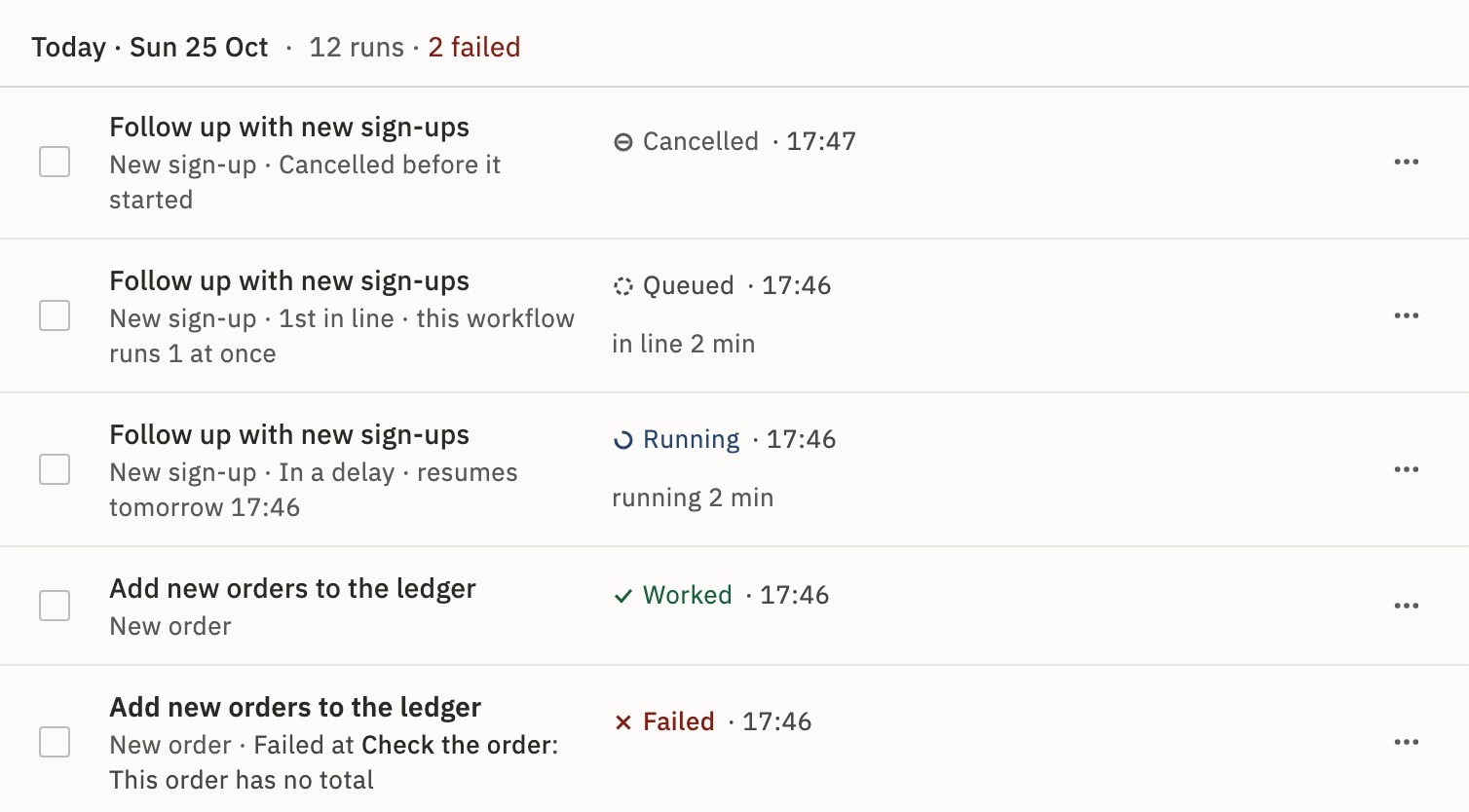
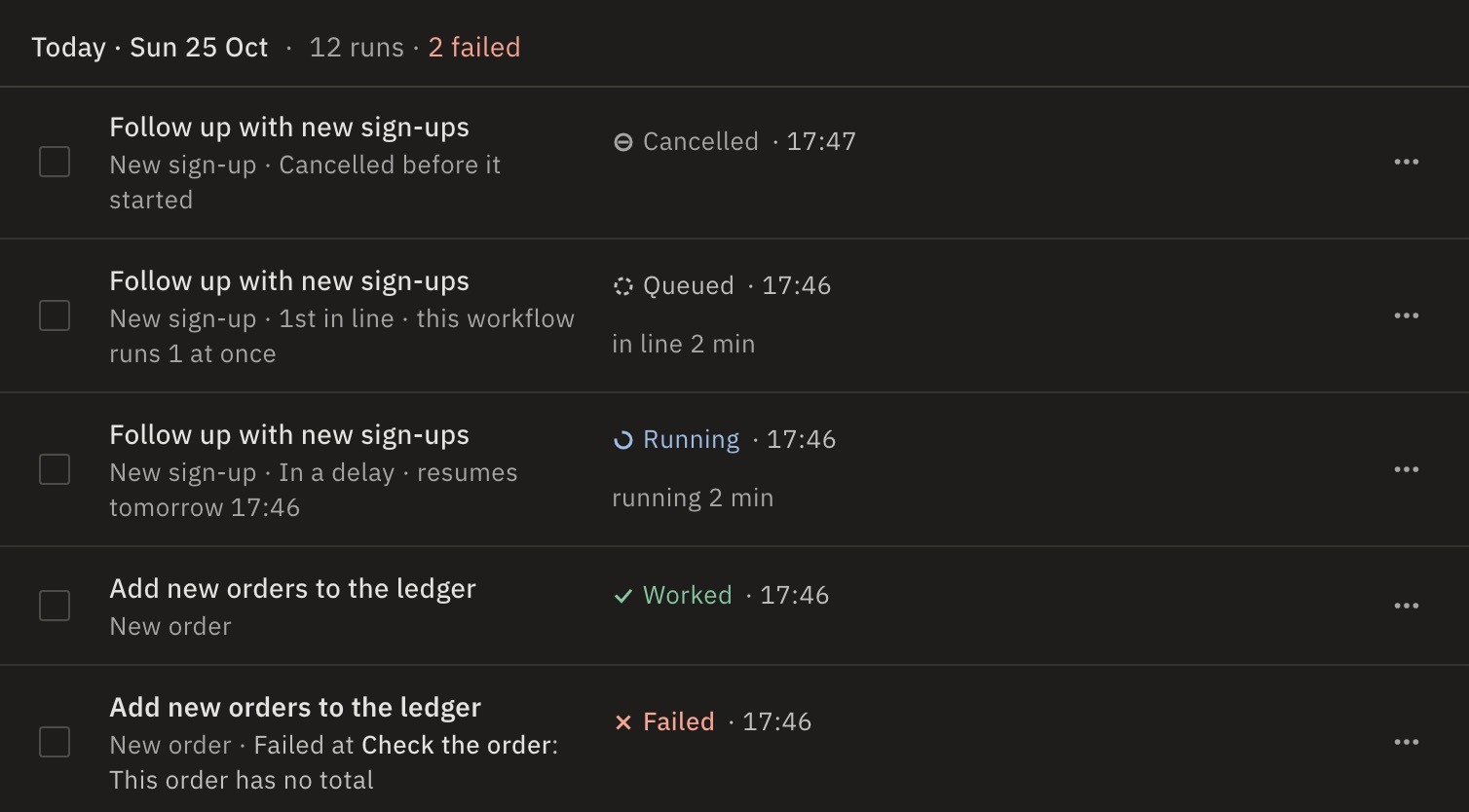
A failed row says Failed at, the step, and the reason. To read the whole error, open the run. See Find out why a run failed.
- “the sign-in was refused (HTTP 401)”The connection
- “access was refused (HTTP 403)”The connection
- “the service answered HTTP 404”, or another codeA value
- “it timed out”Time
- “the service asked to slow down”Rate limit
- “couldn’t reach the server”The address
- “This address can’t be reached from workflows: …”The address
- A field “is required”, or a value is emptyA value
- “This step returned … more than the … one step may pass on”Size
- “Outcome unknown: …”The worker
- “Progress unknown: …”The worker
- “This run’s worker stopped 3 times, so the run was stopped.”The worker
- An error from your Code stepCode
“the sign-in was refused (HTTP 401)”
The service turned down the step’s connection: its sign-in ended, or its key or password changed.
Fix- In the sidebar, open Connections. The connection says Signed out or Not working.
- Press Sign in again, or Change API token… or Change password….
- Open the run and press Run again.
“access was refused (HTTP 403)”
The account behind the connection may not do this, such as open a file it wasn’t shared.
Fix- In the service, give that account access. Or choose a connection whose account has it.
- Open the run and press Run again.
“the service answered HTTP 404”, or another code
The service refused the request: 404 means what it asked for doesn’t exist, 400 or 422 that a value was wrong.
- Open the run, select the failed step and read Input. Find the ID, address or value that is wrong.
- Fix the field or its expression in the workflow, press Test, then Publish.
- Open the run and press Run again.
“it timed out”
The step took longer than its Timeout, 30 seconds unless you set more. Or the service didn’t answer in time.
Fix- Select the step, open Error handling, and raise Timeout, up to 600 seconds.
- Set Retry on failure for a service that is sometimes slow.
- Open the run and press Run again.
What if it says the step ran out of time (30 s)?
A Code step stops after 30 seconds, or sooner if you set a shorter Timeout. Make the script do less, or split the work.
What if it says the workflow’s timeout was reached?
The whole run may work for 5 minutes. In the workflow’s Settings, raise Execution timeout, up to 3600 seconds. Time in a Delay or waiting for an approval doesn’t count.
“the service asked to slow down”
The service’s rate limit was reached (429): too many requests in a short time.
- In Error handling, set Retry on failure.
- If many runs go at once, lower them. See Limit runs at once.
- Open the run and press Run again.
“couldn’t reach the server”
The address is wrong, or the server is down or doesn’t take connections from GoRunner. The full error says which, such as the host … does not exist.
Fix- Check the address in the step, or press Change server… on its connection.
- Check the server is up and lets GoRunner in.
- Open the run and press Run again.
Self-hosted: Outside calls may go through a proxy. See A company proxy.
“This address can’t be reached from workflows: …”
The step called a private or internal address, or a cloud’s metadata service. Steps may call public addresses only.
Fix- Use the service’s public address.
- Open the run and press Run again.
Self-hosted: WORKFLOW_PRIVATE_NETWORKS can allow named private networks. Cloud metadata is never reachable. See Outbound access.
A field “is required”, or a value is empty
An expression found nothing, so the step got an empty field, such as url is required. Often an earlier step returned other names than you expected.
Fix- Open the run, select the earlier step and read its Output.
- Fix the expression to match, or insert the value from the data picker. See Use data from earlier steps.
- Press Test, then Publish, then run it again.
“This step returned … more than the … one step may pass on”
A step may pass on at most 16 MB.
Fix- Return less: filter, limit or page the data in that step.
Self-hosted: Or raise MAX_STEP_OUTPUT_BYTES on the workers.
“Outcome unknown: …”
The worker running the run stopped while this step was running. The step changes something outside, such as an email or a new row, so it wasn’t sent again. It may or may not have been carried out.
Fix- Check the service the step calls: did the email go, or the row appear?
- If it didn’t, open the run and press Run again.
“Progress unknown: …”
The worker running the run stopped, and the record of what it had finished was lost, for example when Redis lost its data. The run could change something outside, so it wasn’t started over.
Fix- Check the services its steps call for what was already done.
- If nothing was, open the run and press Run again.
Self-hosted: Redis must keep its data. See What Redis holds.
“This run’s worker stopped 3 times, so the run was stopped.”
The machine running it stopped in the middle three times, for example out of memory. Each time, another worker carried on from what was finished.
Fix- Open the run and press Run again.
Self-hosted: Check the workers’ memory and logs.
An error from your Code step
A Code step’s error is what your script threw, word for word. It may also say it used more memory than allowed (256 MB).
Fix- Open the run, select the step, and read Input next to the error.
- Fix the script, press Test, then Publish.
- Or open the run and press Fix with Keel.
A run you or someone else stopped is Cancelled, not Failed. Its step says Cancelled while it ran.
Still stuck?
Write to GoRunner support. Send the run’s ID, from its page, and the time it failed.