Set up single sign-on
Let your people sign in through your identity provider, with OpenID Connect or SAML.
Not on GoRunner Cloud yet: the page says Not on GoRunner Cloud yet. To ask about it, write to GoRunner.
Not in the Embed: your people sign in through your own product.
You need
- An owner
- Of the organization. An admin can read the page: it says Only an owner of this organization can change single sign-on.
- A license with Single sign-on
- Without it, the page says single sign-on needs an Enterprise license. Licenses come from GoRunner on request.
- Your identity provider
- Admin access to register an app, such as in Okta or Microsoft Entra.
Set it up
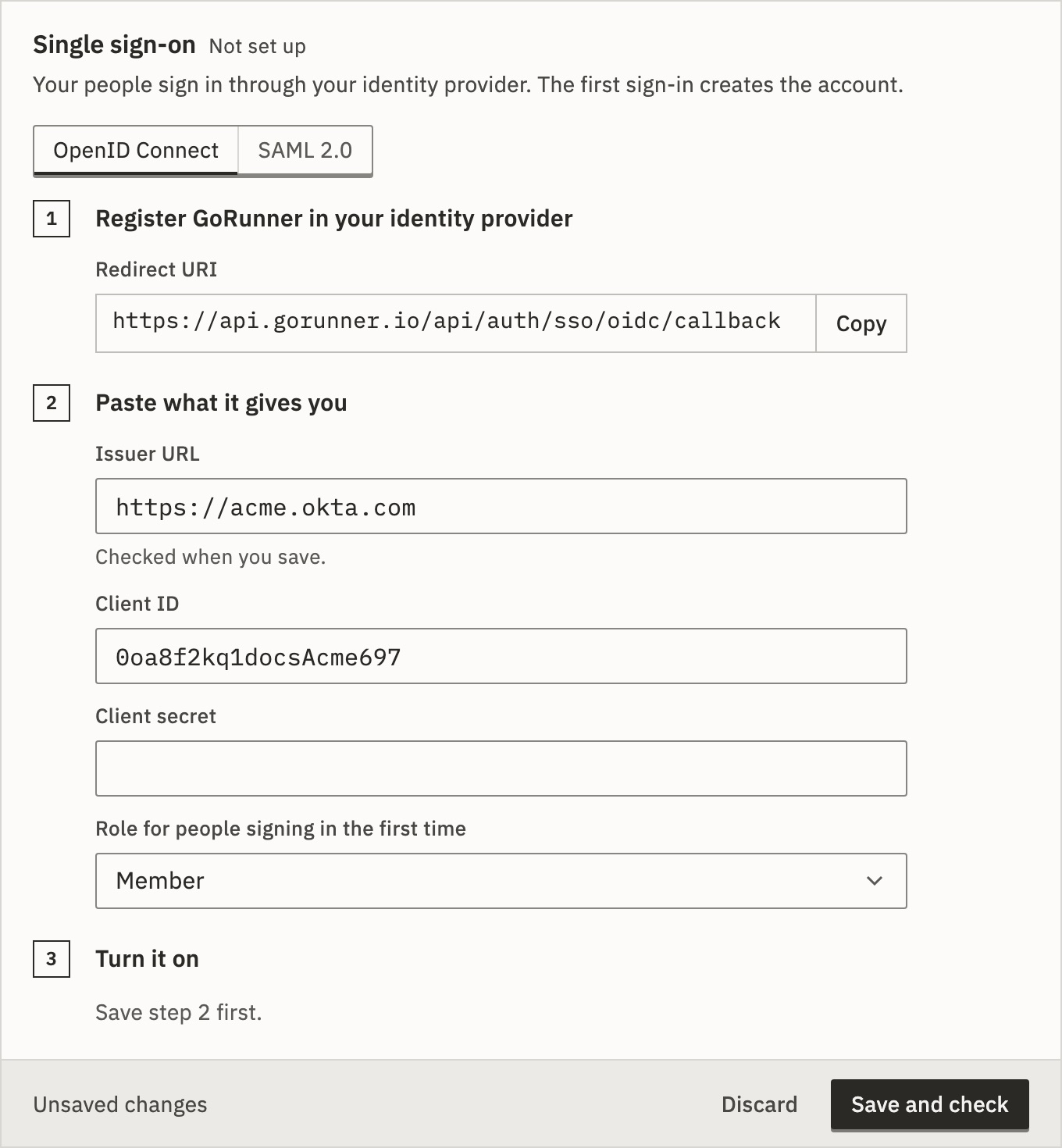
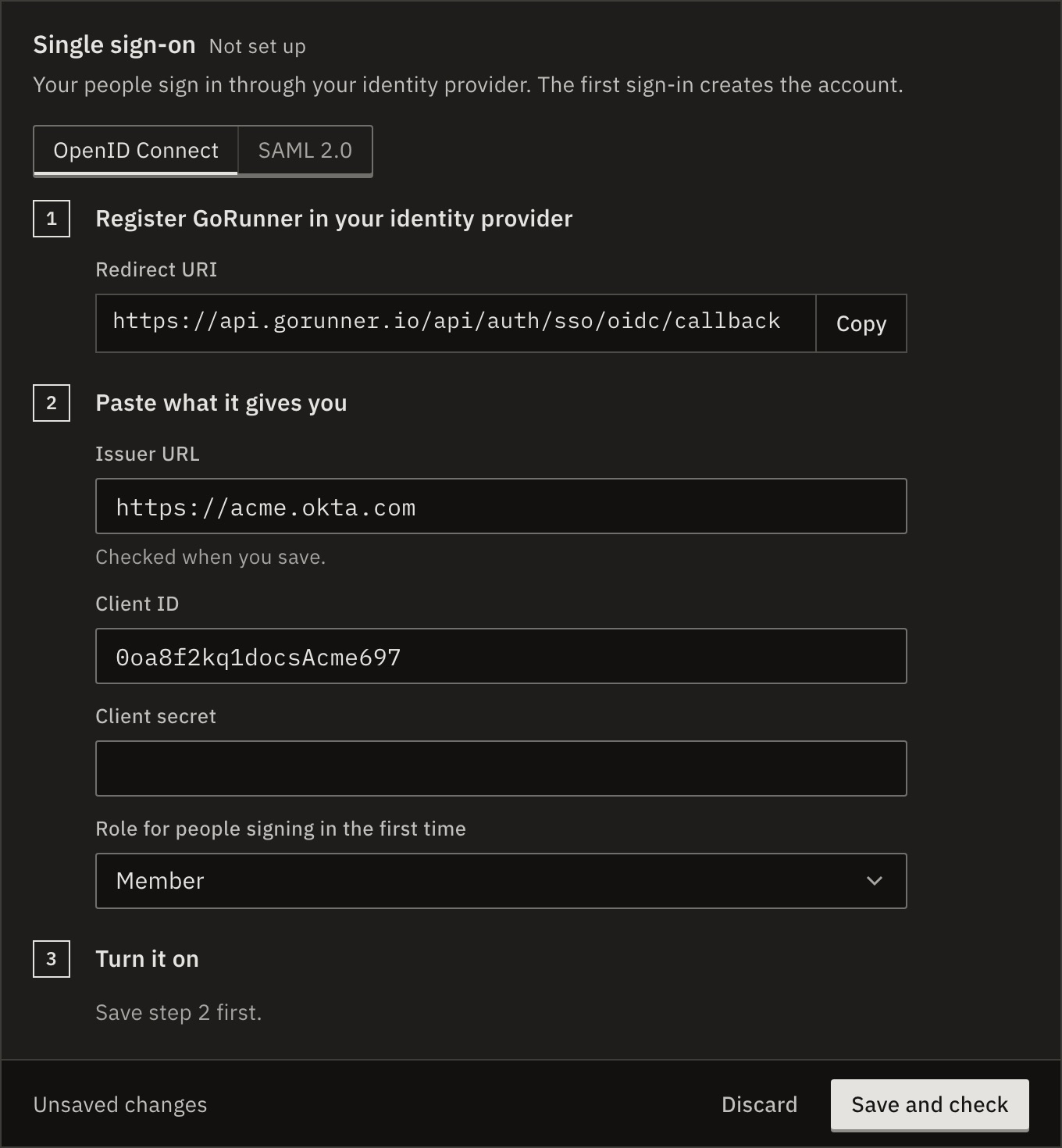
- Open Settings. Under Organization, open Single sign-on, and choose OpenID Connect or SAML 2.0.
- Under Register GoRunner in your identity provider, copy what it shows into a new app there: the Redirect URI, or the Entity ID and ACS URL.
- Under Paste what it gives you, fill in what your identity provider shows (below).
- Choose the Role for people signing in the first time: Member or Admin.
- Press Save and check.
- Turn on Let people sign in with it, and confirm.
You should see the page shows the Sign-in URL. Give it to your people. Test sign-in opens it in a new tab.
- OpenID Connect
- Issuer URL, such as
https://acme.okta.com, Client ID and Client secret. The issuer is checked when you save. - SAML 2.0
- Your identity provider’s metadata, pasted whole. Or press Enter the details by hand: Identity provider entity ID, Sign-in URL and Certificate.
For SAML, a Metadata URL appears after you save, for providers that read it.
What if it says it couldn’t reach the issuer?
GoRunner couldn’t load the issuer’s address. Check it has no typo, and that your installation may reach it through its proxy.
When people sign in
Their other ways to sign in keep working. The first sign-in creates the account with the role you chose. It joins a workspace the person is already in, or the organization’s first workspace by name, as an editor. Each new person takes a seat.
Your identity provider must send each person’s verified email address. Someone with two-factor on is still asked for the code.
Someone whose address already has an account of its own elsewhere is refused, and told to sign in with email instead.
What if signing in says…?
- Your email is not verified with the identity provider.
- The provider sent the address as not verified. Verify it there.
- The identity provider did not return an email address.
- Make the app send the email claim. For SAML, the message says the assertion had none.
- Single sign-on is not enabled on this instance.
- The license doesn’t include single sign-on. People sign in by email.
- Single sign-on is not configured for this organization.
- It is turned off or removed.
- This sign-in was started in another browser, or it expired. Start again in this browser.
- A sign-in finishes in the browser that started it, within 10 minutes.
Switch, turn off or remove
- Turn off
- Turn off Let people sign in with it. People keep their accounts and sign in by email.
- Remove setup…
- Deletes the setup. Only one protocol is set up at a time: remove one to use the other.
Every change is in the audit log, with the fields that changed and never the secret.
Related
- Provision people with SCIMLet your provider add and remove people · 4 min
- Invite people and set rolesMembers and People · 4 min
- Your licenseWhat your license includes · 4 min
Checked against 12d85b3b