Your license
A self-hosted GoRunner runs on a license: what it holds, where to see it, and how to renew it.
This page is for self-hosted installations. On GoRunner Cloud, GoRunner runs this for you.
Without a valid license, the installation is paused. GoRunner gives licenses on request at gorunner.io/contact:
- The free license
- 1 organization, 1 workspace and 3 people, with no end date. The free license
- A paid license
- The limits you agree, and features such as Embedding, single sign-on and SCIM.
A license is a short text, in a file ending .lic. It names who it is licensed to, what it includes, its limits, and when it ends. GoRunner checks it on your server and never calls anyone to do so. Don’t edit it: a license changed by one character is refused.
The License card
In Platform, under Settings, open General.
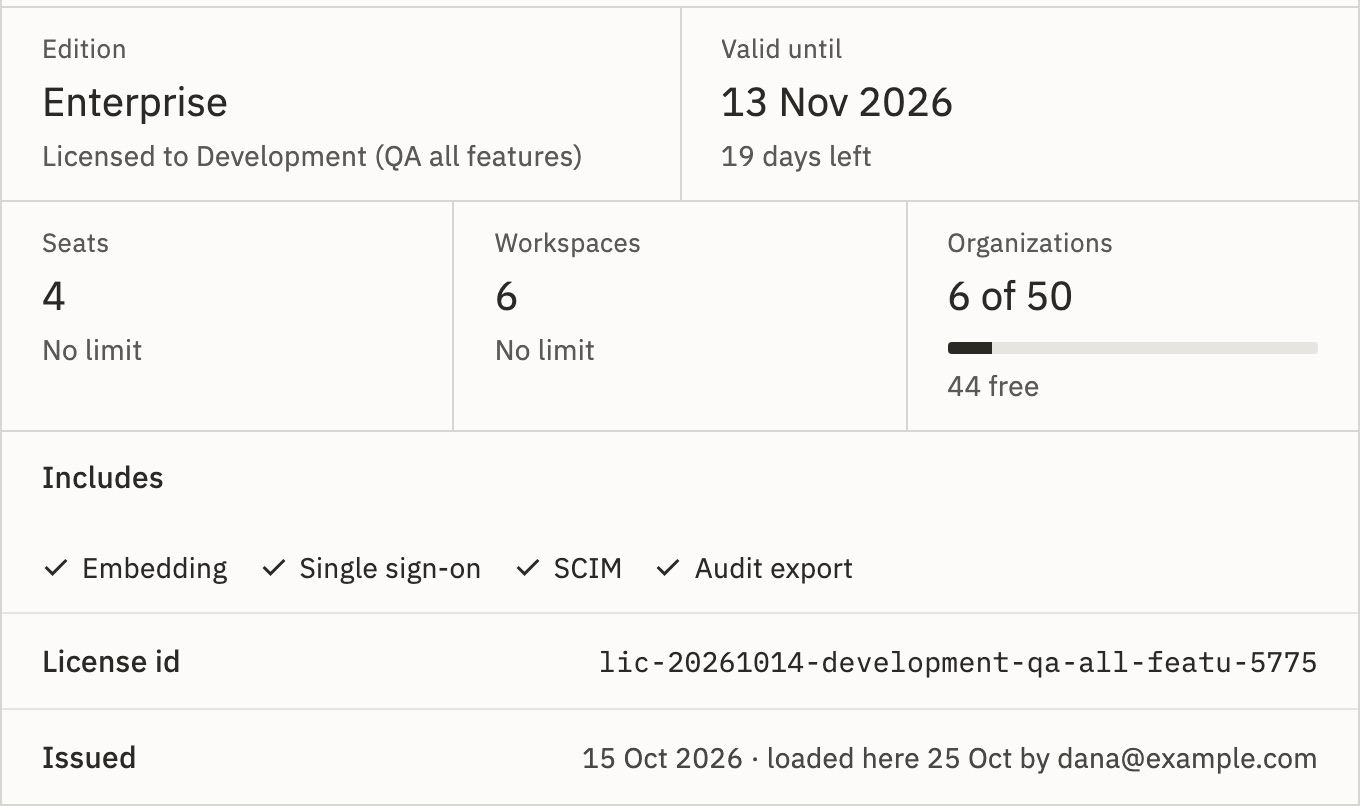
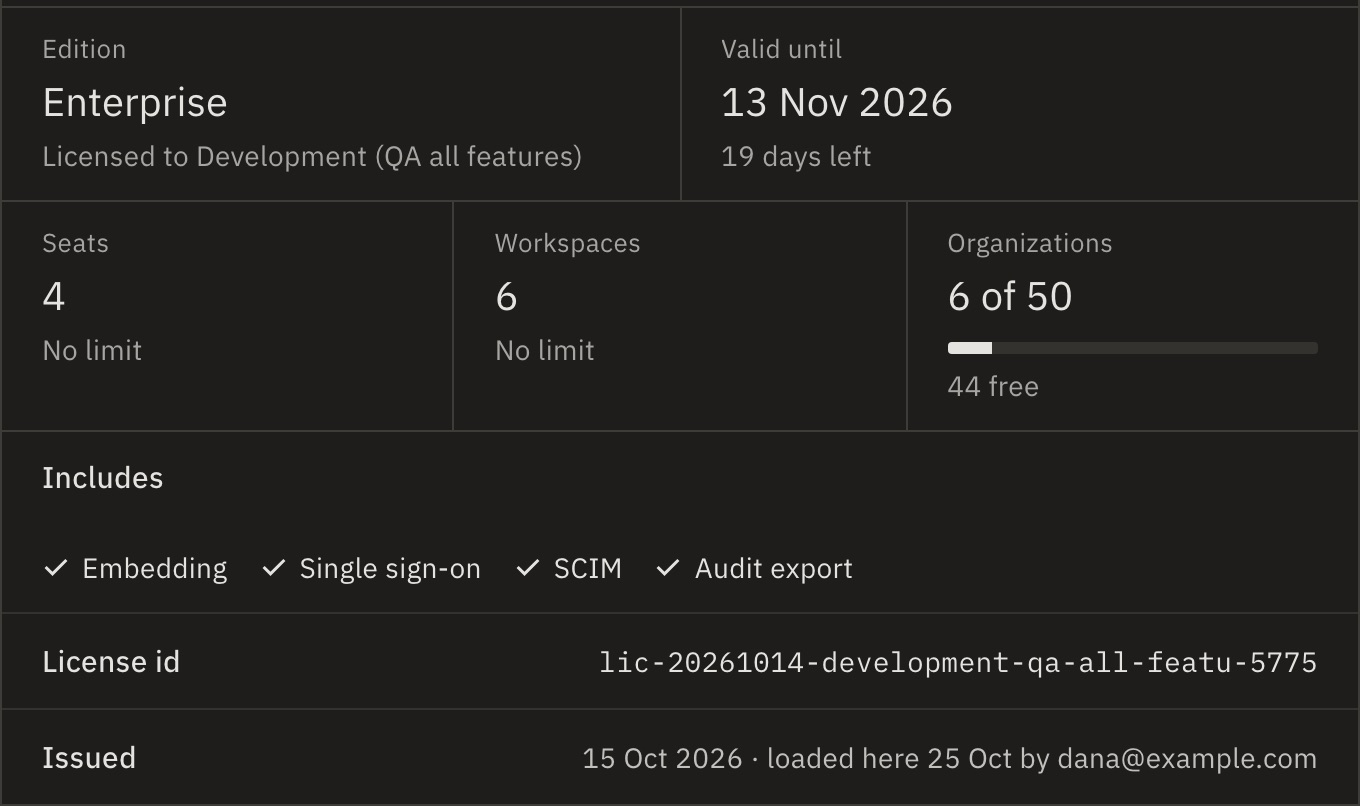
- Edition
- Free or Enterprise, and Licensed to.
- Valid until
- The end date and the days left, with any grace days. A license without one says No end date.
- Seats, Workspaces, Organizations
- How many are in use of the limit, such as 1 of 50 · 49 free, or No limit. Exactly full is normal.
- Includes
- What it has: Embedding, Single sign-on, SCIM, Audit export. A license without Embed says Embed: not in this license.
- Free license
- Includes Audit export, Event streaming and MCP server. Not included: Embed, White-label, Single sign-on and SCIM, then “Need more seats, SSO or Embed? Talk to us”.
- License id, Issued
- Which license, and when and by whom it was loaded here.
What counts
- Seats
- Everyone who belongs to an organization, plus invitations not yet accepted. Embed customers’ people never take one.
- Organizations
- Every organization, including one per Embed customer. A deleted customer account doesn’t count; restoring it does.
- Workspaces
- Every workspace, in every organization.
Past a limit, nothing is taken away. Something new is refused, and the card shows the count over.
With Embedding, the Platform sidebar also has an Embed group: Partner keys, What customers get, Branding and Notifications.
Renew it
From 30 days before a paid license ends, every Platform page says so. Ask GoRunner for the renewed license, then:
- On the License card, press Replace….
- Paste the whole new license and press Replace license.
- Type your two-factor code.
It takes effect at once, on every server. Nothing restarts. When a license ends has the dates.
A license that covers less than you have now says so first, such as “This license covers 1 organization, and this installation has 2: once it is loaded, no new organization can be made until there are fewer than 1.” Replace anyway loads it. Refused instead? See A license is refused.
In the server’s settings
A license can also be LICENSE_KEY in .env (licenseKey on Kubernetes). One loaded on the card comes first while it is in force; when it ends, a valid LICENSE_KEY takes over. A paid license always comes before a free one. The card then says “From the server’s LICENSE_KEY, so it can’t be removed here. A license loaded here takes its place.”
Can I remove a license?
Remove license… shows only when LICENSE_KEY holds another valid license, which then takes over at once. Without one, removing would pause the installation, so the key isn’t there. To change licenses, use Replace….
My license names features the card doesn’t show?
A license made for an earlier offer may name custom domain or advanced roles. Nothing uses them, so the card leaves them out.
Related
- When a license endsWarnings, grace days, and starting again · 5 min
- The free license1 organization, 1 workspace, 3 people · 3 min
- Load your first licenseAt the first sign-in
Checked against 12d85b3b