First sign-in
Create the admin account, load your license and turn on two-factor.
This page is for self-hosted installations. On GoRunner Cloud, GoRunner runs this for you. See Sign up and sign in.
A new installation has no account. The first person to open it, with the setup code, becomes its first platform admin. Everyone after joins by invitation.
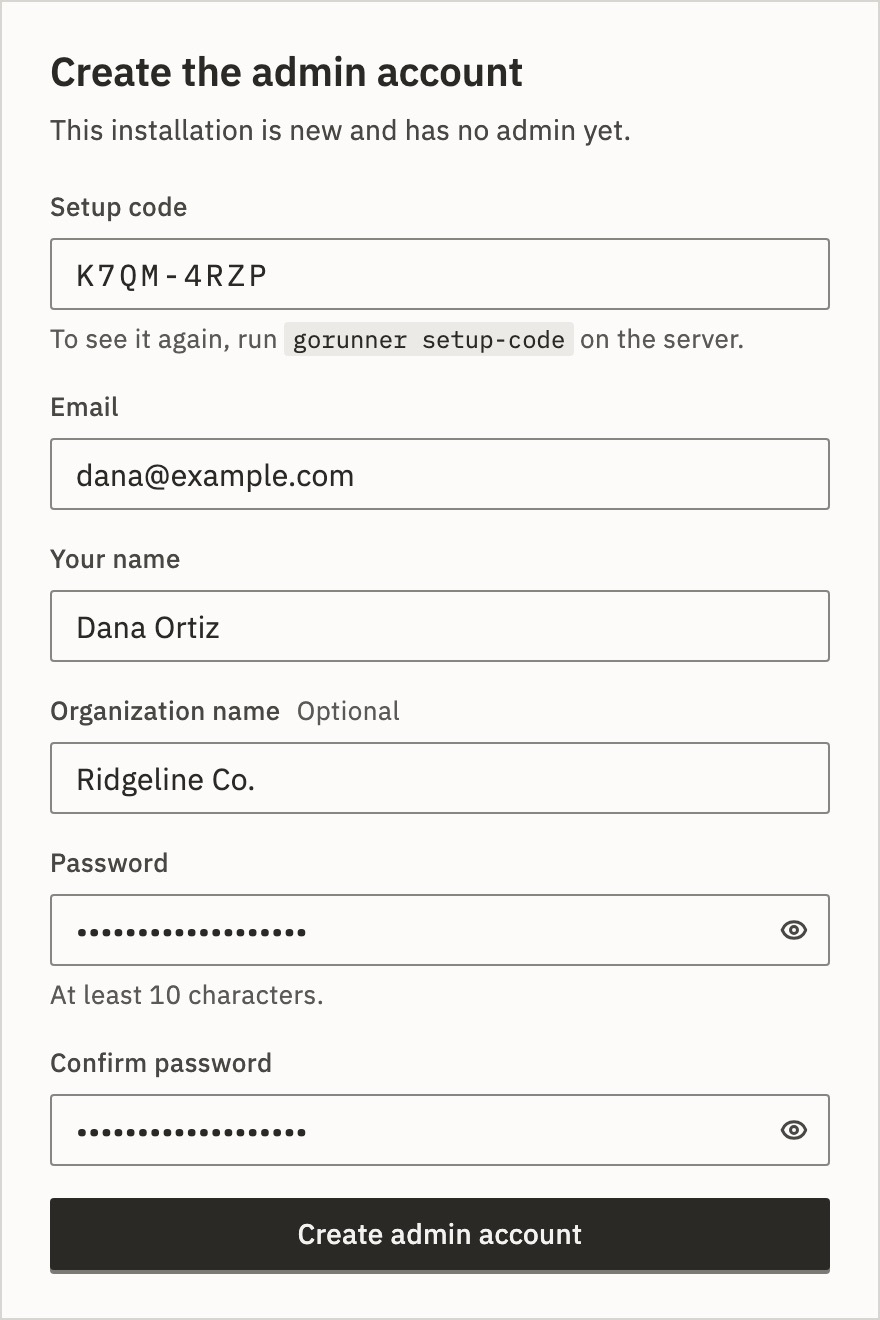
1.Create the admin account
- Open your installation’s address, such as
https://automations.example.com. - Type the Setup code the setup printed, such as
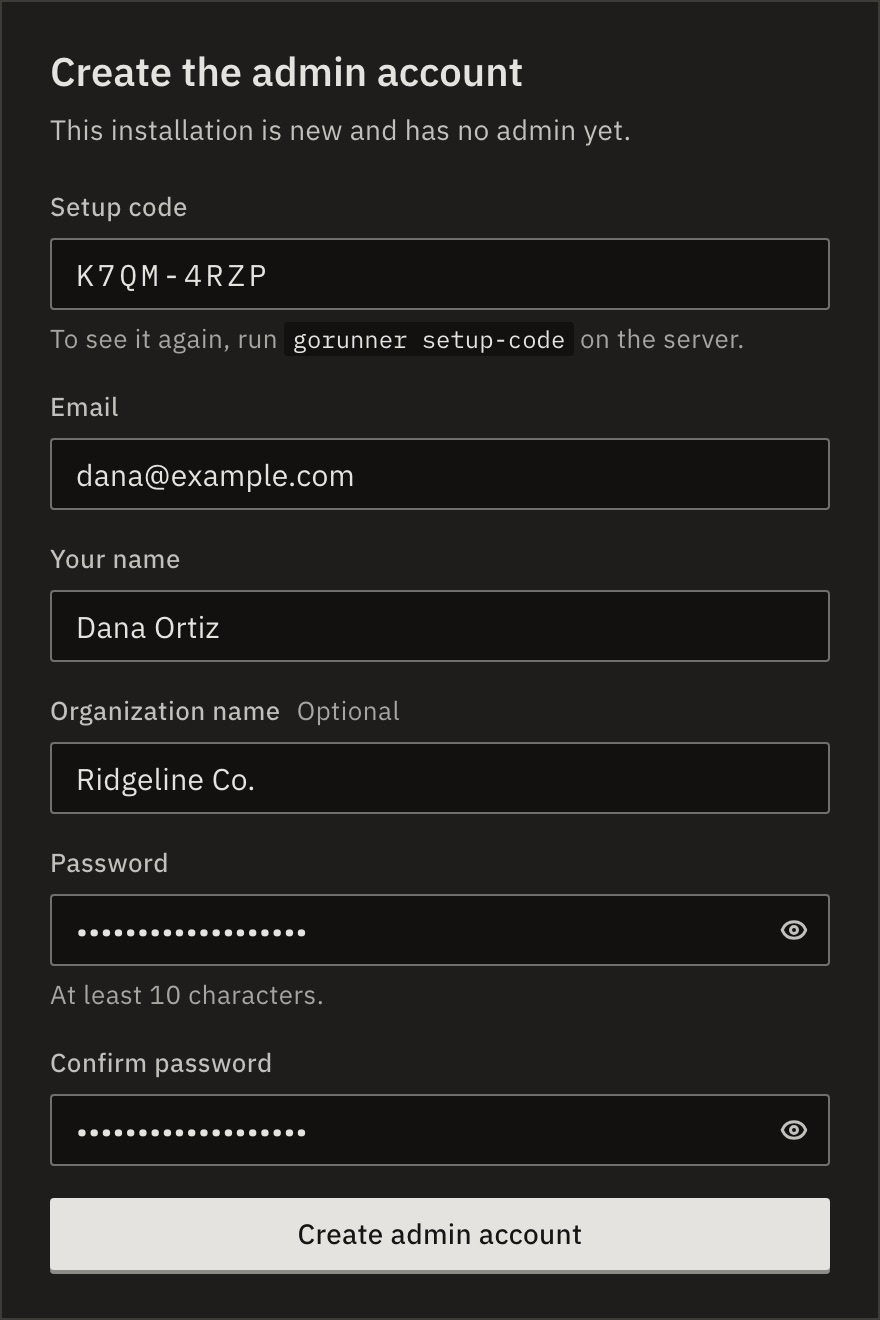
K7QM-4RZP. Case, spaces and the dash don’t matter. - Type your Email, Your name and, if you like, an Organization name.
- Choose a Password of at least 10 characters, type it again, and press Create admin account.
What if the installation has mail?
Then there is no password. Press Send sign-in link, then open the email and press its button, or type its 6-digit code on the waiting page. The link and the code work once, for 15 minutes.
The Welcome page then asks for your name and your organization’s. Both are optional.
Lost the setup code?
Print it again in the install folder. It is never written to the log.
docker compose exec api gorunner setup-codekubectl --namespace gorunner exec deploy/gorunner-api -- gorunner setup-codeUntil the admin exists, the app’s log says “This installation has no admin yet. Run gorunner setup-code to see the setup code.” Creating the admin deletes the code.
“This installation already has an admin” means someone made the account already. With GORUNNER_ADMIN_EMAIL set, only that address can be the first admin.
2.Load your license
You land on the license page. Nothing runs, and only platform admins can sign in, until a license is loaded.
- Open the license you were sent in a text editor and copy all of it.
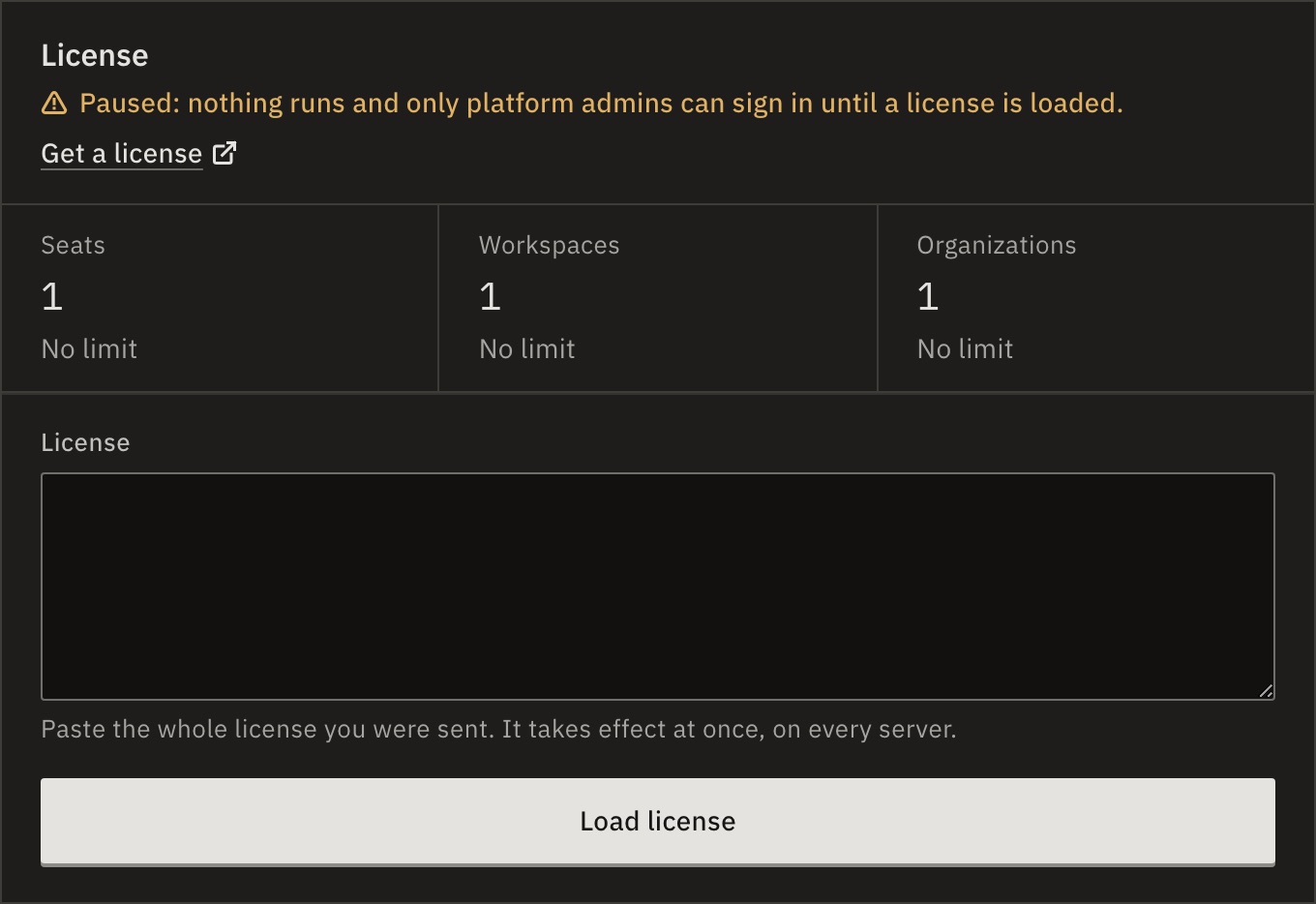
- Paste it into License and press Load license.
- Press Open your workflows.
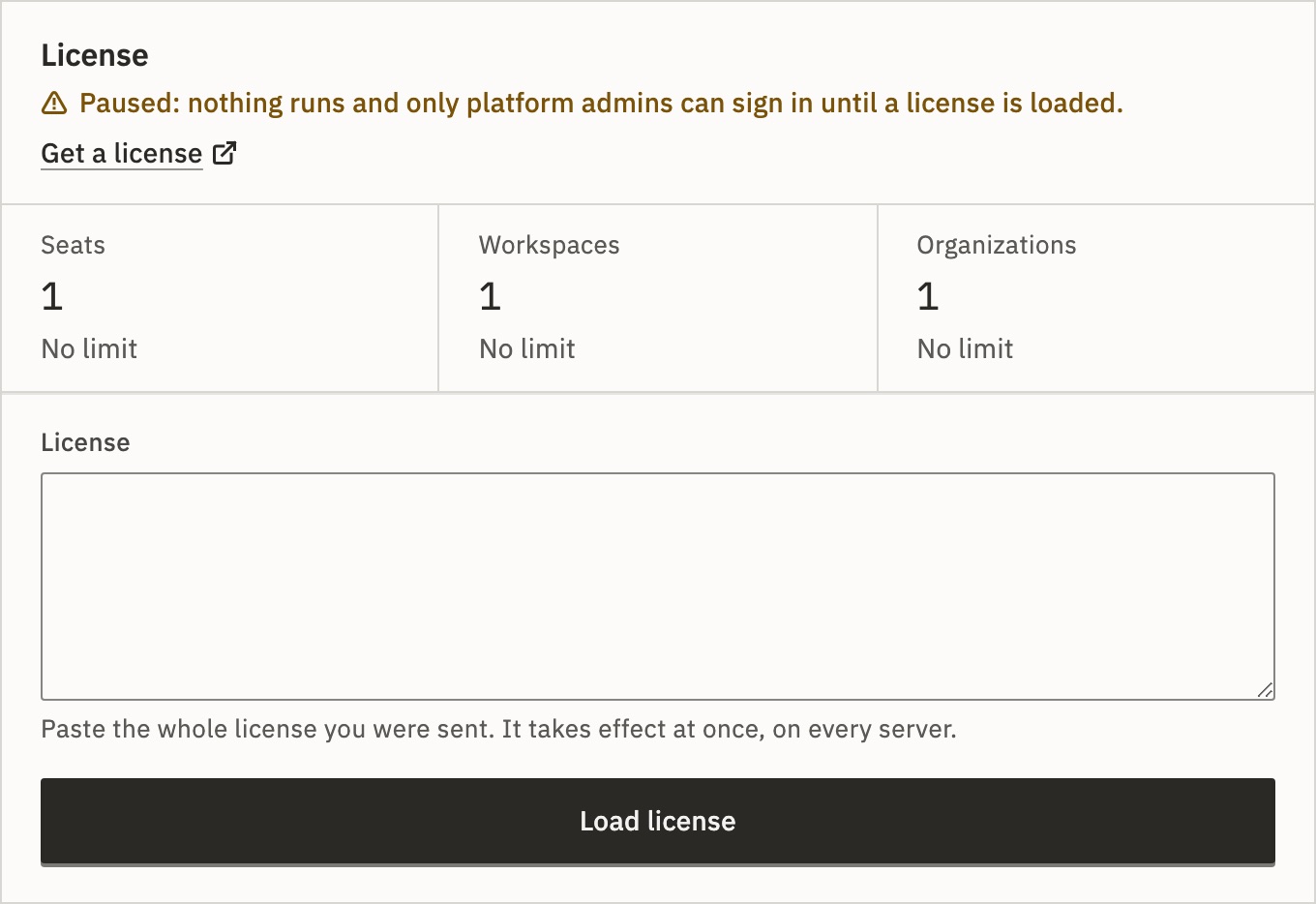
You should see “License loaded … Everything runs again on every server.”
No license yet? Get a license on that page opens gorunner.io/contact, where GoRunner gives you one, free or paid. The free license says what it covers. A license already in LICENSE_KEY skips this page.
3.Follow Getting started
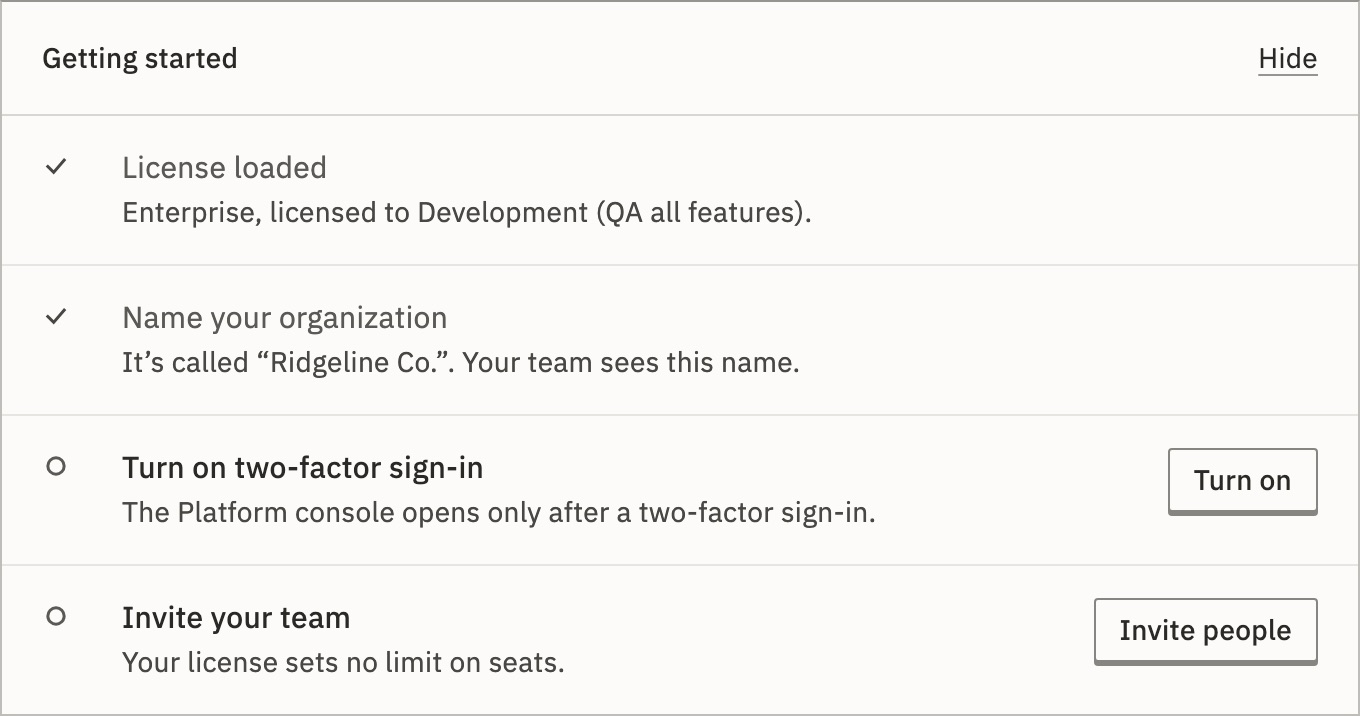
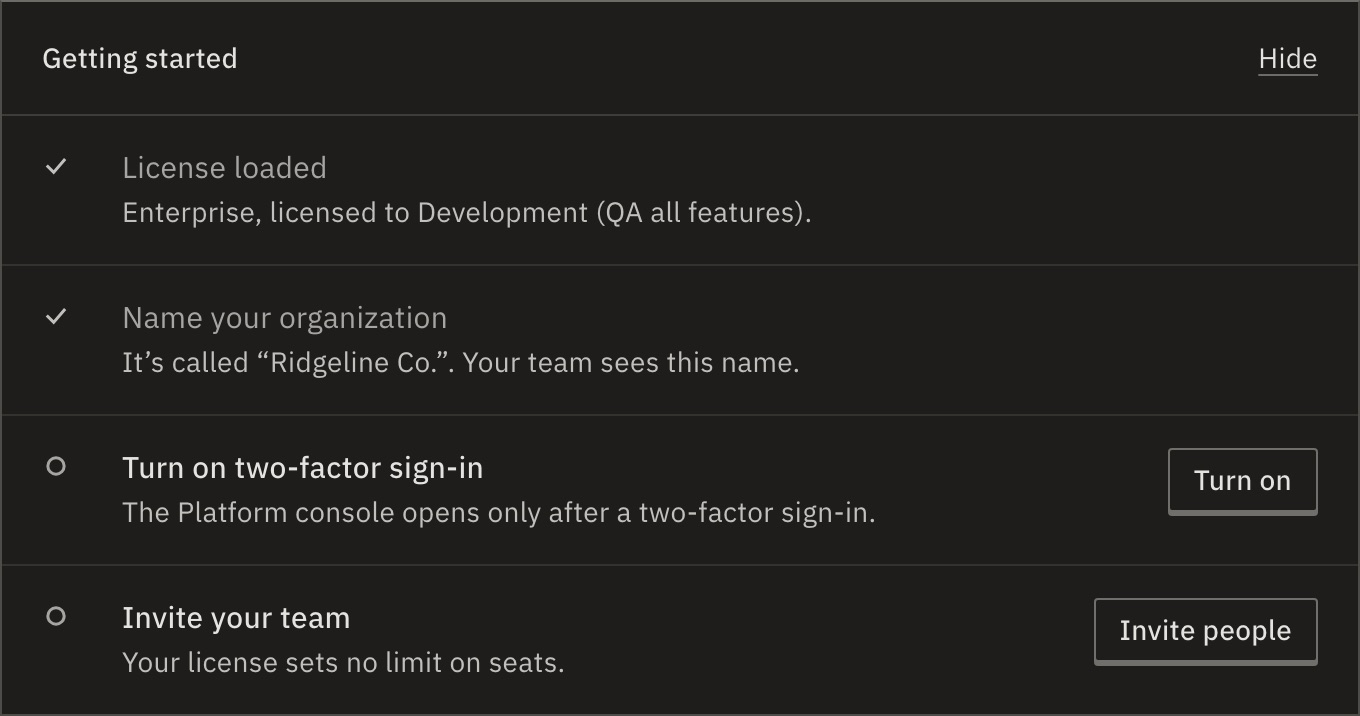
The Overview shows Getting started. Only you see it. Each item ticks itself when it’s done.
- License loaded
- Ticked already, with the edition and who it’s licensed to.
- Name your organization
- The name you gave, or “Dana’s Organization”. Your team sees it. Press Rename to change it.
- Turn on two-factor sign-in
- The Platform console opens only after a two-factor sign-in. The next step.
- Invite your team
- It shows the seats left, such as “2 more people on the free license.” Press Invite people. Invite people has the rest.
Hide removes the list. Undo in the message brings it back.
4.Turn on two-factor
- Press Turn on in Getting started. You land on Account, at Sign-in and two-factor.
- Next to Two-factor authentication, press Turn on….
- Scan the QR code with your authenticator app, or type the key under it. Then type the 6 digits it shows; the sixth digit checks them.
- Under Save your recovery codes, press Copy codes and keep them in your password manager. Press Done.
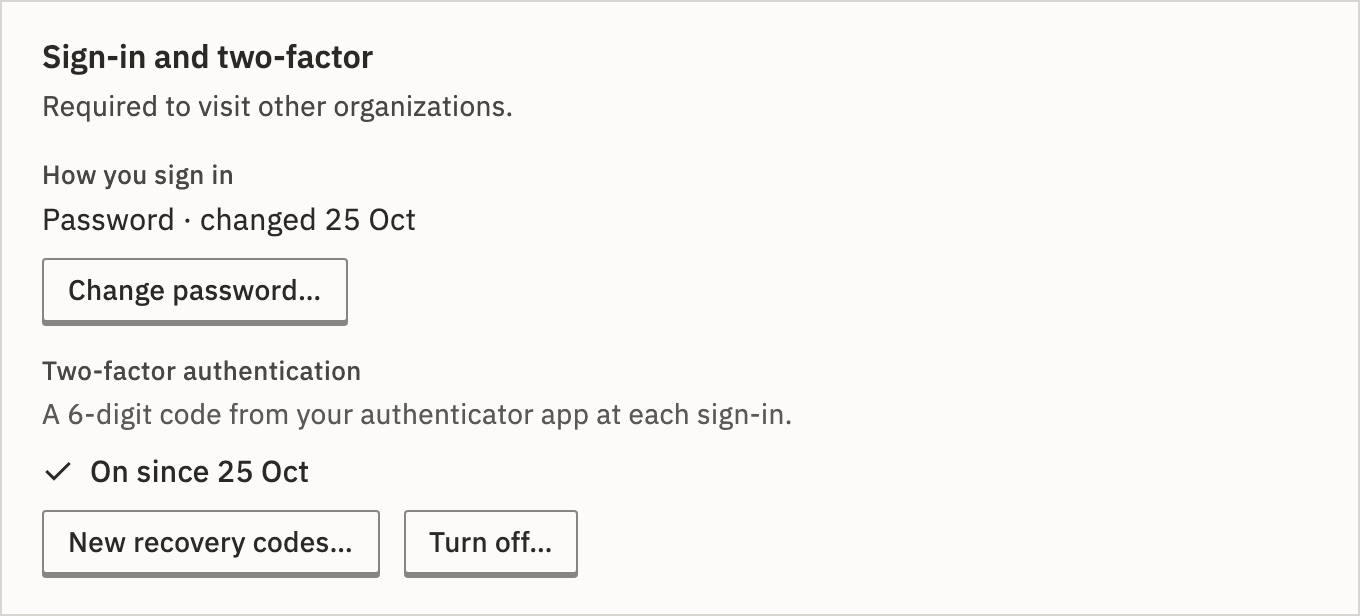
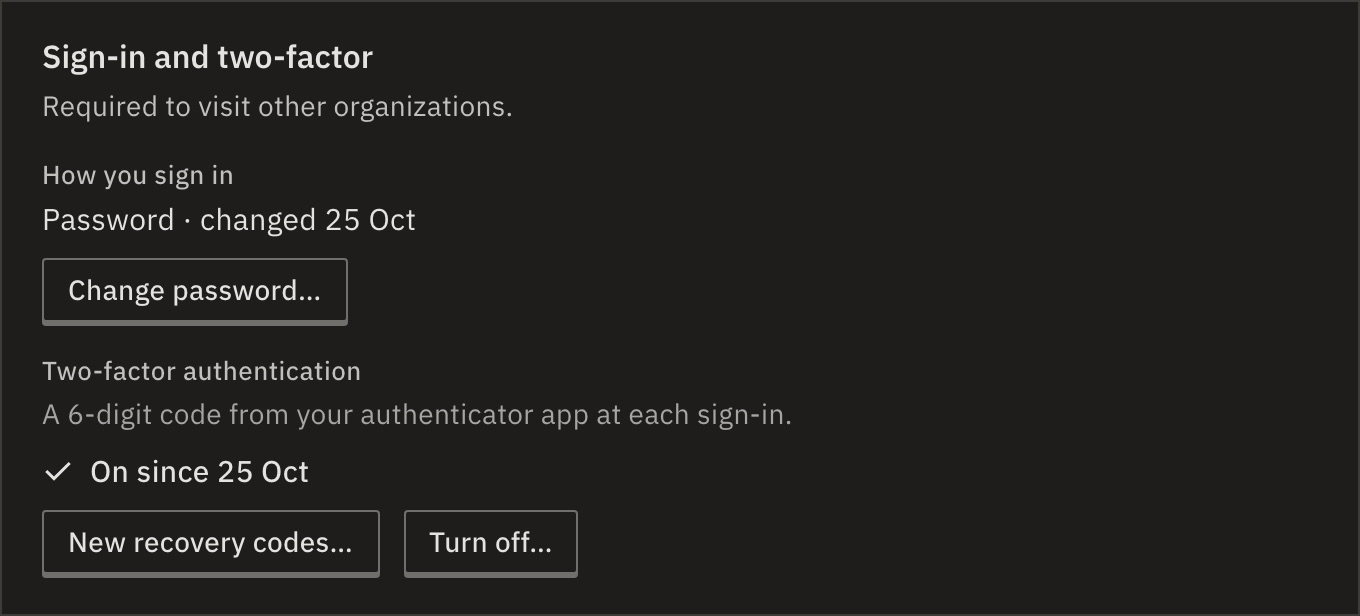
Each of the 10 recovery codes signs you in once if you lose your phone.
5.Sign in again
Two-factor counts from your next sign-in. Open the menu at the bottom of the sidebar, press Sign out, then sign in. GoRunner asks for the 6-digit code.
You should see “Platform needs a two-factor sign-in” means this session started before two-factor was on. Press Sign out and sign in again.
6.Open the Platform console
Open the menu at the bottom of the sidebar and choose Platform. Its Get started asks for one more thing: Invite a platform admin.
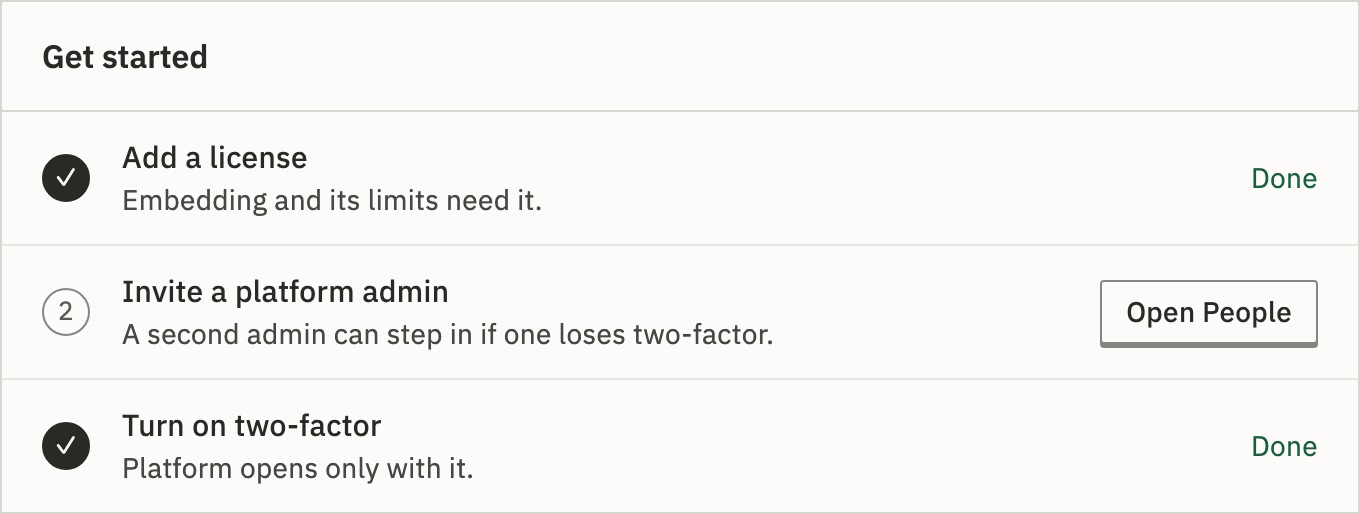
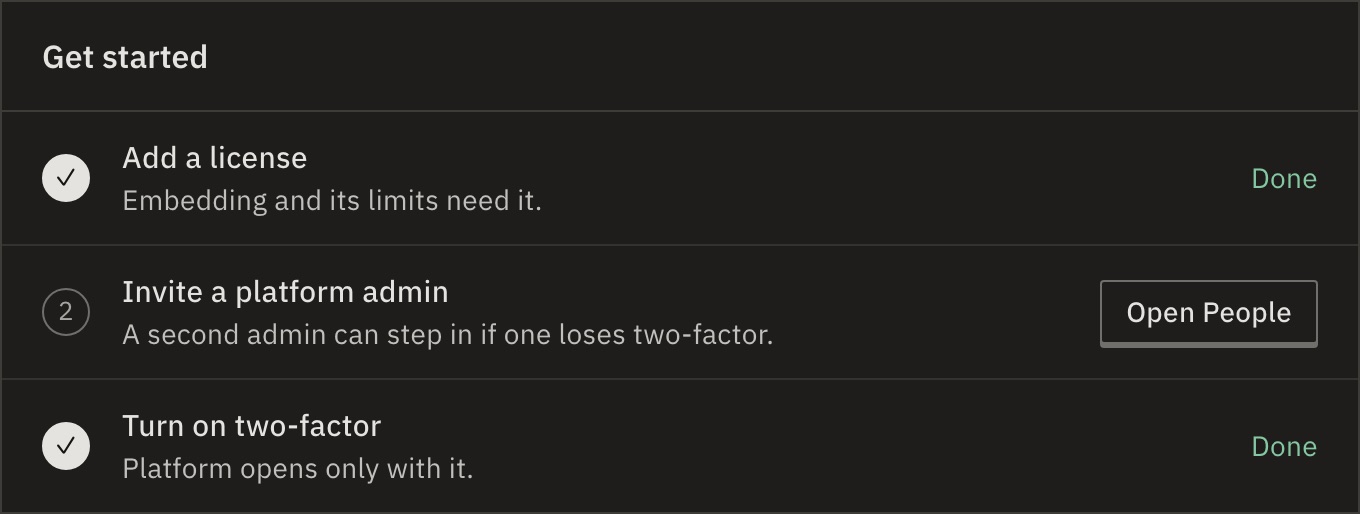
A second admin can step in if you lose two-factor. Make one in People. Without one, someone with the server can reset it.
Next
- Your licenseWhat it holds, and how to renew it · 4 min
- The Platform consoleEvery organization and person on the installation · 5 min
- Sign-in without emailPasswords, reset links and lockouts · 4 min
Checked against 12d85b3b