Set up Google sign-in for connections
Add your Google app once, so everyone on the installation can connect Google apps.
This page is for self-hosted installations. On GoRunner Cloud, GoRunner runs this for you. See Connections.
Google’s apps, such as Gmail and Google Sheets, connect by signing in with Google. On your installation, that sign-in goes through a Google app of your own. Other apps that sign in, such as Microsoft Outlook, Slack or HubSpot, work the same way with their provider’s app: see Other providers.
Copy the redirect address
- Open the menu at the bottom of the sidebar, then Platform.
- Under Settings, open OAuth apps.
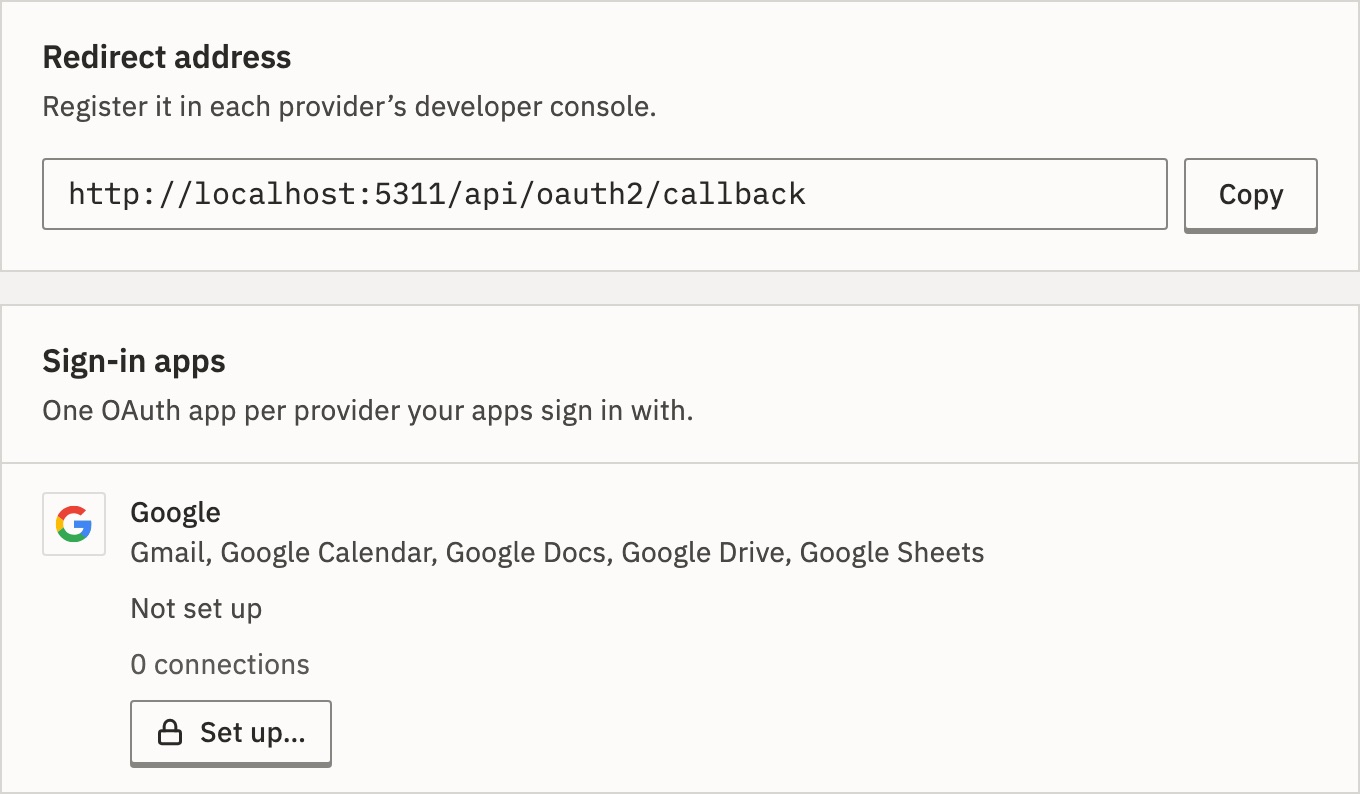
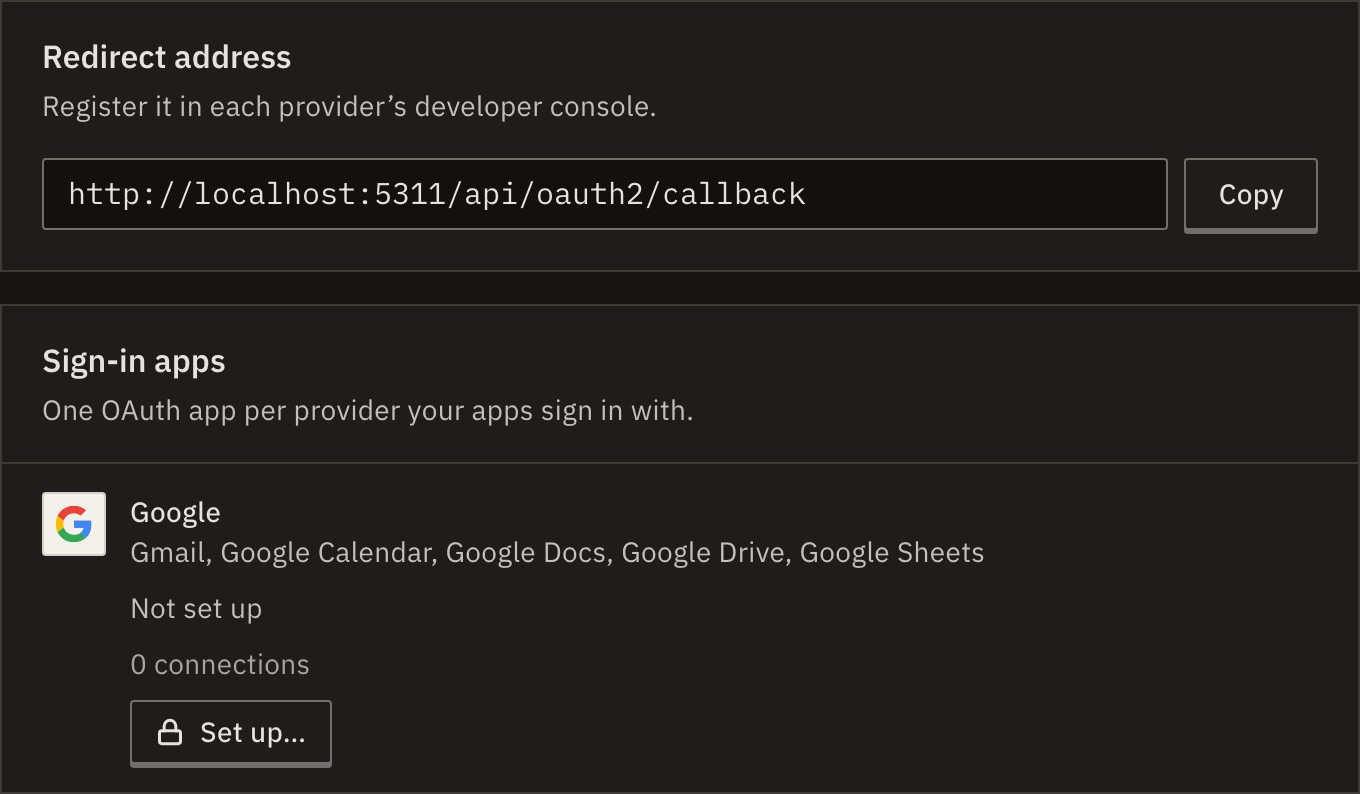
- Under Redirect address, press Copy. It is your address followed by
/api/oauth2/callback.
Make the app in Google Cloud
- In your Google Cloud project, turn on the APIs of the apps you’ll use, such as the Gmail API and the Google Sheets API.
- Set up the OAuth consent screen for your users.
- Create an OAuth client ID of the type Web application, and add the redirect address under its authorized redirect URIs.
- Keep its client ID and client secret.
Note An app left in Testing signs everyone out after 7 days. Publish it in Google Cloud.
Add it to GoRunner
- Back on OAuth apps, next to Google, press Set up….
- Paste the Client ID and the Client secret, and press Save.
- Type your two-factor code.
You should see “Saved the Google app. New sign-ins use it now.” Google’s row reads Set here, with the secret’s last four characters.
Check it worked
In Connections, connect Google Sheets and press Sign in with Google. Google’s window opens on your app.
Other providers
Sign-in apps has one row per provider your apps sign in with, such as Microsoft, Slack or HubSpot. Each is set up the same way: make an app in the provider’s developer settings, add the redirect address to it, then press Set up… on the provider’s row and paste its Client ID and Client secret. Until a provider has an app, its apps say that sign-in isn’t set up here; those that also take a token of the person’s own offer that instead.
Can I do this from the editor instead?
Yes. A platform admin who connects a Google app before it is set up sees Set up Google sign-in, with the same redirect address. Paste the client ID and secret and press Save and sign in.
Anyone else sees “Google sign-in isn’t set up here”, with an admin to ask.
What if I change or remove the app later?
Change… takes a new client ID; leave the secret empty to keep it. A different app stops the connections signed in with the old one from refreshing: they need signing in again.
Remove… does the same to them. New sign-ins then use the server’s own app, if .env has one; without it, nobody can connect Google.
What does “From server settings” mean?
The app comes from OAUTH_MANAGED_GOOGLE_CLIENT_ID and OAUTH_MANAGED_GOOGLE_CLIENT_SECRET in .env, or OAUTH_MANAGED_<PROVIDER>_CLIENT_ID and _SECRET for another provider, such as MICROSOFT or SLACK. An app set here takes its place for new sign-ins. On Kubernetes, put them under config and secretConfig.
Related
- Google SheetsConnect it, and what it can do
- ConnectionsSign in again, test and share · 4 min
- The Platform consoleEvery page, in one place · 5 min
Checked against 12d85b3b