Use and save templates
Start a workflow from a template, or save one of yours for others to start from.
Use a template
- Open Templates. Each one says what starts it, its steps, and the apps it needs.
- Press Use template.
- Connect: pick the account each app’s steps use, or press Connect and the app’s name to add one.
- Fill in: the values it came with. You can leave them for later.
- Create: give it a name and a folder, then press Create and publish, or Create draft.
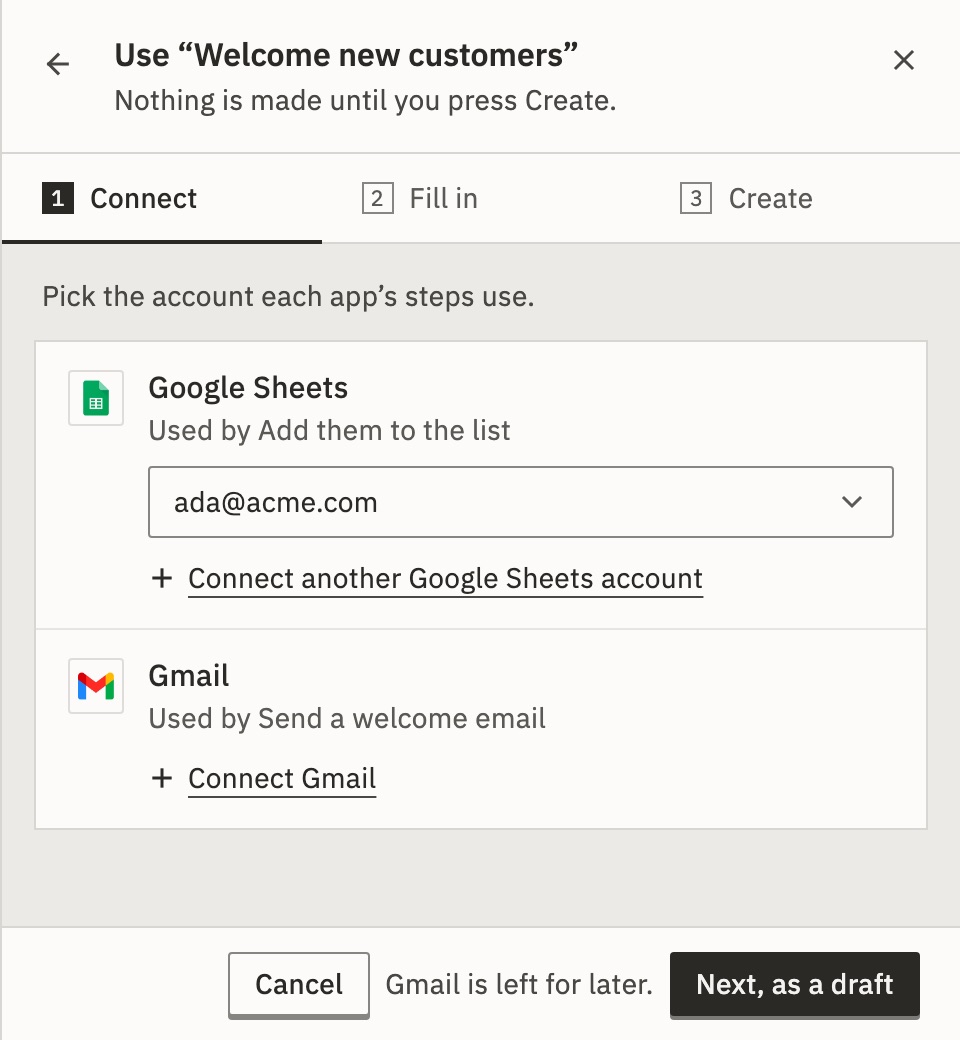
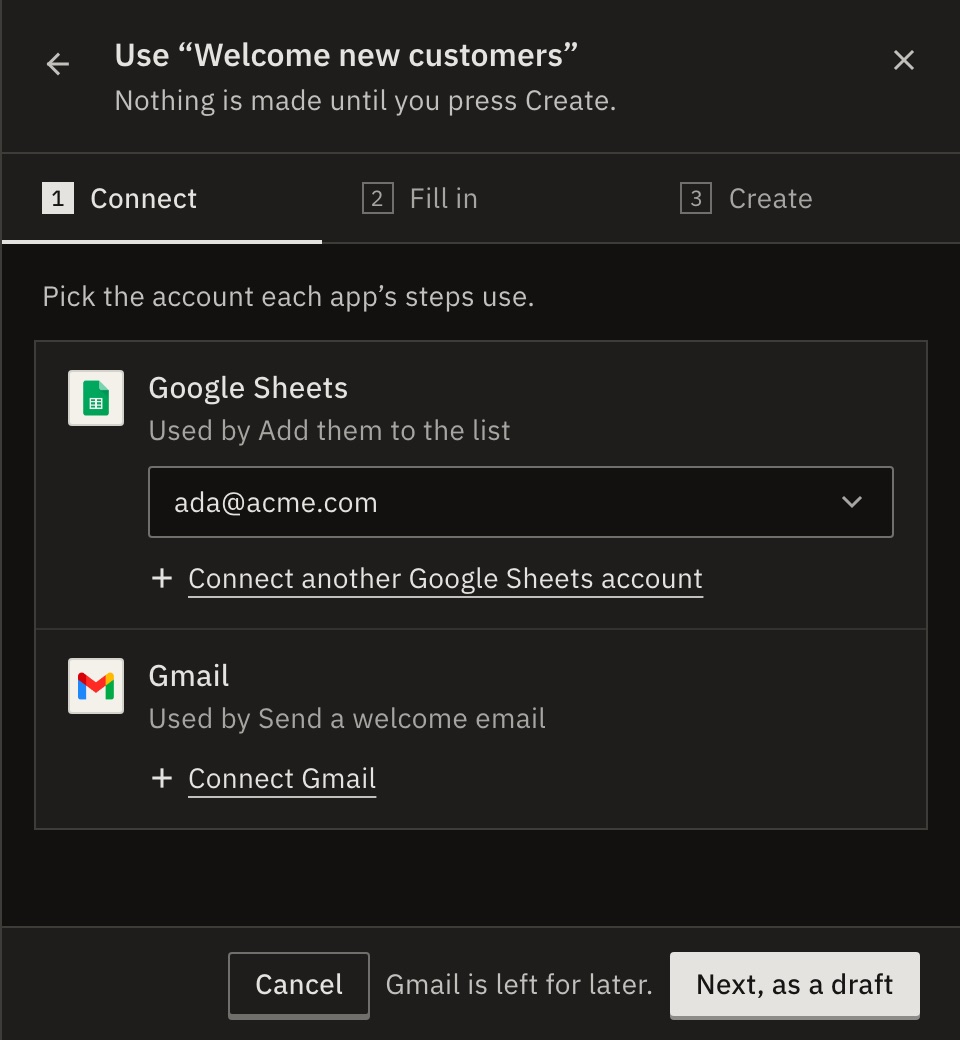
Nothing is made until you press Create. The workflow is your own copy: later changes to the template don’t reach it. If something is still missing, it is made as a draft, with what’s left listed at the top.
Templates the product you use shares are marked From and its name, ahead of your own.
Save a workflow as a template
- In Workflows, open the workflow’s menu and choose Save as template….
- Give it a Name, and say What it does.
- Press Save as template.
Everyone in your organization can then start from it.
Everyone in your workspace can then start from it. Other accounts never see it.
| Goes with it | Stays here |
|---|---|
| Its steps, in order, and their settings | Connections: each person picks their own |
| Its trigger and its schedule | Passwords and tokens typed into steps |
| Plain variables and notes | Its web address and its runs |
Values that point into your own accounts, such as a sheet, are blanked. Whoever uses the template fills them in.
Change or delete a template
In a template’s menu: Edit details…, Update steps from a workflow… or Delete…. Workflows made from it are copies, so they keep working. You can undo a delete for 30 seconds.
Who can use templates?
Editors and admins of the workspace. Others see them, and ask an admin.
Check it worked
The new workflow is in Workflows: Live if you published it, or a draft that says what’s left to do.
For developers
List templates, Make a workflow from a template and Save a workflow as a template do the same over the API. Copy as JSON copies a template’s steps, without connections or secrets.
Related
- Organize workflowsFolders, tags, duplicate and export · 4 min
- ConnectionsThe accounts a template’s steps use · 4 min
- Templates for customersFor a partner: share templates with every customer
Checked against 12d85b3b