Templates for customers
Give every customer the same ready-made workflows, and install them for customers from your server.
This page needs your own installation with an Embed license.
Share a workflow with customers
You need to be an instance-wide platform admin. Build the workflow in your own organization first, in the dashboard.
- In Workflows, open the workflow’s ⋯ menu and choose Share with customers….
- Check its Name, Description and Category.
- Set its Key: your server installs it by this key. Use lower-case letters, numbers and hyphens.
- Tick Offer it to customers now, or leave it to offer later.
- Press Share and enter your two-factor code.
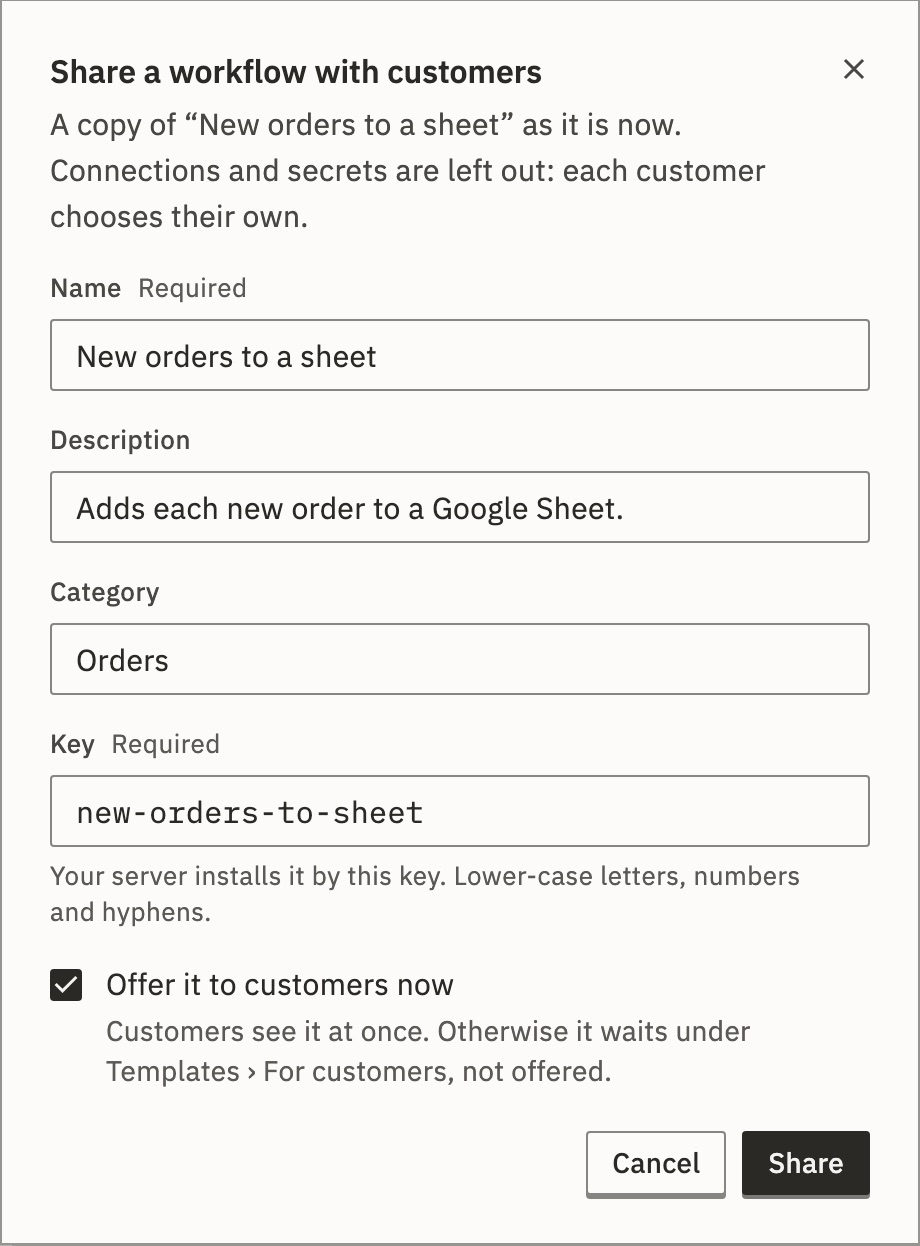
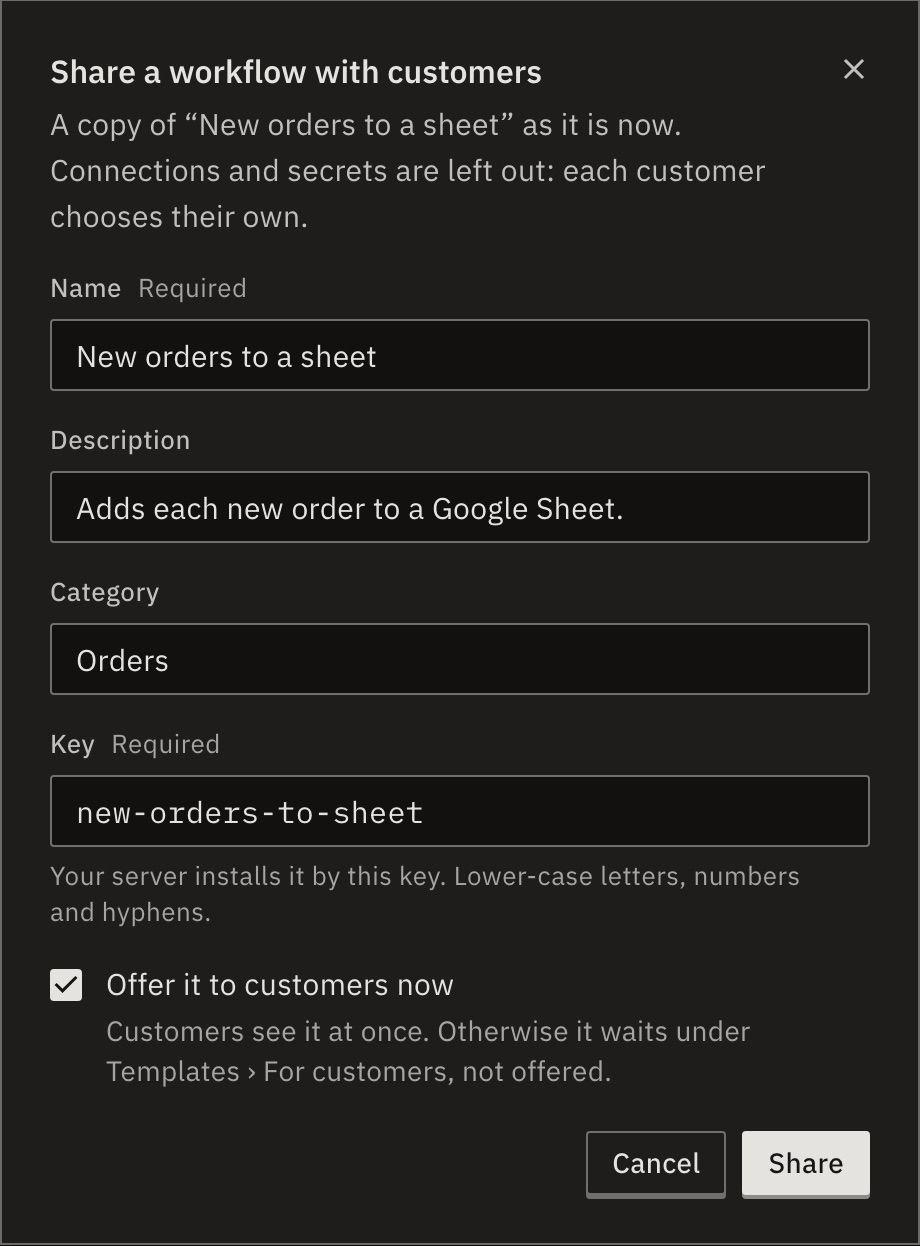
The template is a copy of the workflow as it is now. Connections and secrets are left out: each customer chooses their own. Customers see it marked “From” your company name.
Offer, update or stop
Shared templates live under Templates › For customers. Open one to change it. Only an instance-wide platform admin changes what is offered, with a two-factor code, and never during a staff visit.
- Offer to customers
- Customers see it at once.
- Stop offering…
- Customers no longer see it, and your server can’t install it by its key.
- Update steps from a workflow…
- Changes it for the next customer who uses it.
- Edit details…
- Customers see a new name or description at once. A new key changes how your server installs it.
- Delete…
- Customers stop seeing it.
Workflows already made from a template keep working, whatever happens to it. A template that uses an app a customer may not use isn’t offered to them.
How a customer uses one
On Templates, the customer presses Use template on a template’s row. Nothing is made until the last step.
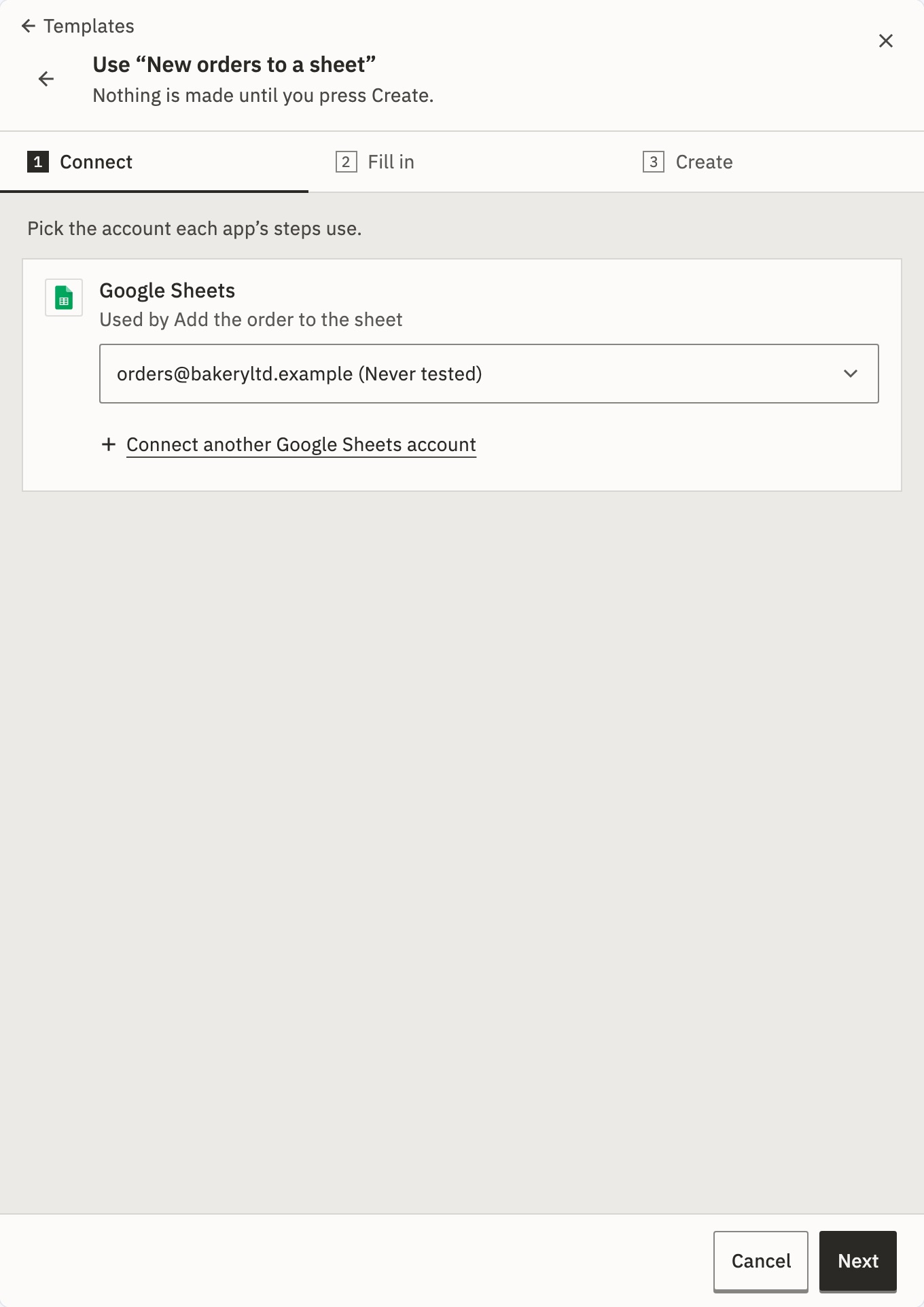
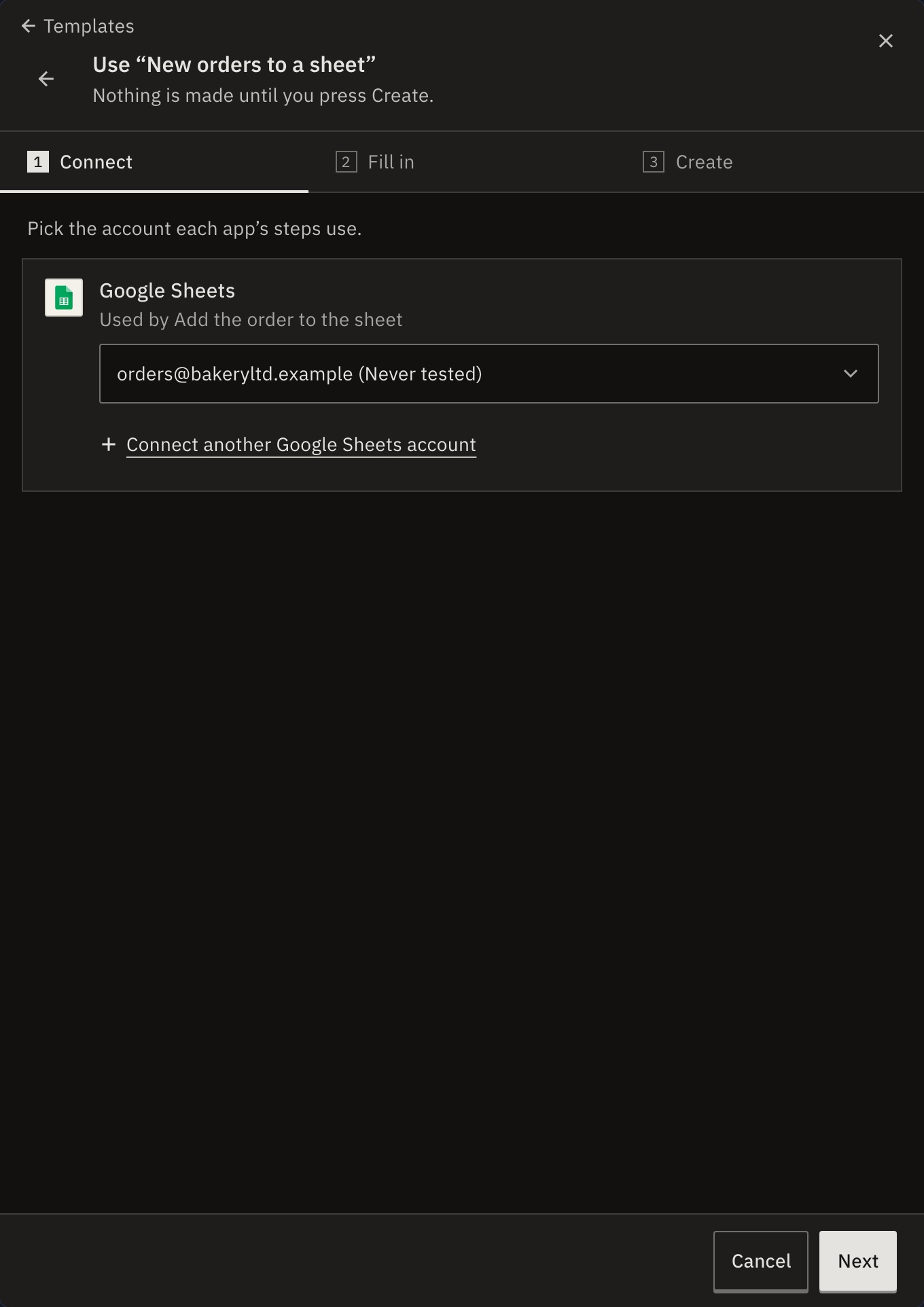
- 1 · Connect
- Pick the account each app’s steps use, or connect a new one. Someone who can’t add connections can still make the workflow, as a draft.
- 2 · Fill in
- Values that came with the template. They can fill them now or later in the editor.
- 3 · Create
- A name and a folder, then Create and publish, or Create draft with the reason, such as “Publishing is up to an editor.”
Install from your server
List templates customers can install gives each template’s key, and the connection slots it needs. Install a template makes the workflow in an account:
curl -X POST "$GORUNNER/api/embed/v1/accounts/acct-bakery/workflows" \
  -H "Authorization: Bearer $GORUNNER_EMBED_KEY" \
  -H "Content-Type: application/json" \
  -d '{
    "templateKey": "new-orders-to-sheet",
    "connections": { "sheet": { "key": "bakery-sheets" } },
    "enable": true
}'connections- Each slot’s key, then
{ "key": … }for a connection you manage, or{ "id": … }for one the customer made. A slot left out stays empty. enabletruepublishes it too. If it can’t be published, it is still made, as a draft.
The answer is 201 either way. install.missing lists the empty slots, and install.publishRefusal says why it wasn’t published. A connection for another service is refused with 422 CONNECTION_MISMATCH.
Can customers save their own templates?
Yes. A template a customer saves stays in the workspace it was saved in. Other customers never see it, and neither do other workspaces of the same account.
When the license stops including Embed, the templates you share stop showing, and come back with it. Workflows made from them keep running.
Related
- Use and save templatesTemplates as your customers use them · 4 min
- Your customers’ connectionsConnections your server manages
- Partner APITemplates, workflows and runs from your server
Checked against 12d85b3b