What customers see
Your customers get GoRunner’s own pages inside yours, in your look and your words, with only what you switch on.
This page needs your own installation with an Embed license.
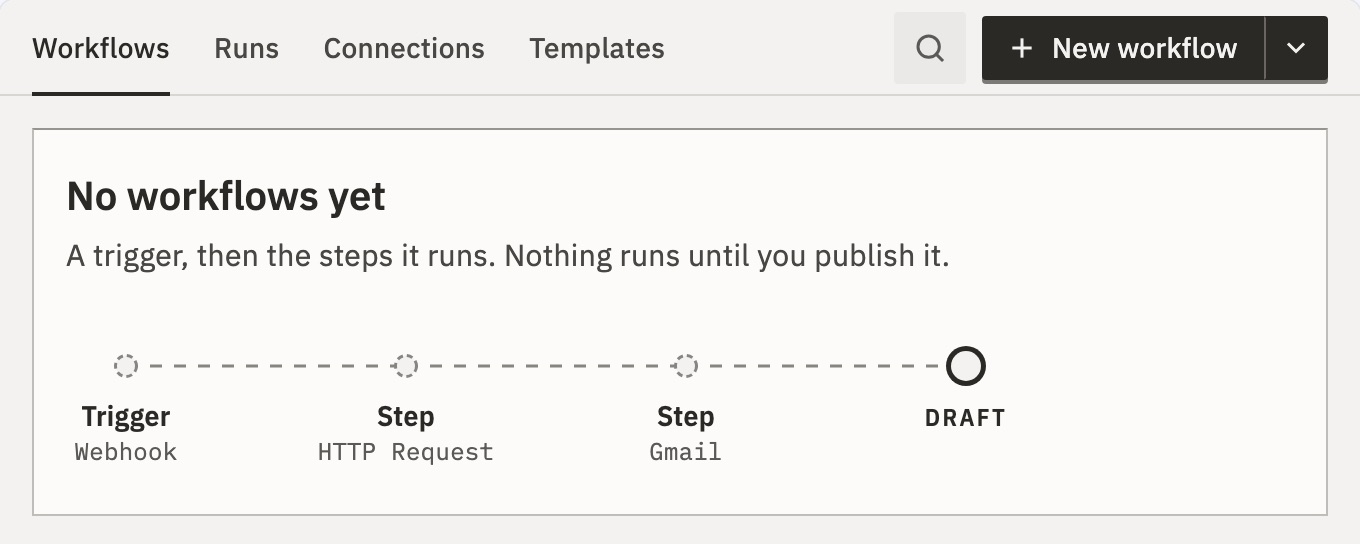
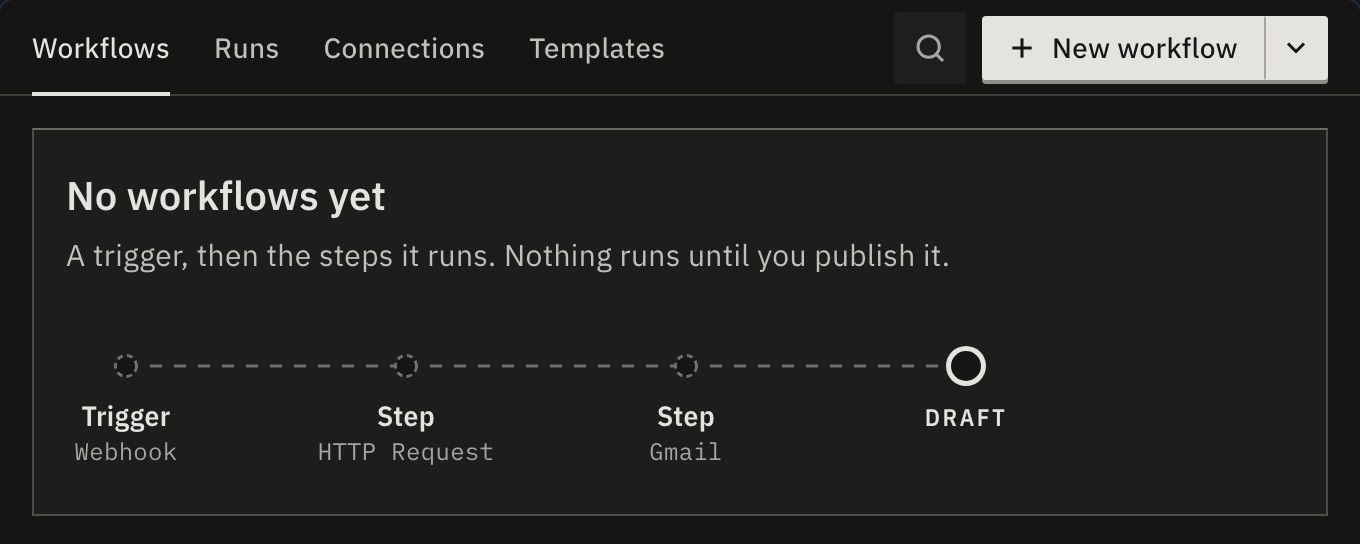
Each customer works in their own account. There is no sidebar, no account menu and no settings: your app has those.
The pages
Each page is behind a switch. The tabs keep this order, and the embed opens on the first one that is on, unless your page names one.
- Overview
overview, off at first, needs Workflows or Runs - See what needs them, their runs against their limit, and this month’s count.
- Workflows
workflows - Build, test and publish workflows.
- Runs
runs - See every run and its step data.
- Connections
connections - Connect the accounts their workflows use.
- Templates
templates - Start from your templates or their own.
- API tokens or MCP
tokens, off at first - Make tokens and connect AI apps. See Tokens and AI apps.
- The assistant
assistant - No tab. Customers meet it in the builder, on Workflows and Templates, and in ⌘K. See The assistant.
The pages use your names for things from Branding, such as “Automations” for workflows. Your page opens one with the SDK’s page or navigate().
The header
- The tab row
- The pages as tabs, with search and ⌘K at its right. In a narrow frame, the tabs that don’t fit go under More. Switch
navigationoff when your app has its own menu. - The heading row
- The page’s name. Under the tab row it shows only on pages no tab names, such as a run. Branding can turn it off.
The Overview
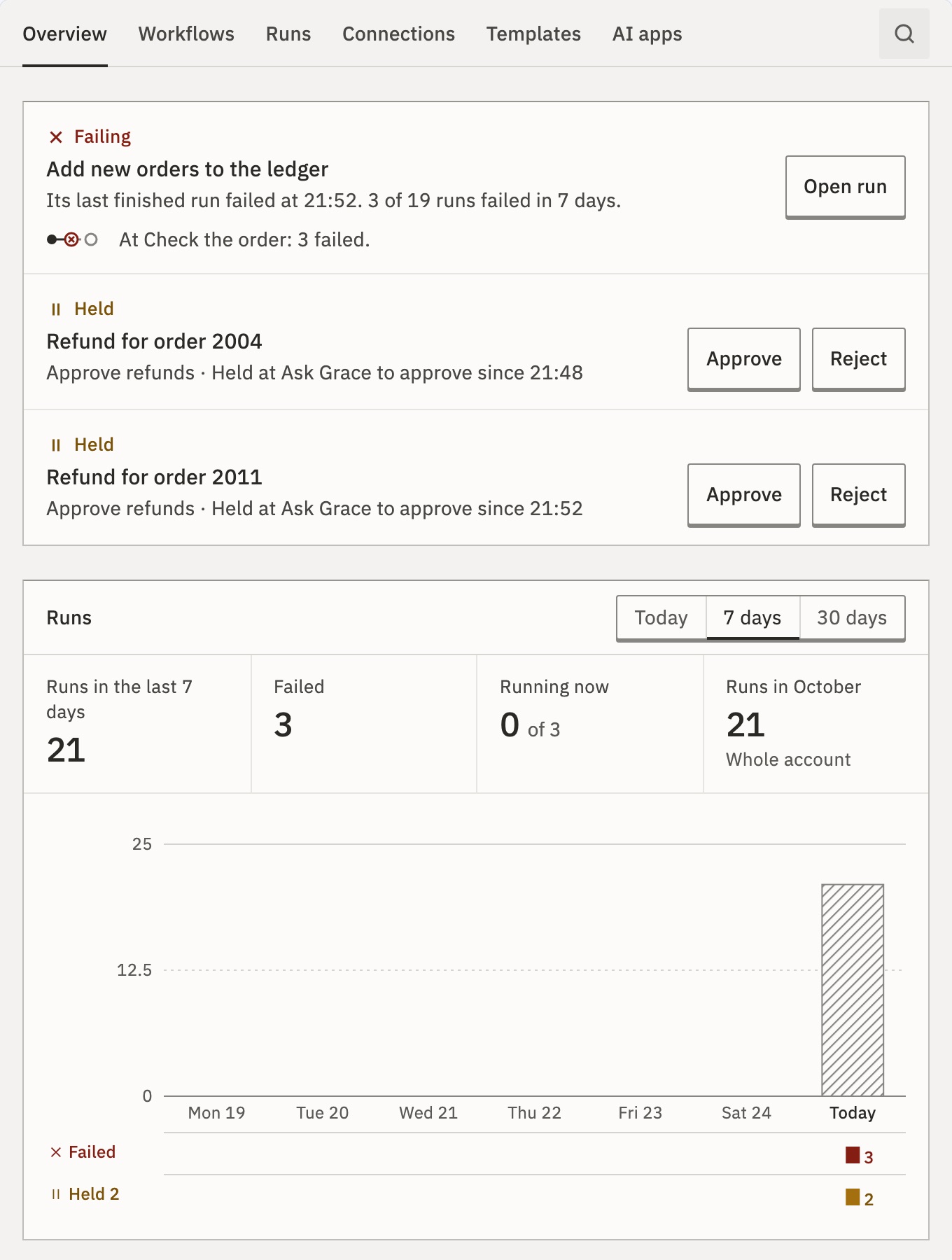
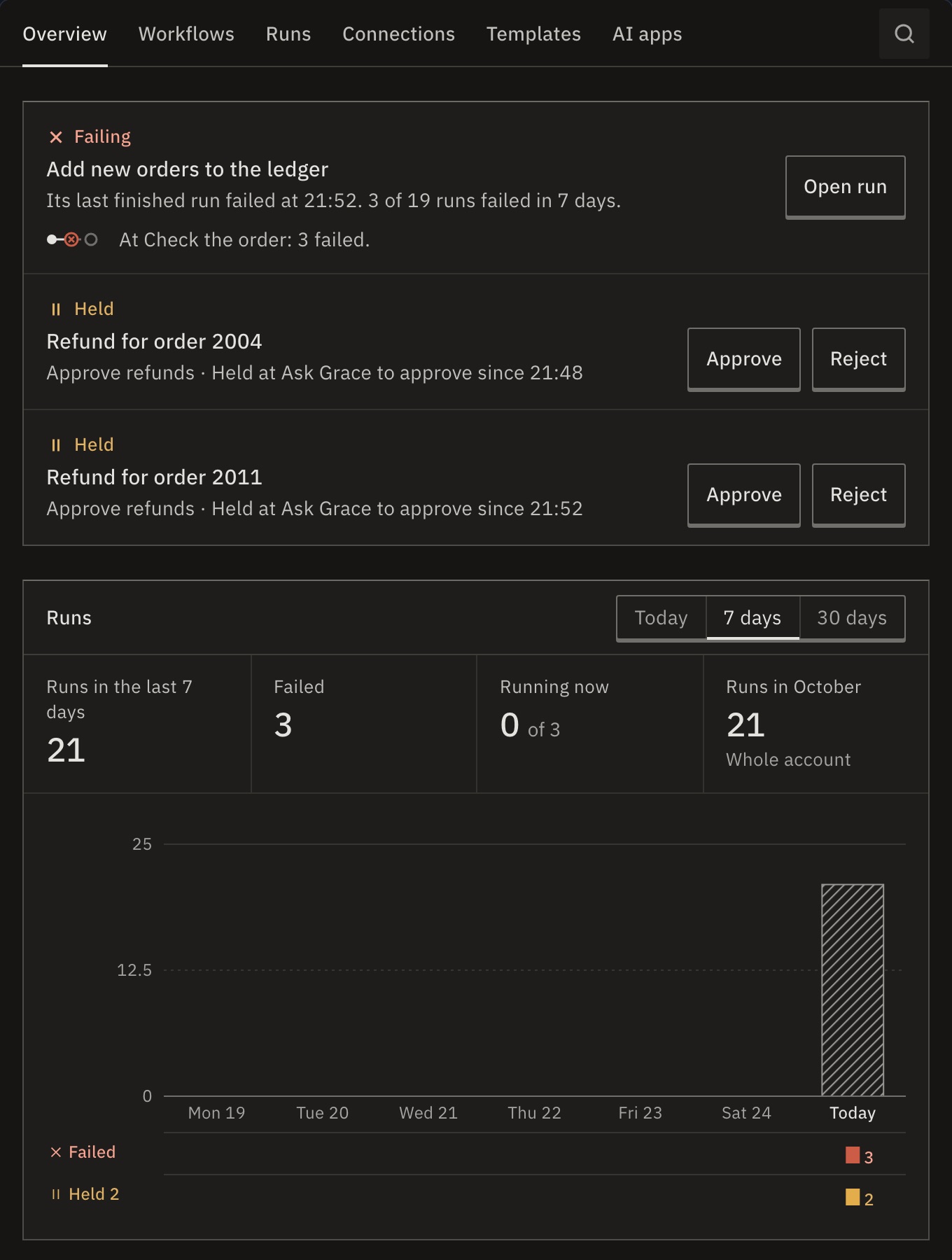
- Needs you
- Runs held for a person, and connections that need signing in again. Each has its key, such as Approve.
- The runs
- Runs and failures for today, 7 days or 30 days. Running now against the account’s runs at once, with how many are queued.
- This month
- The whole account’s runs this month: the count you bill by, which deleting runs never lowers.
- The workflows
- One row per live workflow.
Everything on it is the customer’s own, and counts production runs only. A new account sees how to start instead, with Describe it to the assistant, or a template.
When something is wrong
The embed tells the customer in your words, such as “Workflows are paused.”, and your page hears an error event. For each message, its cause and the fix, see Troubleshooting.
Never in the embed
These have no switch, because they are never there: organization and workspace settings, people and invitations, the Platform console, signing in and out, profile and two-factor, the license, single sign-on, the audit log, AI provider settings, the dashboard’s own Overview and the theme switch. Your page sets the theme. Help links show only when Branding sets your own.
Related
- SwitchesEvery page and action you can turn off
- Appearance and brandingYour colors, type and words
- SDKOpen a page from yours
Checked against 12d85b3b