Let customers sign in AI apps
Your customers connect ChatGPT, Claude, VS Code, Cursor, Raycast or Claude Code to their account by signing in through your product.
This page needs your own installation with an Embed license.
Without it, customers connect AI apps with tokens they make.
How it works
- 1The person connects the app to their account (AI app to GoRunner)
- 2GoRunner sends them to your sign-in address?gr_request=… (GoRunner to Your product)
- 3You sign them in and ask: Connect Claude to Bakery Ltd?
- 4Your server reads the request, then completes it…/oauth-requests/{id}/complete (Your product to GoRunner)
- 5A one-use address, for 60 secondscontinueUrl (GoRunner to Your product)
- 6You send the browser there (Your product to GoRunner)
- 7The person picks the workspaces and what the app may do
- 8The app is connected (GoRunner to AI app)
- AI app → GoRunner The person connects the app to their account
- GoRunner → Your product GoRunner sends them to your sign-in address?gr_request=…
- Your product You sign them in and ask: Connect Claude to Bakery Ltd?
- Your product → GoRunner Your server reads the request, then completes it…/oauth-requests/{id}/complete
- GoRunner → Your product A one-use address, for 60 secondscontinueUrl
- Your product → GoRunner You send the browser there
- GoRunner The person picks the workspaces and what the app may do
- GoRunner → AI app The app is connected
On the consent page the person picks Read only, Draft and run or Draft, run and publish, never more than their role. One person can connect up to 25 apps to one account; past that, consent answers 409 GRANT_LIMIT.
Turn it on
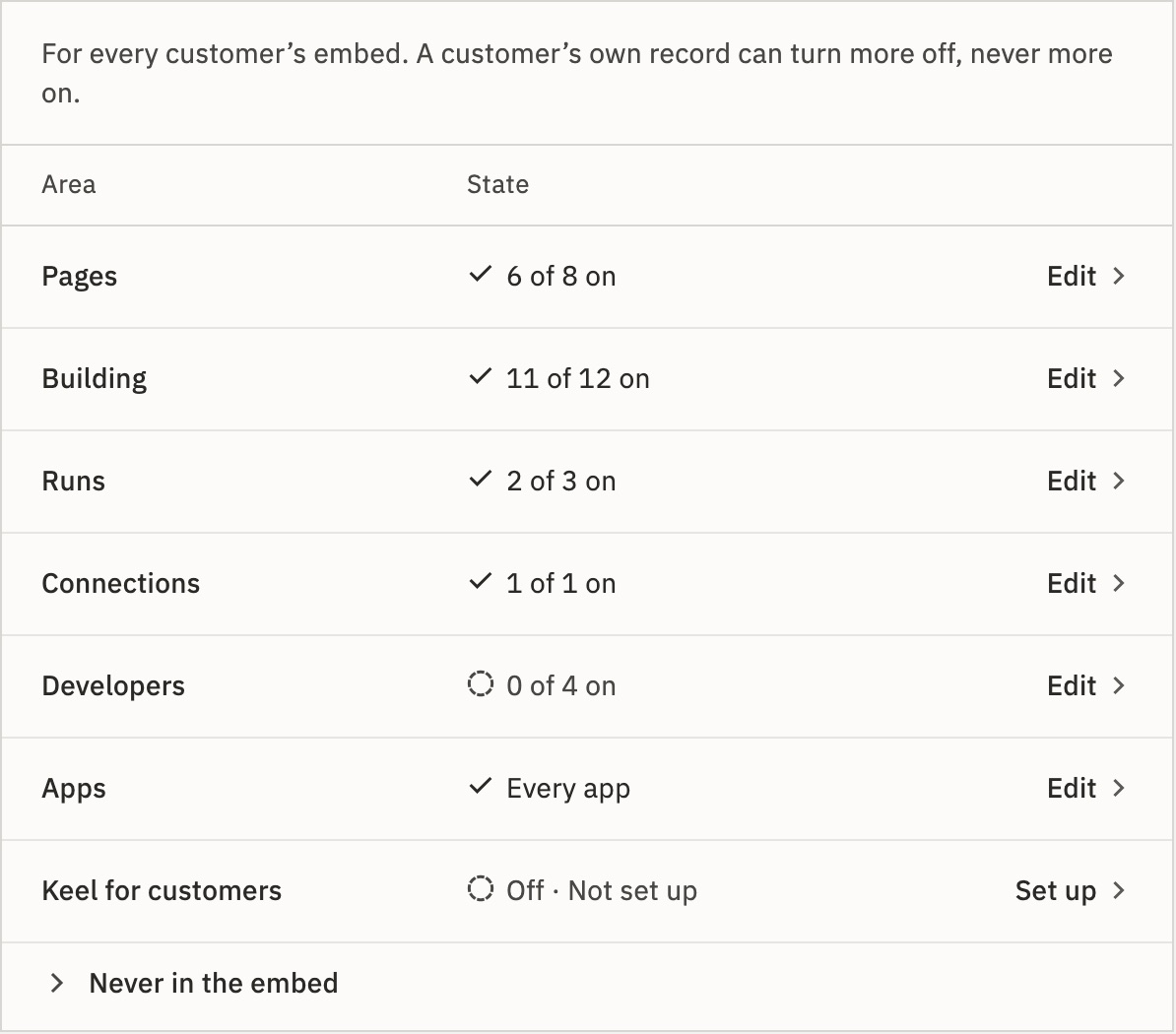
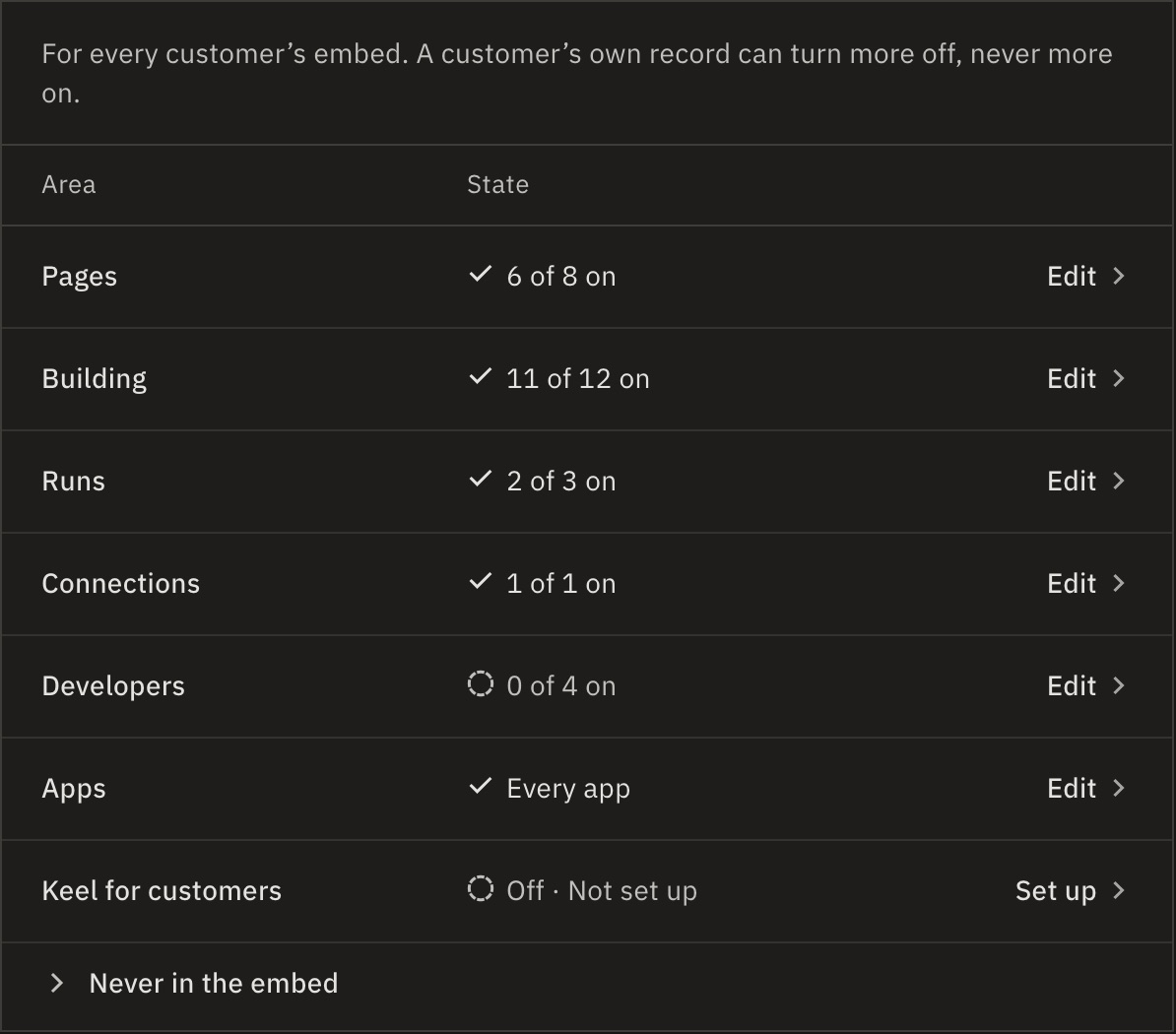
- In GoRunner, open Platform › What customers get, and press Edit on Developers.
- Turn on Tokens, MCP and MCP sign-in, plus MCP building if apps may change workflows.
- Under AI app sign-in address, enter the page of your product that signs people in for AI apps.
Use an https page of your product, not your installation, with no #fragment. Accounts with no address of their own use it. Left empty, they connect AI apps with tokens only.
Write your sign-in page
GoRunner opens your address with gr_request, valid for 15 minutes after the app asked.
- Sign the person in to your product first, if they aren’t.
- Read the request with your partner key. It names the account and the app.
- If they don’t belong to that account, turn the request down with
not_member. - Ask them, every time: “Connect Claude (claude.ai) to Bakery Ltd? You’ll choose what it may do on the next page.”
- On Continue, complete the request and answer
303to itscontinueUrl. On Cancel, turn it down withcancelled.
curl "$GORUNNER/api/embed/v1/oauth-requests/$REQUEST" \
-H "Authorization: Bearer $GORUNNER_EMBED_KEY"{
"data": {
"id": "…",
"account": { "id": "acct-bakery", "name": "Bakery Ltd" },
"client": {
"name": "Claude",
"redirectHost": "claude.ai",
"kind": "web"
},
"surface": "build",
"status": "waiting",
"expiresAt": "2026-10-25T09:15:00Z"
}
}curl -X POST \
"$GORUNNER/api/embed/v1/oauth-requests/$REQUEST/complete" \
-H "Authorization: Bearer $GORUNNER_EMBED_KEY" \
-H "Content-Type: application/json" \
-d '{
"user": { "id": "ada-123", "name": "Ada Lovelace" },
"account": { "id": "acct-bakery", "name": "Bakery Ltd" },
"role": "editor"
}'Warning Take the account from the request, never from the link. Send the browser only to a continueUrl on your installation, and never log one: it holds a one-use ticket.
What must the person be before I complete the request?
By default (provision: false), the person must already be a member of the workspace: the account’s default one, unless you name another. A role you send must equal theirs, because a sign-in never changes a membership. Otherwise the call answers 409 NOT_A_MEMBER or 409 ROLE_DIFFERS.
With provision: true, it creates the person as a login code does.
Every call: Read a sign-in request · Sign a person in for an AI app · Turn a sign-in request down.
Give an account its own address
Your server can give one account its own sign-in address, such as one on the customer’s own website.
- Allow its website for that account, unless it is already one of your allowed websites: Allow a website for one account (
POST). Not aPUT: that replaces the account’s whole list and ends its sessions on what it drops. It counts toward the account’s 20. - Set the address on the account:
curl -X PUT "$GORUNNER/api/embed/v1/accounts/acct-bakery" \
  -H "Authorization: Bearer $GORUNNER_EMBED_KEY" \
  -H "Content-Type: application/json" \
  -d '{
    "name": "Bakery Ltd",
    "aiSignIn": { "address": "https://bakery.example/ai-sign-in" }
  }'
To clear it, send "aiSignIn": { "address": null }. Changing it never affects apps already connected. Every account answer carries aiSignIn.address, null when unset: check it is there, because a release before v2026.10.24 ignores the field.
What if the address’s website isn’t allowed?
The call answers 422 SIGN_IN_ADDRESS_NOT_ALLOWED and stores nothing, not even a new account. A wildcard website covers subdomains, never the bare domain.
GoRunner checks it again at every sign-in. If the website is removed later, the address is kept but not used, and the account’s people go to the installation’s address.
Turn it off
Turning off MCP sign-in stops every new sign-in, and pauses the apps connected this way. Turning it back on resumes them, up to 180 days after each connected. Disconnect all AI apps ends them for good.
Clearing the installation’s address doesn’t stop accounts that have their own. An account’s own turnOff of mcpSignIn stops only that account. Changing an address never pauses or ends apps already connected.
Related
- AI app sign-in checksEvery check, step by step
- Tokens and AI appsThe other way in: a token the customer makes
- SecurityKeys, websites and incidents
Checked against 12d85b3b