Runs
A run is one time a workflow ran, from its trigger to its last step.
Each time its trigger fires, a workflow runs. GoRunner keeps what each step received and did.
Test runs and production runs
Press Test in the editor to run your draft once: that is a test run. Once the workflow is Live, its trigger starts production runs of the published version.
Both do real work: a test of an email step sends the email. Runs leaves test runs out unless you turn on Include test runs under Filter.
States
Every run is in one of six states:
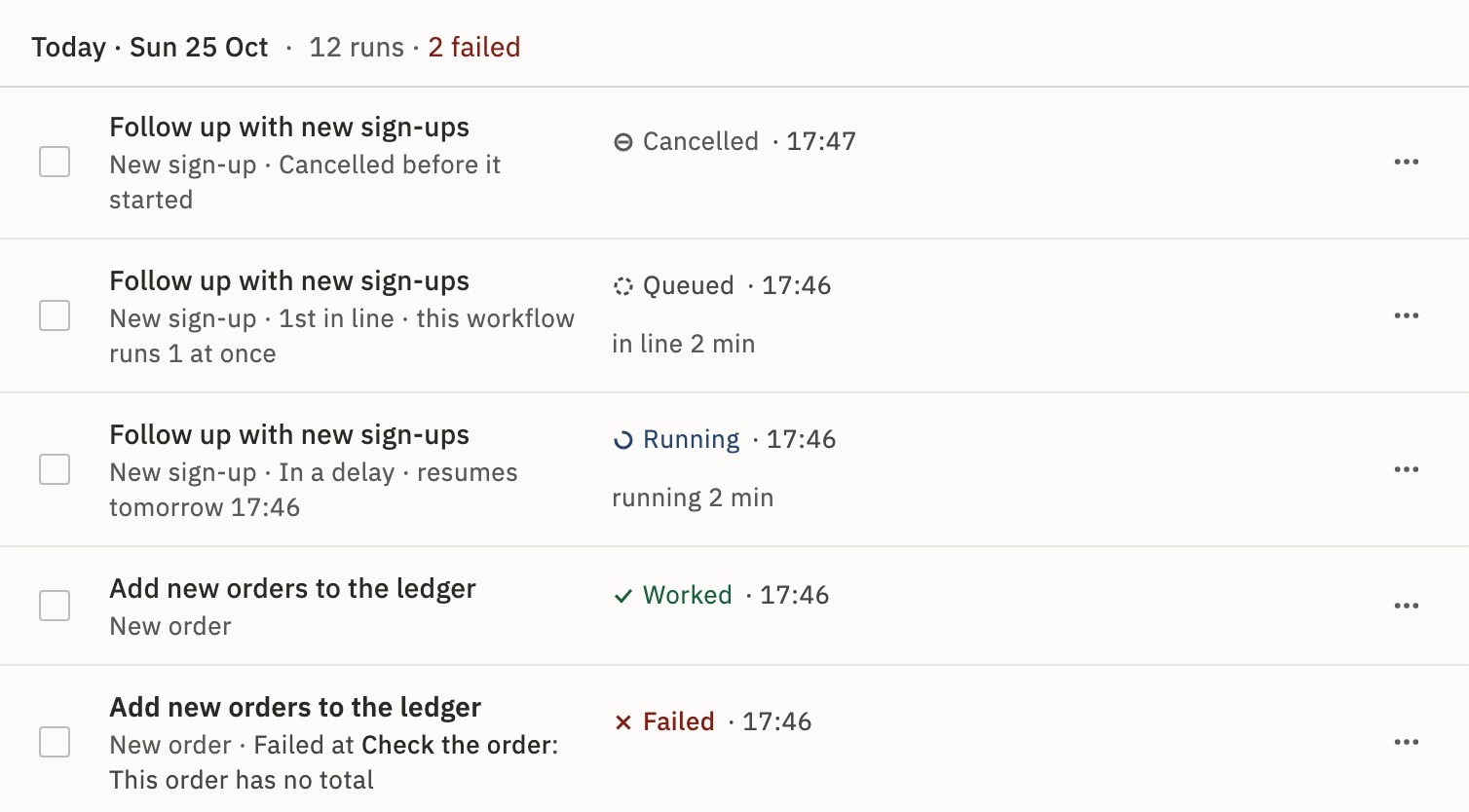
- QueuedWaiting in line for a free place to start.
waiting - RunningA step is working now, or the run is in a Delay.
pending, running - HeldWaiting for a person, such as an approval.
paused (waitingOn: person) - WorkedThe run finished without failing.
completed - FailedA step failed, and its error says why.
failed - CancelledSomeone stopped it.
cancelled
A rejected approval is still Worked: the run went on with your answer.
The Runs list
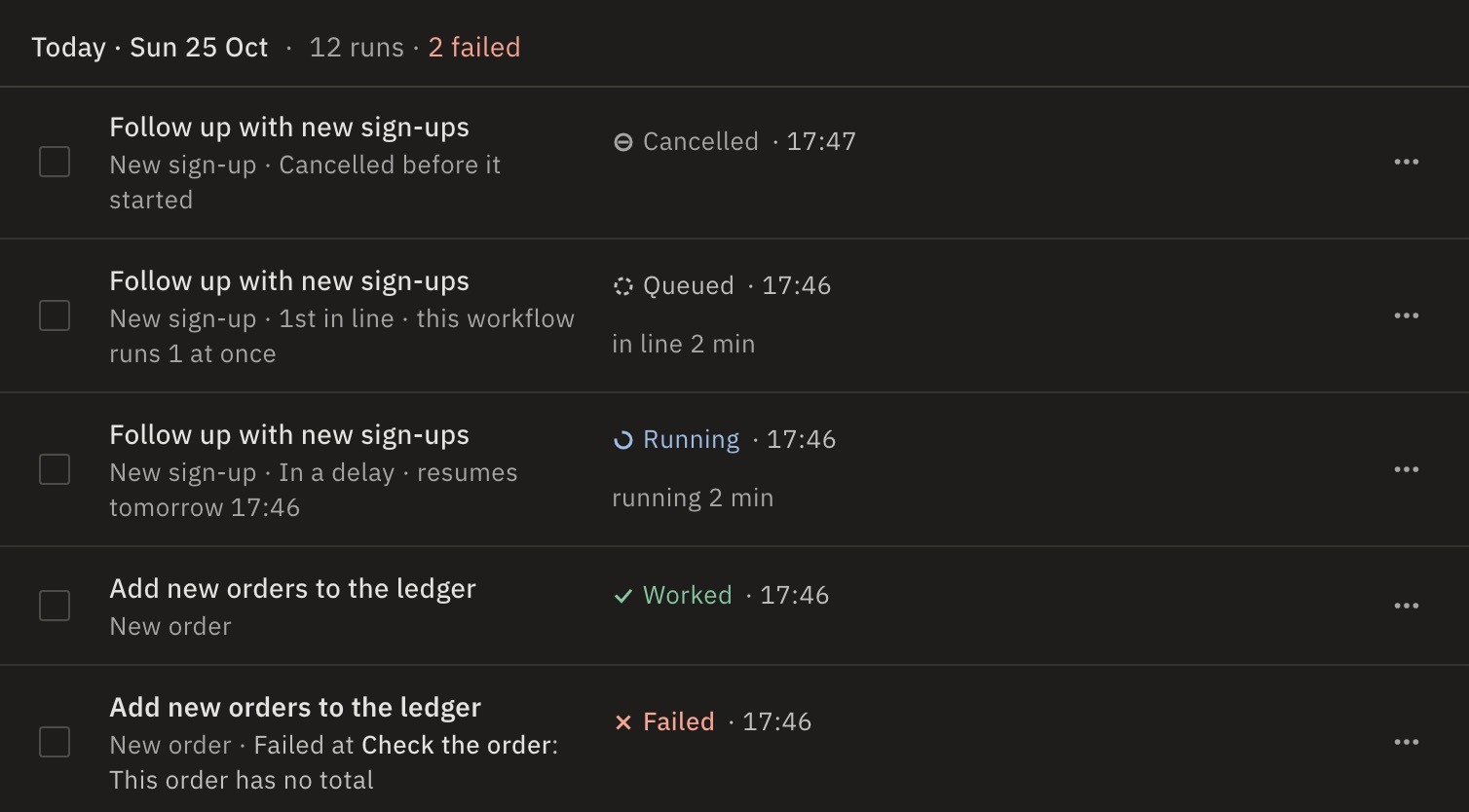
Open Runs. It lists the workspace’s runs, newest first. Each row names the workflow, how the run started and its state. A failed row says where and why, such as Failed at Check the order: This order has no total.
At the top, Needs you holds runs held for a person, with Approve and Reject, and failed runs grouped by cause. When runs wait in line, a band above the list says how many are running and queued, with Show the line.
Why is my run Queued?
The workflow or your account is at its limit of runs at once. The row says which, such as 1st in line · this workflow runs 1 at once. The run starts by itself when another ends.
Find a run
Search by run id, workflow or reason. Filter and Sort narrow the list:
- Status
- One state, such as only Failed. Beside the status chips, it is How it ended: Worked or Cancelled.
- How it started
- Webhook, Schedule, By hand, API call, New item in an app, When a run finishes, When a workflow fails, MCP or Sub-flow.
- Workflow…
- One workflow.
- Time range
- 24 hours to 90 days, or All time.
- Failure reason has…
- Words from the error, such as
timeout. - Include test runs
- Adds the editor’s test runs.
- Sort
- Newest first, Oldest first or Longest first.
New runs arrive as 2 new runs · Show. A row’s menu also has Open the workflow and Copy run id.
A run’s page
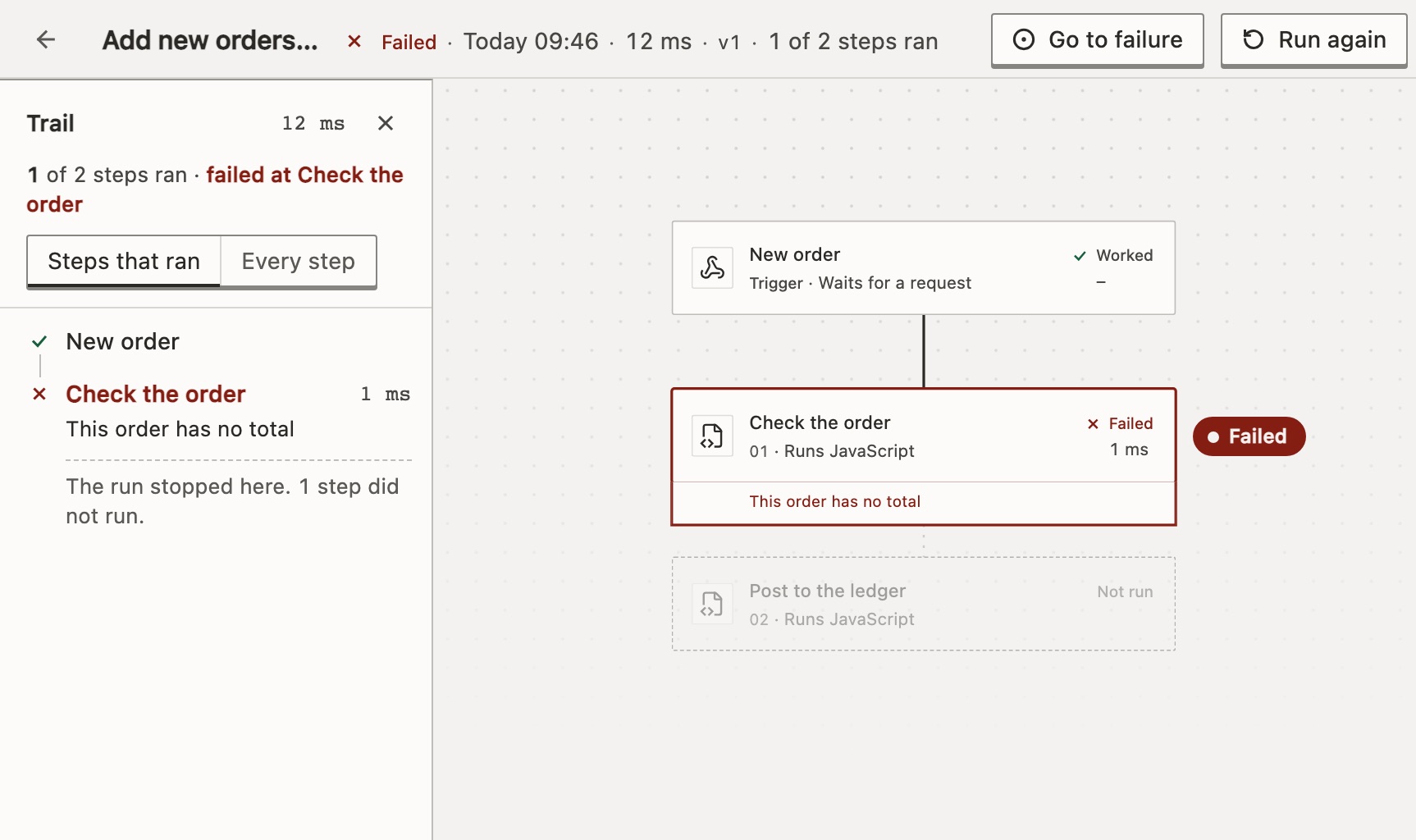
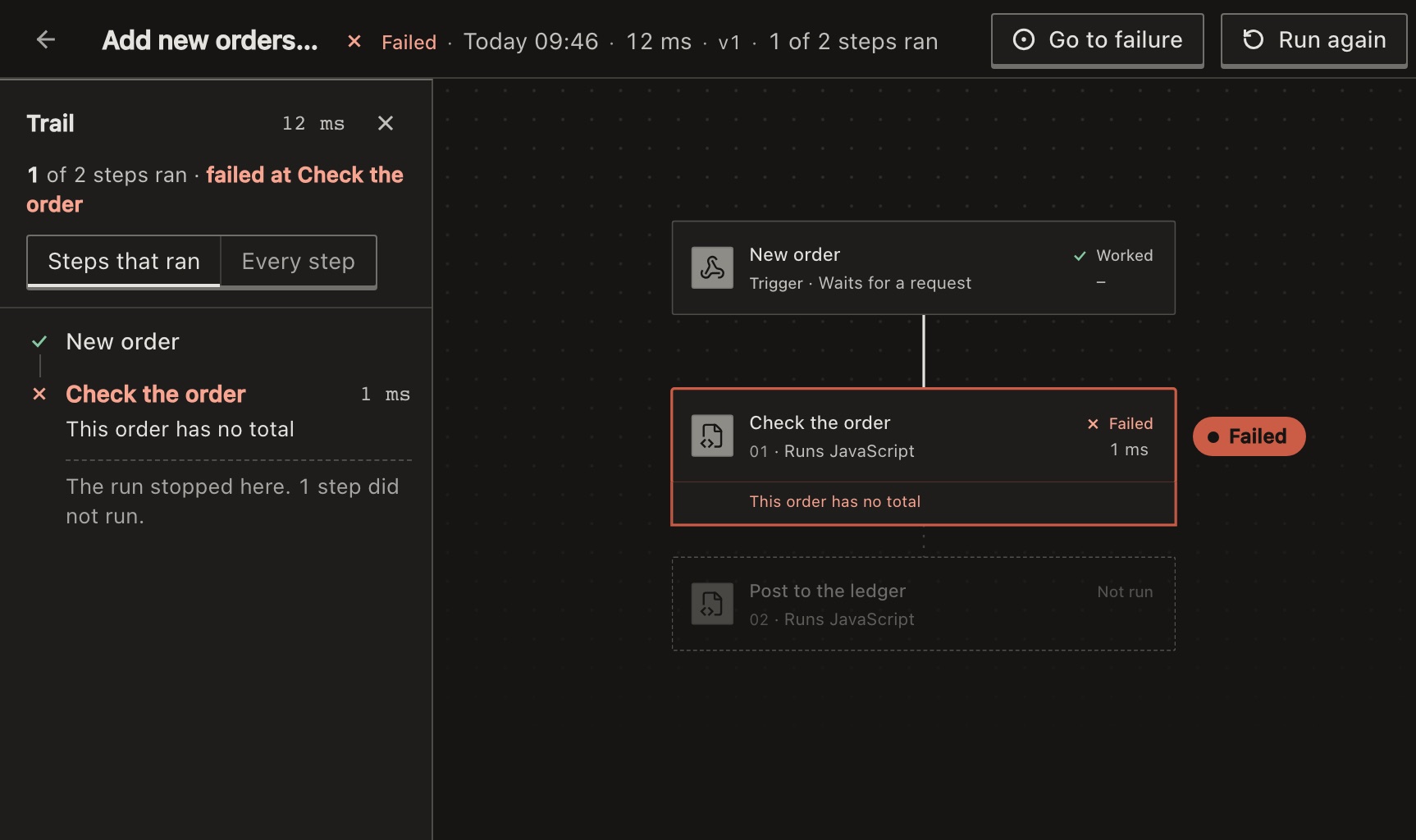
Select a row to open the run. Its page shows the workflow as it ran, with each step’s state. Steps the run didn’t reach are faded.
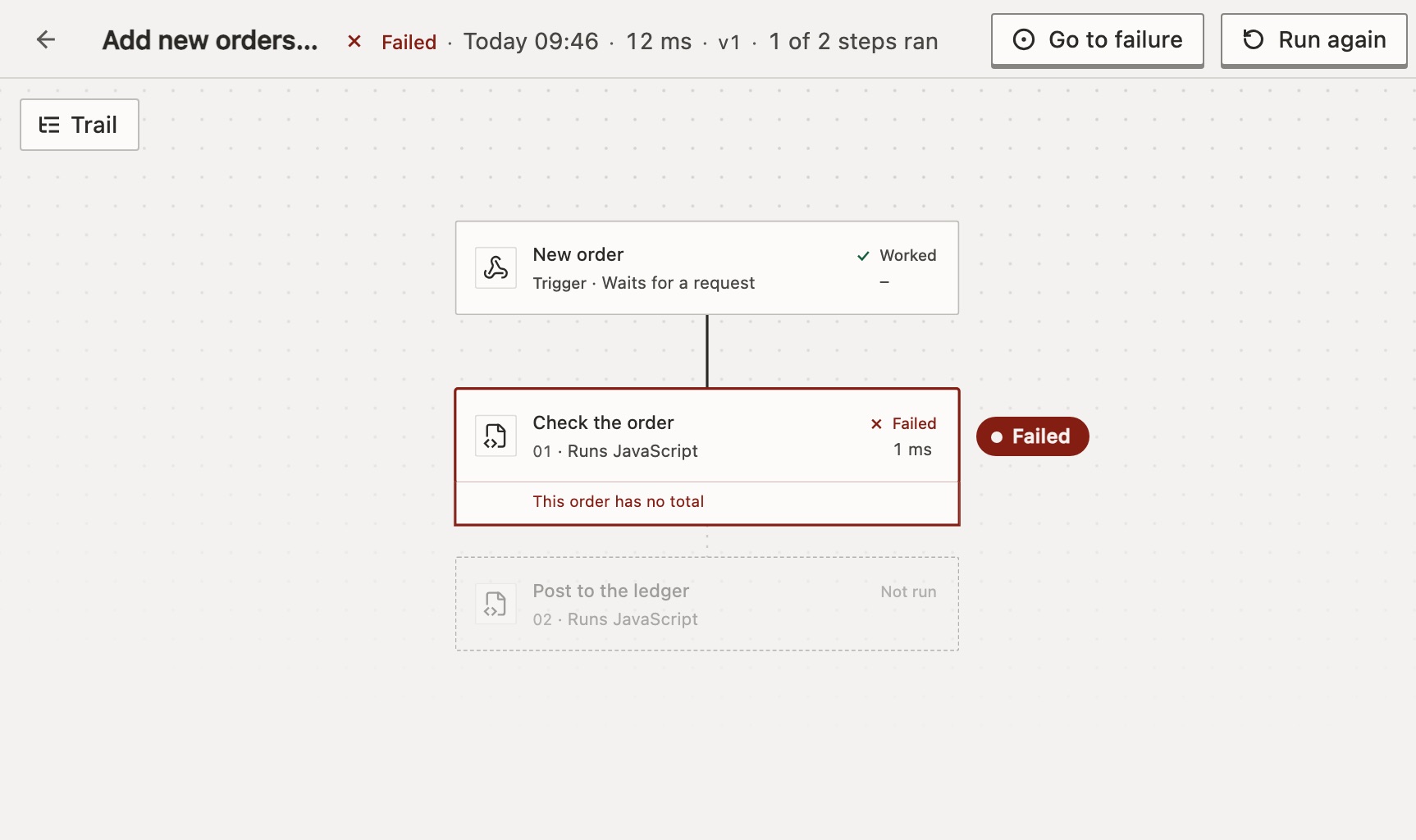
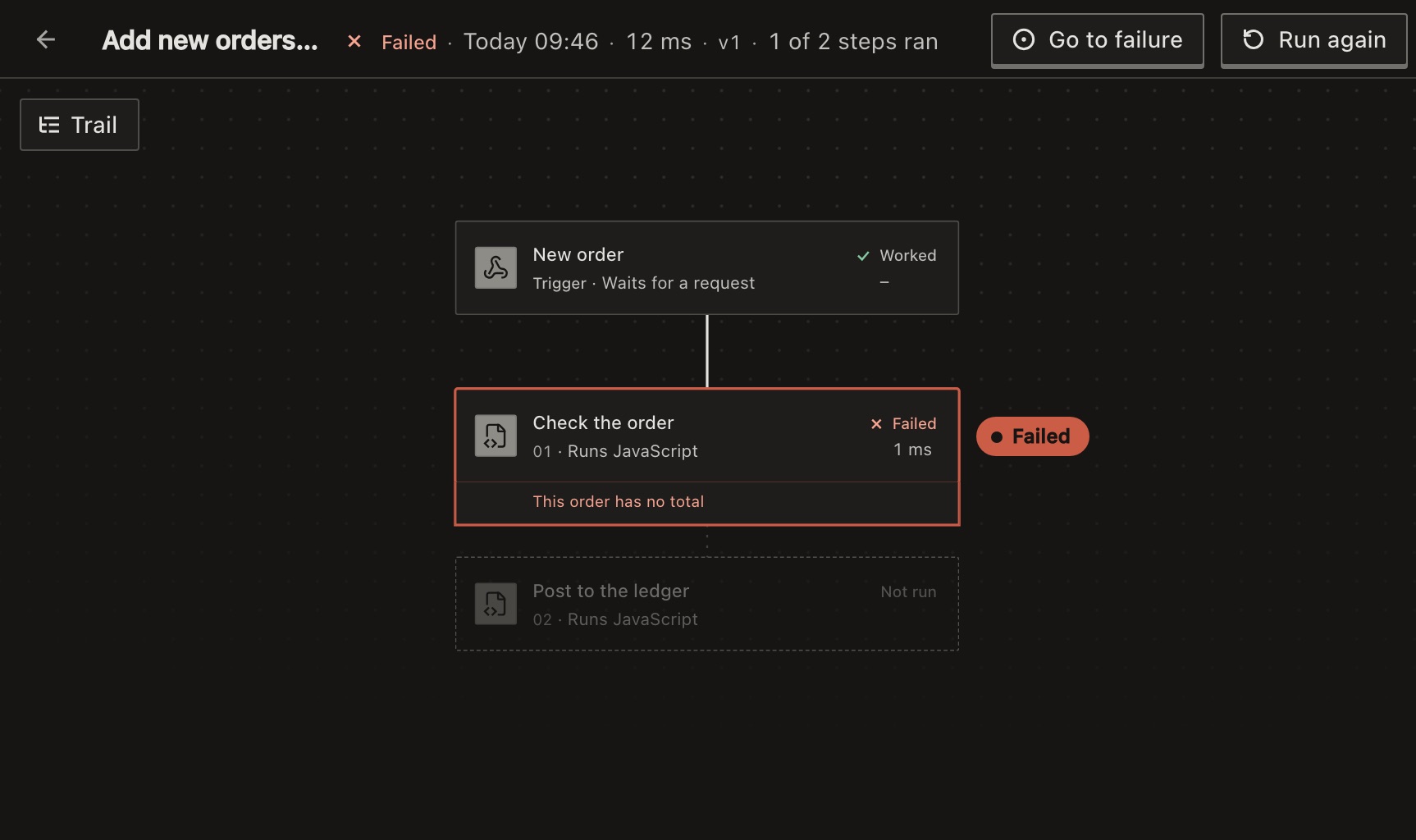
A failed or held run opens with that step selected and its panel open, as in Read the failed step. Close the panel to see the whole run, as above.
The top bar says how many steps ran, such as 1 of 2 steps ran, and how long the run took. Hover over the time to see where it went.
Select a step to see what it did. A line under its name says what happened, then the tabs Output, Input and Settings. A failed step shows Error first. A Branch says which way it went and why. A Loop lets you pick an iteration. The canvas is the version that ran, not your draft.
Trail lists the steps that ran, in order, and where the run stopped. It starts closed; once you open or close it, your browser remembers. While a run is going, the canvas follows the step that is running. Move the canvas and it stops; press Follow run or F to follow again.
Run again or cancel
On a run’s page, Run again starts a finished run over, and Cancel stops one that is Running, Queued or Held. A production run runs again on the published version. A test run runs again as a test, on the version that ran, or on your current draft if it tested the draft. From v2026.10.31, Runs does the same; before, it ran a test again on your current draft. See Run again, cancel or delete runs.
How long runs are kept
A run is deleted, with its data, 90 days after it finished. Age counts from the finish, so a run that waited for weeks keeps its full time. A held, queued or running run is never deleted.
Each workflow keeps its newest finished run in each environment, production and test, however old: the newest that worked or failed, not one that was cancelled. So a workflow that rarely runs keeps its run page and stays Failing if that run failed.
Self-hosted: RUN_RETENTION_DAYS sets the number of days. See Settings (.env).
For developers
GET /api/runs gives each run a state in these words. A single run has only its status, mapped in Run states and limits. POST /api/runs/{id}/rerun runs it again. See List runs.
Related
- Find out why a run failedThe failed step, and what it received · 3 min
- Handle errorsStop, carry on, or run steps of your own · 4 min
- Run states and limitsEvery state and limit, with its API word
Checked against 12d85b3b