Make an API token
Let a script or an app call GoRunner in one workspace, with only the rights it needs.
You need
- A workspace admin
- Of the workspace the token works in.
- An editor’s role
- If your provider turned tokens on. Operators and viewers see the list.
Make a token
- Open Settings. Under Workspace, open API tokens and press New token.
- Give it a Name after what uses it, such as
CI deploy. - Under It may, choose what it may do (below).
- Under Expires, choose 30 days, 90 days (unless you change it), 1 year or Never.
- Press Create token, then Copy. It isn’t shown again.
- Open API tokens. While MCP is on, the page is called MCP.
- Press New token and give it a Name.
- Under It may, choose what it may do (below).
- Under Expires, choose 30 days, 90 days (unless you change it) or 1 year. Every token here expires.
- Press Create token, then Copy. It isn’t shown again.
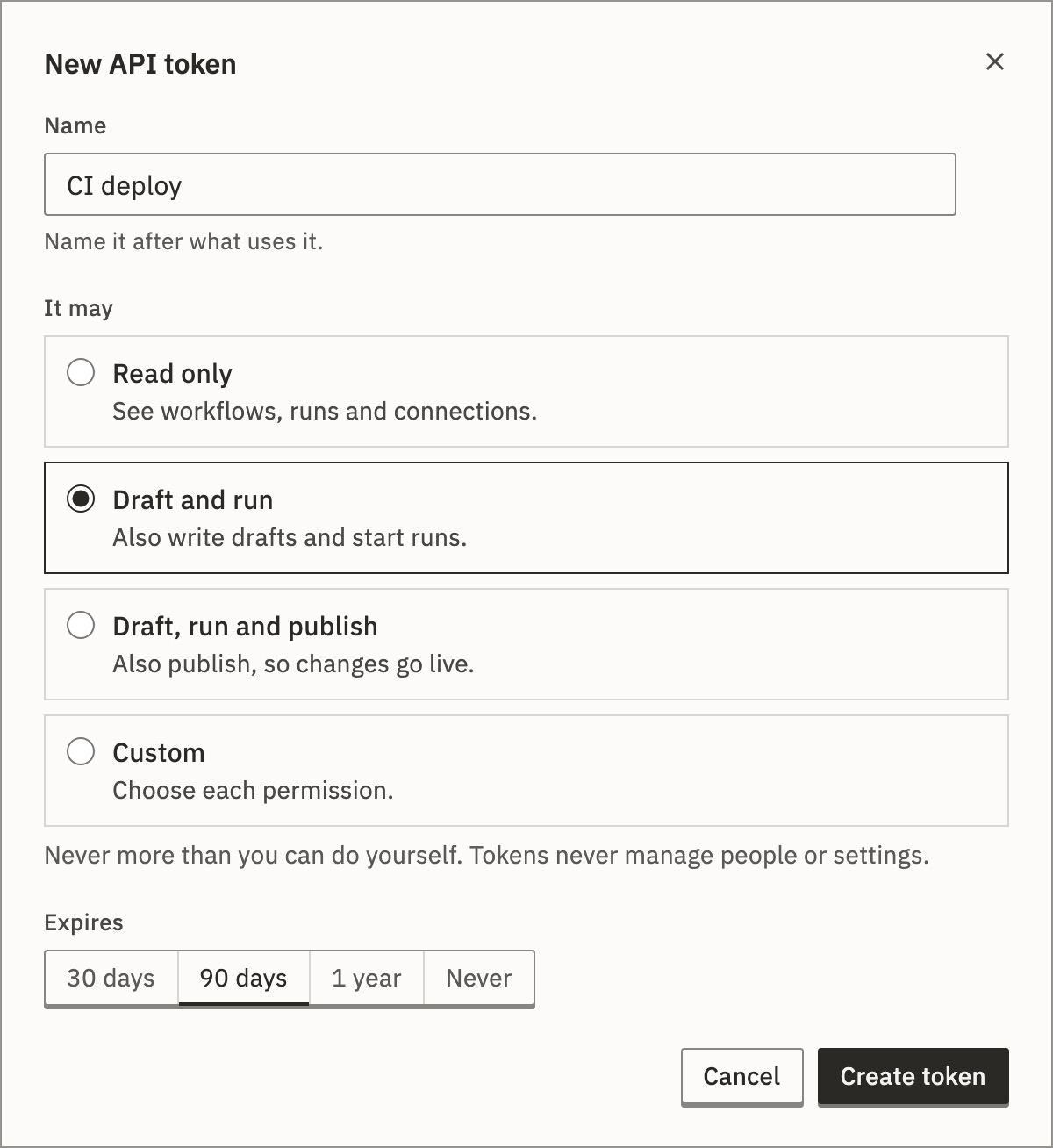
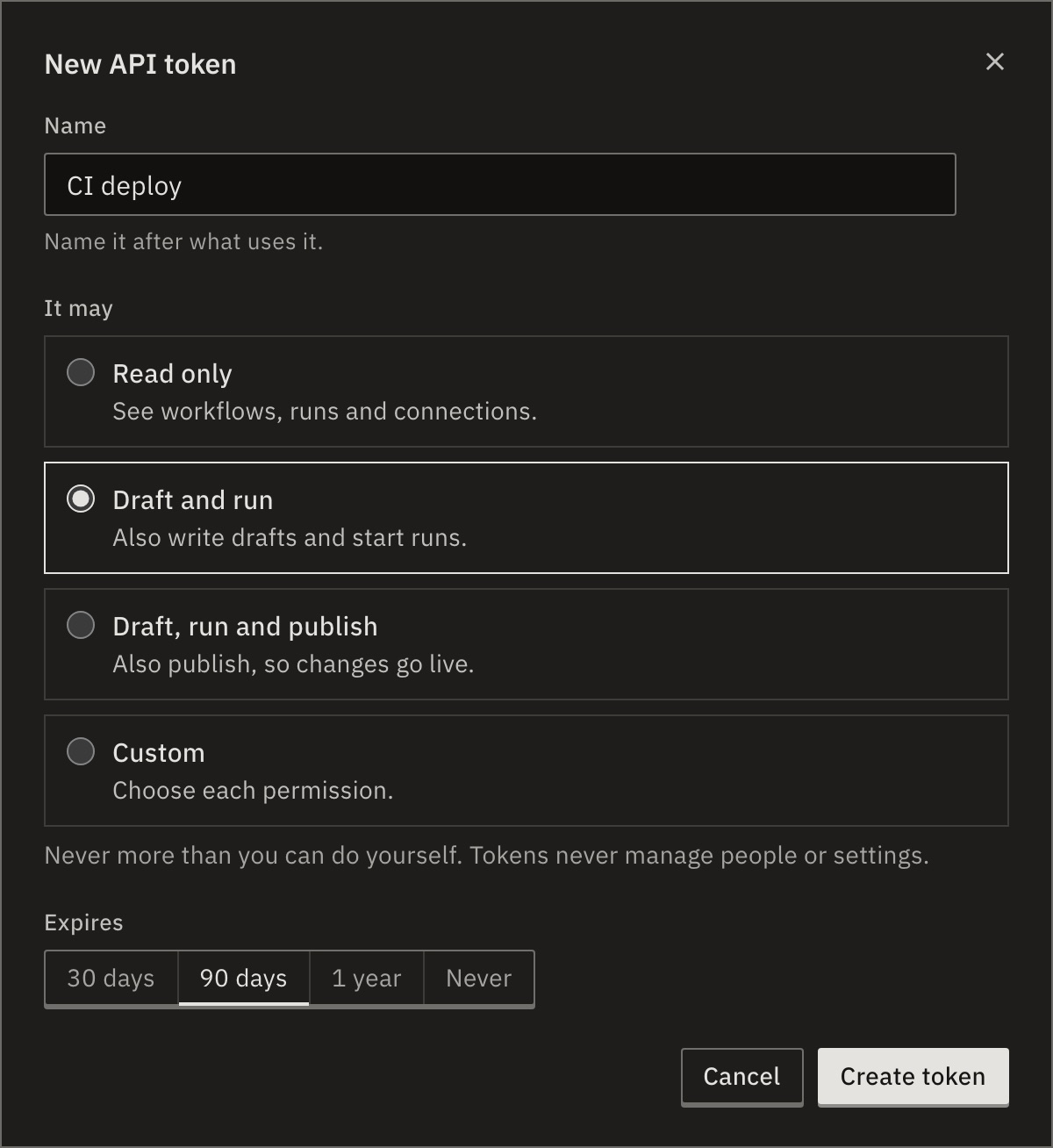
You should see the token starts with grt_. The list shows it with Last used Never.
What it may do
- Read only
- See workflows, runs and connections.
- Draft and run
- Also write drafts and start runs. Chosen unless you change it.
- Draft, run and publish
- Also publish, so changes go live.
- Custom
- Choose each permission.
A token never gets more than you can do yourself, and never manages people, tokens or settings.
Every permission
- Read workflows
workflow:read- Create and edit workflows
workflow:write- Delete workflows
workflow:delete- Run and test workflows
workflow:run- Publish and unpublish
workflow:publish- Read connections
connection:read- Create and edit connections
connection:write- Delete connections
connection:delete- Read runs
run:read- Cancel and delete runs
run:manage
Use it
Send it in the Authorization header. It works in the workspace it was made in, and nowhere else.
GORUNNER_TOKEN="grt_…"   # the token you copied
curl -H "Authorization: Bearer $GORUNNER_TOKEN" https://api.gorunner.io/api/workflows
Get started runs a workflow this way. To give a token to an AI app, see Use an API token.
Revoke a token
In the token’s row, open ⋯ and choose Revoke…. Anything using it stops working at once.
A token also ends with its maker’s access: when they are removed from its workspace or organization, leave it, or close their account. If their workspace role is lowered, it ends only if it holds a permission the new role lacks. One that stays within the new role keeps working. The audit log records each as API token revoked.
The list shows who made each token, when it was last used, and when it ends. Expiring and Expired mark the ones to replace.
For developers
A token is grt_ and 40 hexadecimal characters. Only its hash is stored. Its rights are the permissions it was made with. See Authentication.
Related
- Get startedCall the API and run a workflow · 5 min
- Use an API tokenFor an AI app that can’t sign in · 3 min
- Audit logWho made and revoked tokens · 3 min
Checked against 12d85b3b