Connect with an API token
Connect an AI app that can’t sign in, with a token made for it.
Most AI apps sign in, and that is the way to choose first. Use a token for an app that can’t. ChatGPT, Claude and Raycast sign in only.
A token reaches one workspace. It works until it expires, you revoke it, or its maker loses the access it needs.
Make the token
- In GoRunner, open MCP in the sidebar. With no app connected yet, the page lists the apps. Otherwise press Connect an AI app at the top.
- Choose your app, then press Use an API token instead.
- Check the Name. Under It may, choose Read only, Draft and run or Draft, run and publish. Draft and run is chosen for you.
- Under Expires, choose 30 days, 90 days, 1 year or Never. 90 days is chosen for you.
- Press Create token.
- In the product you use, open MCP, press Connect an AI app, choose your app, then press Use an API token instead.
- Under It may, choose what it may do. Under Expires, choose 30 days, 90 days or 1 year. An embed token always expires.
- Press Create token. Only an editor can make one. Anyone else pastes the token they were given.
The address is the one the panel shows. It ends in /mcp/tools, or /mcp/build when the product lets apps build.
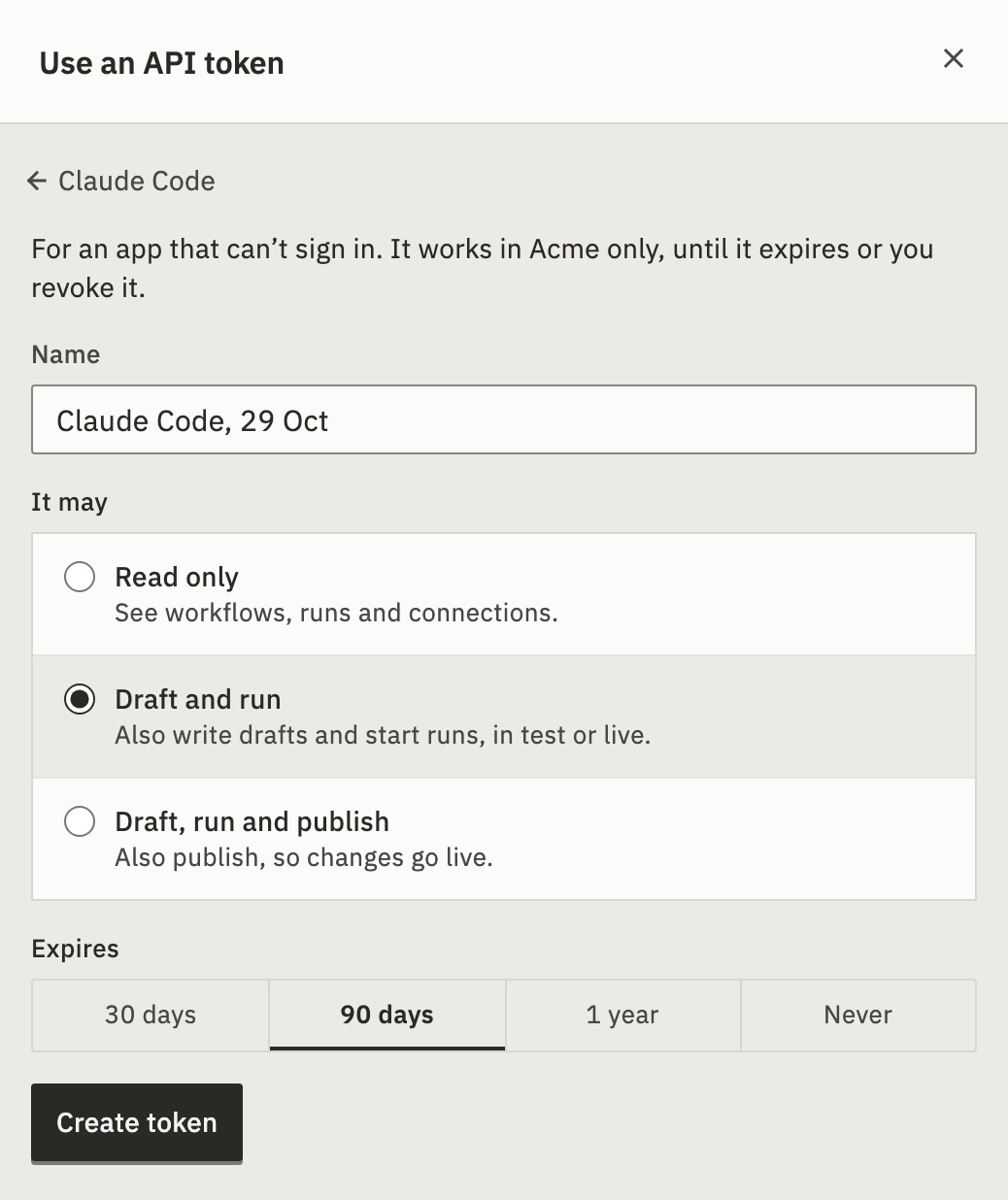
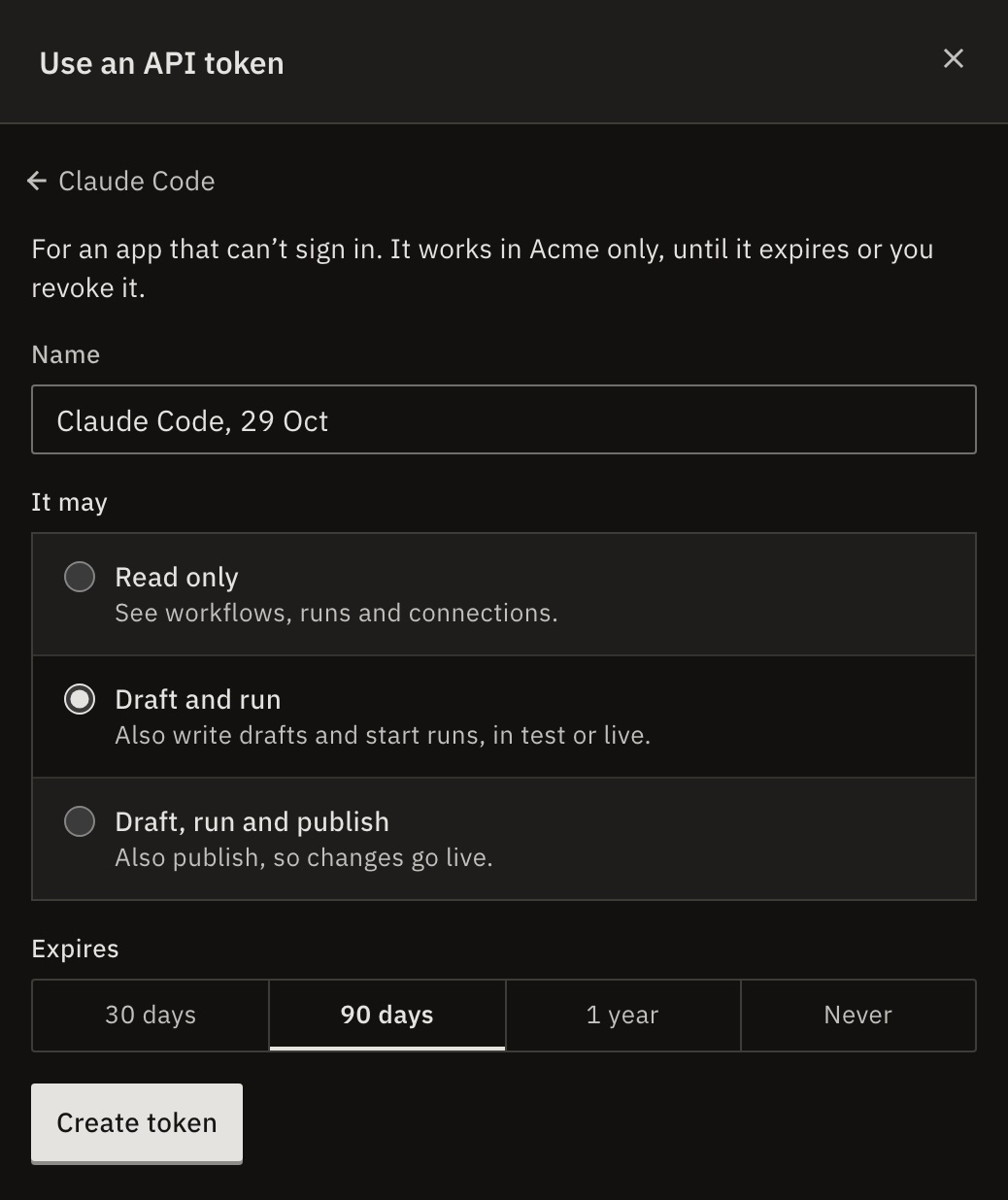
You should see the token inside the command, setting or header your app needs. It isn’t shown again, so copy it now.
Add it to your app
Press Copy and paste it where the panel says.
For Claude Code, it is a command with the token inside:
claude mcp add --transport http gorunner https://api.gorunner.io/mcp/build/w/YOUR_WORKSPACE_ID --header "Authorization: Bearer YOUR_TOKEN"The address ends in your workspace’s ID, because a token reaches one workspace.
Each app takes the token in its own place:
- Cursor
- A setting in
~/.cursor/mcp.json - VS Code
- A setting in
.vscode/mcp.json - Devin Desktop
- A setting in
~/.config/devin/mcp_config.json - Zed
- A setting in
settings.json → context_servers - Claude Code
- A command to run
- Codex
- A setting in
~/.codex/config.toml - Gemini CLI
- A command to run
- Goose
- A header to add
- LM Studio
- A setting in
mcp.json (Program → Install → Edit mcp.json) - Another app
- A header to add
What if I can’t make a token?
Only a workspace admin can create a token. Ask one for a token. Then, in the same view, paste it under Paste the token you were given. The command fills itself in. Until you paste one, it says YOUR_TOKEN.
Revoke it
Apps that use an API token don’t appear under Connected apps on the MCP page. Tokens are in Settings › Workspace › API tokens, where a workspace admin can revoke one. See Make an API token.
Revoke it under Tokens on the same MCP page.
For developers
An API token starts with grt_ and goes in the Authorization: Bearer header. Its address is https://api.gorunner.io/mcp/build/w/<workspace ID>.
An app that signs in gets gra_ and grr_ tokens instead. You never handle those. See Sign-in for developers.
Related
- Make an API tokenSettings › Workspace › API tokens · 3 min
- Choose what an AI app may doWhat each choice allows · 3 min
- Build toolsWhat an app can do on the build server
Checked against 12d85b3b