Raycast
Connect Raycast to GoRunner, then ask it to build, run and check your workflows.
You need
- Raycast
- On your computer.
Connect Raycast
- In GoRunner, open MCP in the sidebar. If an app is already connected, press Connect an AI app. Choose Raycast; if it isn’t shown, press All 13 apps.
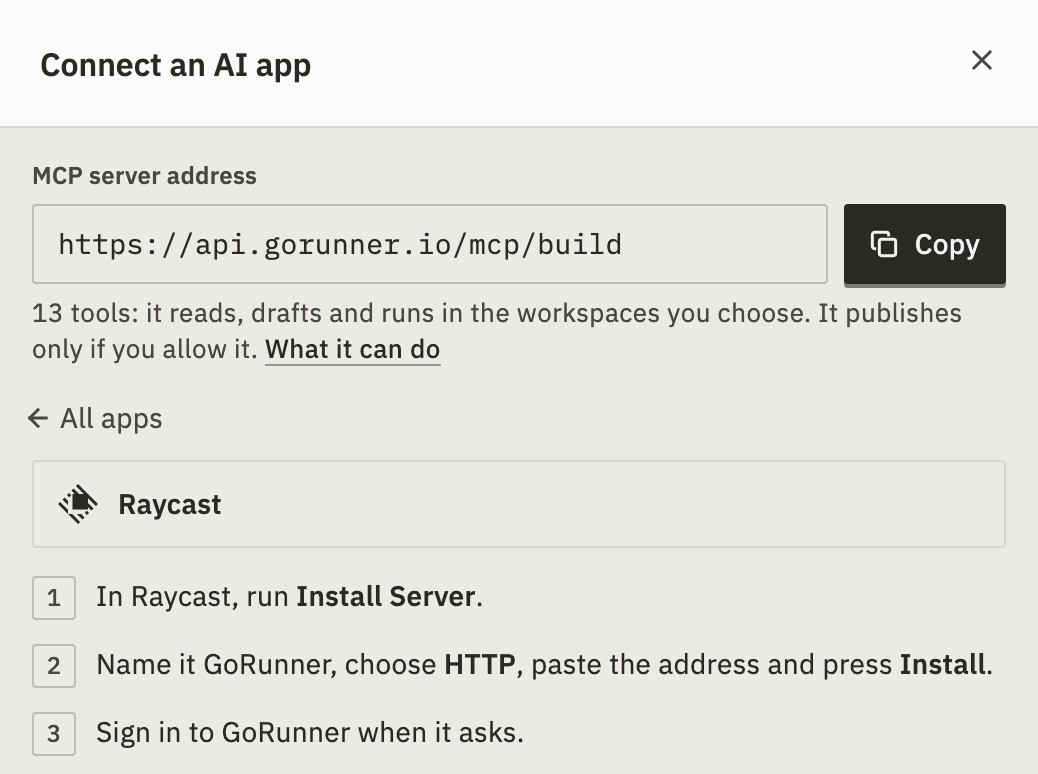
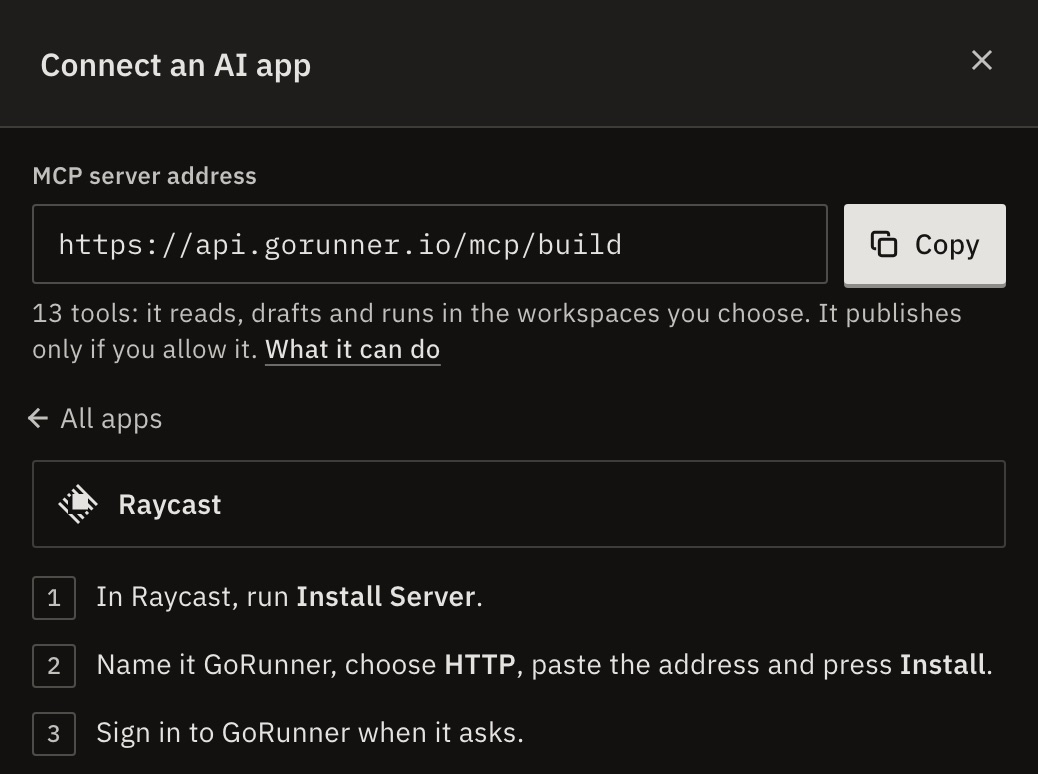
- Press Copy next to MCP server address. In Raycast, run Install Server.
- Name it GoRunner, choose HTTP, paste the address and press Install.
- Sign in to GoRunner when it asks.
- On Allow “Raycast” to use GoRunner?, choose the workspace and what it may do, then press Allow access.
- In the product you use, open MCP, press Connect an AI app and choose Raycast. Press Copy next to the address.
- In Raycast, run Install Server.
- Name it Workflows, choose HTTP, paste the address and press Install.
- Sign in with the account you use here when Raycast asks.
- Choose what it may do, then press Allow access.
You should see “Connected · Raycast · Acme · 12 tools” in the panel.
It stays connected for up to 180 days, or until you disconnect it.
The panel shows your product’s name where these steps say Workflows. If Raycast isn’t offered, the product hasn’t turned on sign-in for AI apps: ask its support. If the product lets apps run your workflows but not build them, the address ends in /tools. Raycast can then only call your published workflows. See Turn your workflows into tools.
Can I use an API token instead?
No, Raycast can only sign in.
How do I disconnect Raycast?
On the MCP page, under Connected apps, press Disconnect next to the app.
On the product’s MCP page, press Disconnect next to the app.
It stops on its next request. Remove it in Raycast too.
What you can ask
13 tools: it reads, drafts and runs in the workspaces you choose. It publishes only if you allow it.What it can do depends on what the product allows: building, or only your published workflows. If Raycast lists the server’s commands, try one:
- Build a workflow (when it may write drafts)
- Diagnose a failed run
- Explain a workflow
It can also call your own published workflows.
For developers
AI apps connect through MCP (Model Context Protocol). Raycast adds the server https://api.gorunner.io/mcp/build and signs in with OAuth. Self-hosted: your installation’s address, ending in /mcp/build.