Connect an AI app
Let ChatGPT, Claude, Cursor or another AI app use GoRunner as you.
You choose the app in GoRunner, add GoRunner in the app, then sign in once. You decide which workspace it reaches and what it may do.
Open the MCP page
In GoRunner, open MCP in the sidebar, under Keel. With no app connected yet, the page reads Connect your first AI app: choose an app and its steps show in place. Once one is connected, press Connect an AI app at the top: the same steps open in a panel.
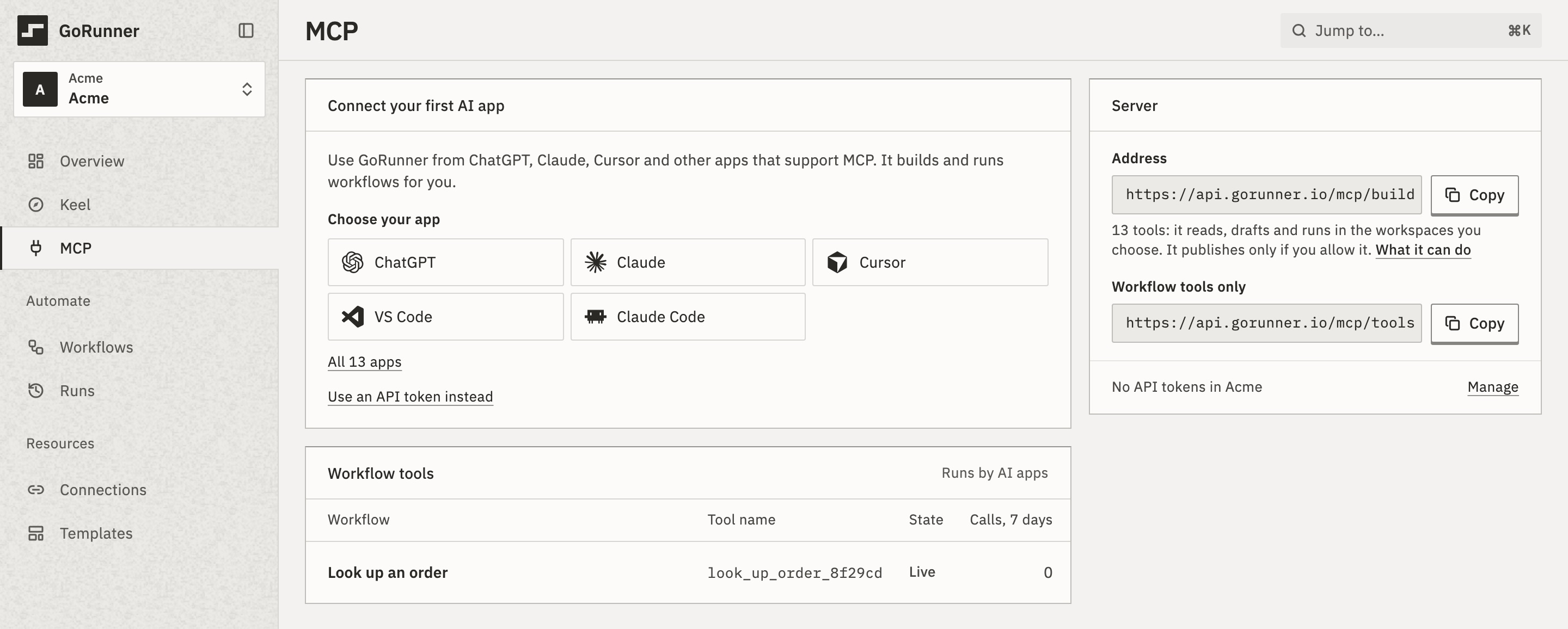
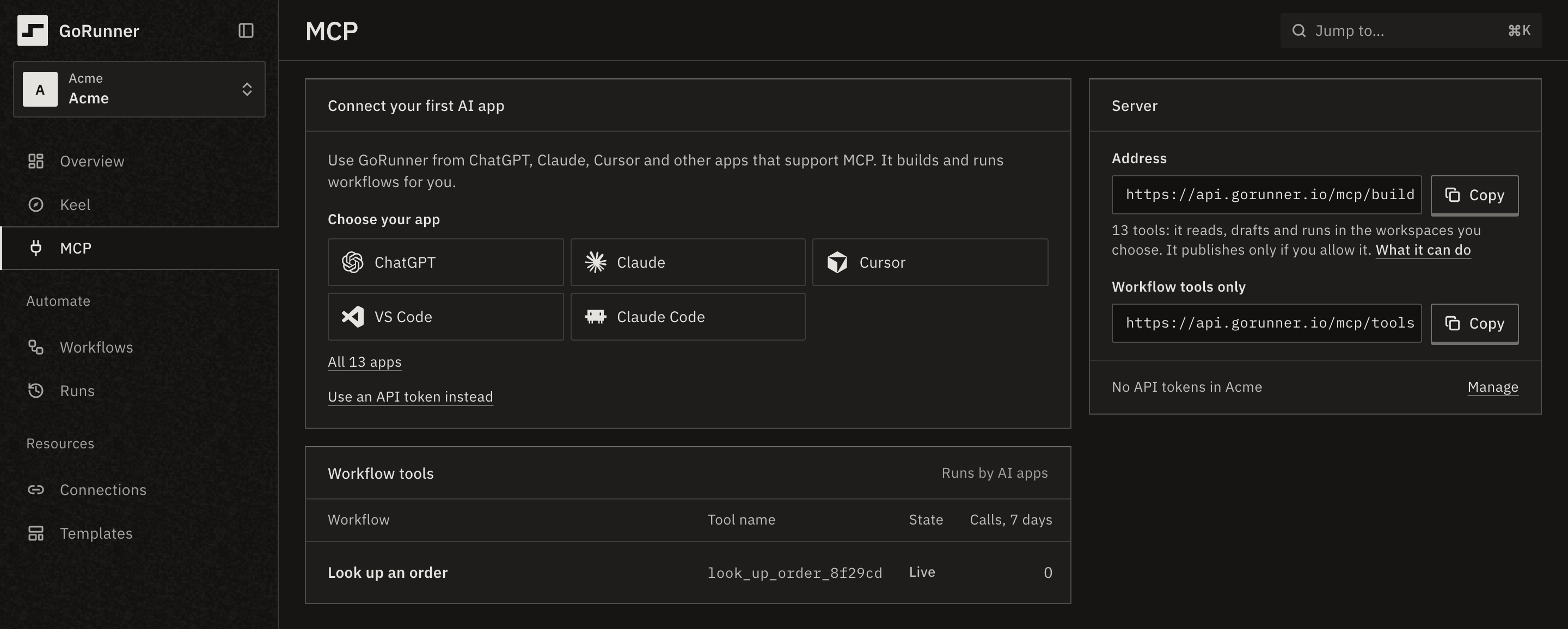
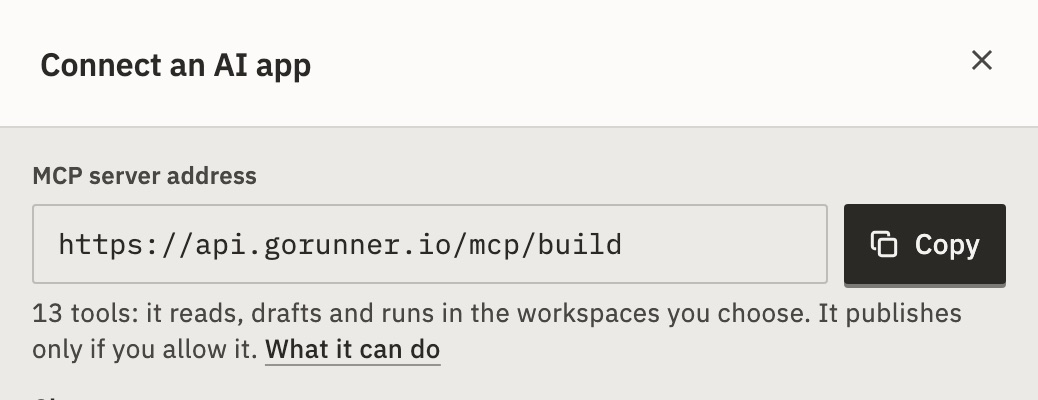
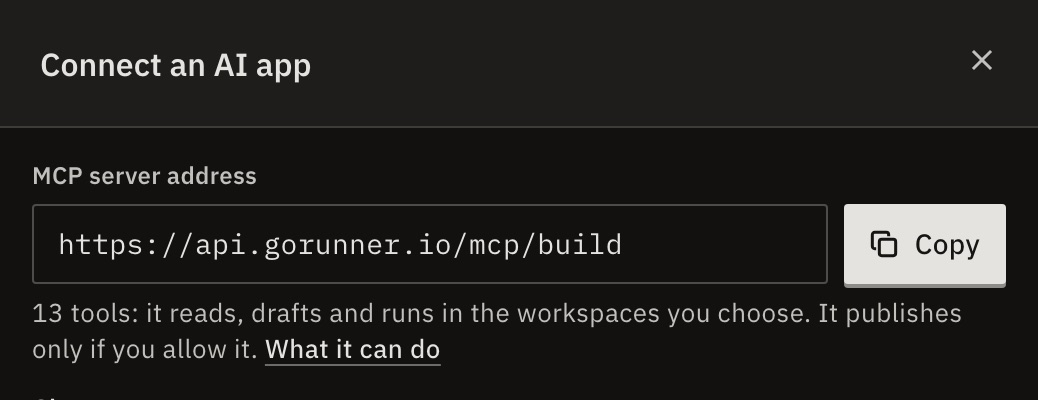
In the product you use, open its MCP page and press Connect an AI app.
The panel starts with the server’s address and Copy. The page shows it under Server.
Choose your app
Choose the app you use. GoRunner shows its steps and the one key to press. Each app’s page here has the same steps:
Terminals
Allow access
When the app asks you to sign in, GoRunner shows Allow “Claude” to use GoRunner?, with the app’s name.
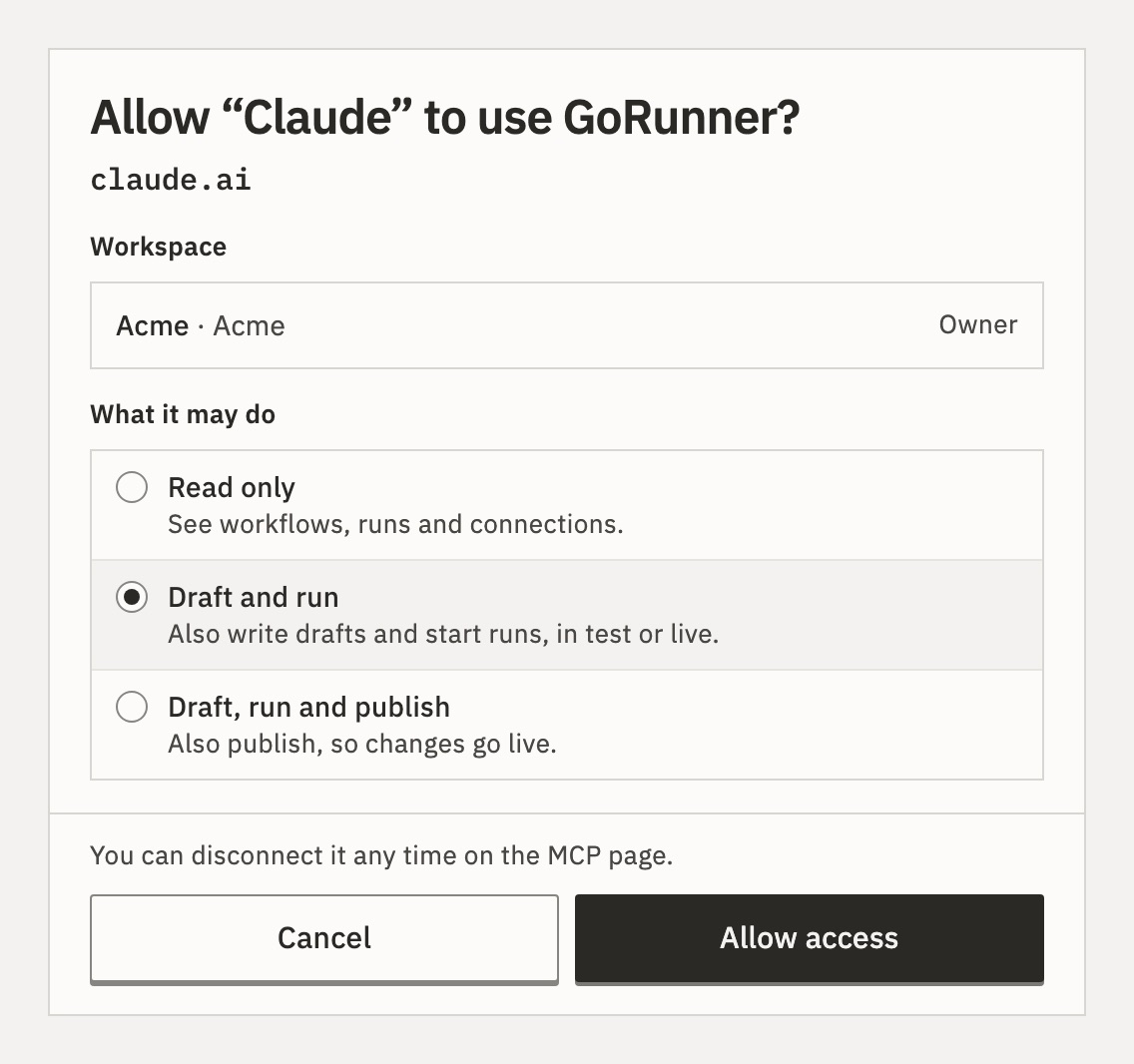
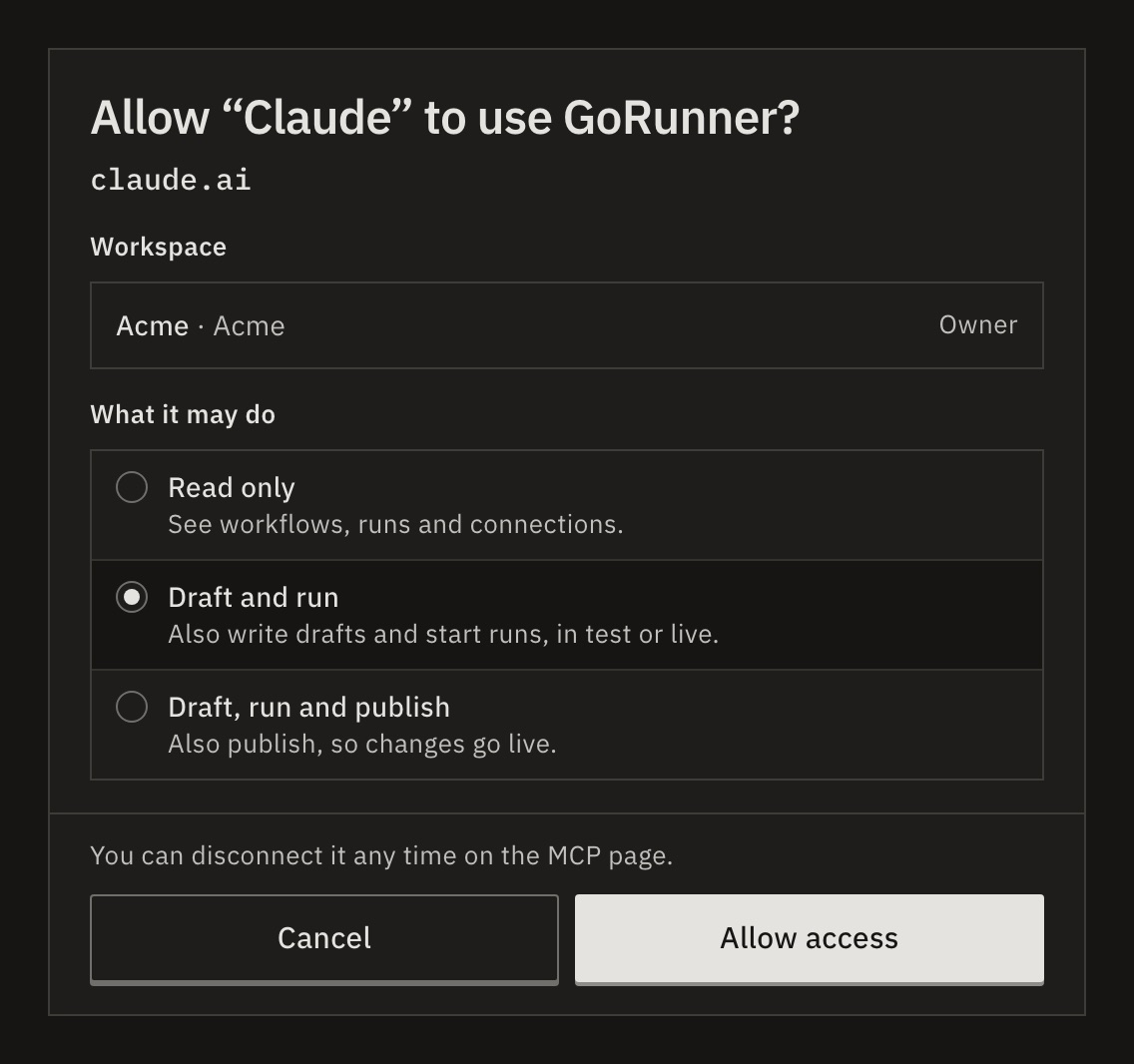
- Check the address under the app’s name. It is where your sign-in goes: a website such as
claude.ai, on this computer, or the cursor app on this computer. If it isn’t the app you are connecting, press Cancel. - Under Workspace, check the workspace. If you are in several, the heading reads Workspaces: tick each one it may reach.
- Under What it may do, choose Read only, Draft and run or Draft, run and publish. Draft and run is chosen for you.
- Press Allow access.
You should see Connected, with the app, the workspace and its number of tools. The app then appears under Connected apps on the MCP page.
Why don’t I see all three choices?
What’s offered follows your role. An operator sees Read only and Read and run. A viewer gets read only, with no choice. Draft, run and publish appears only where a workspace you ticked allows publishing.
What if nothing happens after I add it?
The panel waits up to 15 minutes. After 10 it says: “Still waiting. Nothing has reached GoRunner from Claude in 10 minutes.”
Check that the app has the whole address, and that you finished signing in. Then press Check again if the panel offers it.
What if the sign-in page refuses?
If the address is another workspace’s, copy it again from your own panel. If your role allows none of what the app asked, tick another workspace or ask an admin. If the request expired, start again from the app.
Can I paste a token into the chat instead?
No. An app adds GoRunner in its own settings, not from a conversation. Pasting a token into a chat connects nothing, and shows the token to the model.
What if the panel says sign-in is off?
Only a test installation runs without sign-in. Then any app that reaches the address can do anything, publishing included, and ChatGPT and Claude can’t connect. Turn sign-in on before anyone else can reach it. See AUTH_ENABLED in Settings (.env).
Related
- Choose what an AI app may doWhat each choice allows · 3 min
- Turn your workflows into toolsLet an AI app run a workflow you made · 4 min
- Connect with an API tokenFor an app that can’t sign in · 3 min
Checked against 12d85b3b