Choose what an AI app may do
When an AI app signs in, you choose what it may do. It never gets more than your own role allows.
The three choices
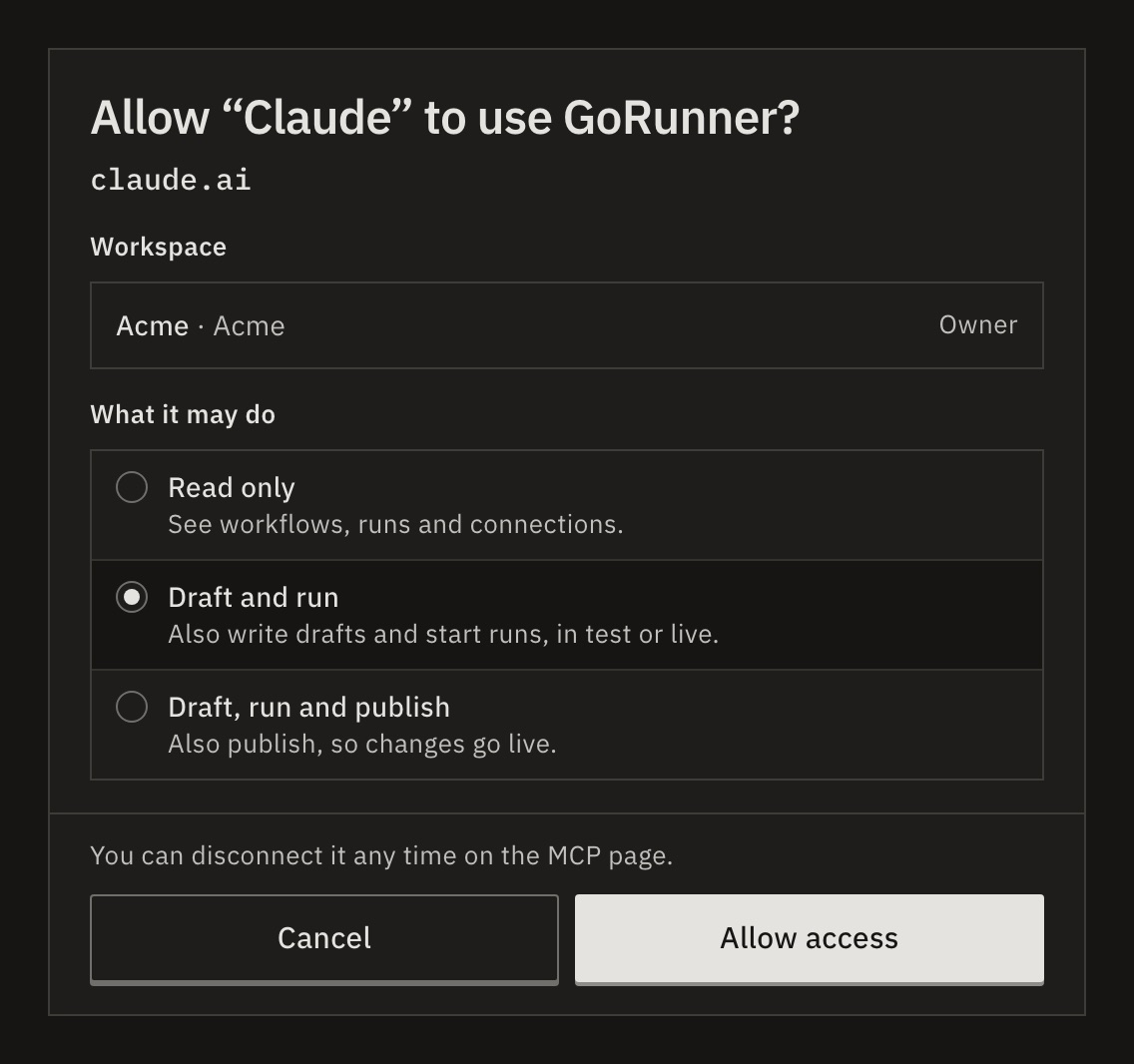
GoRunner asks on Allow “Claude” to use GoRunner?, under What it may do. Draft and run is chosen for you.
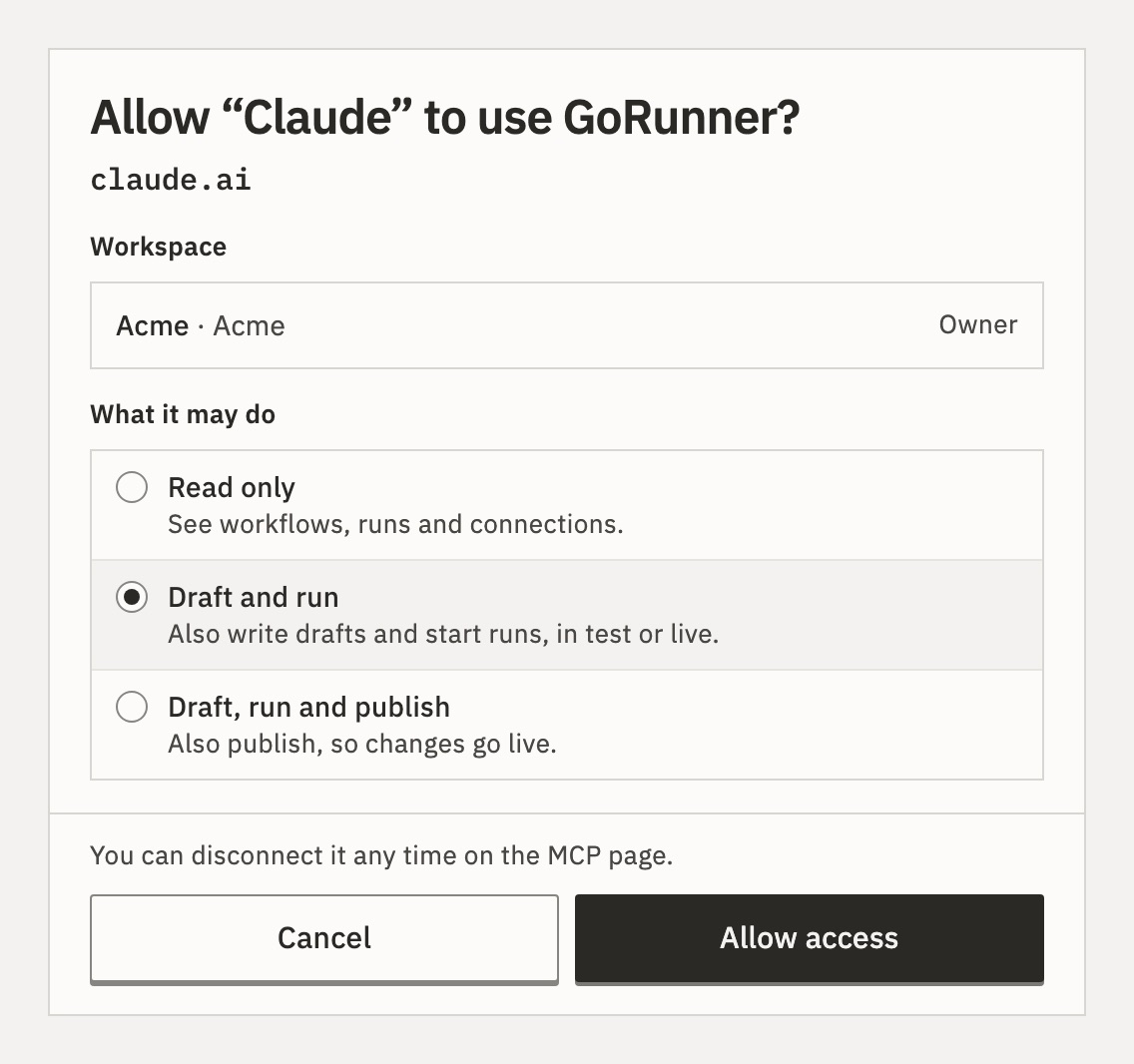
- Read only
- See workflows, runs and connections. It can’t change or run anything.
- Draft and run
- Also write drafts and start runs, in test or live. Production keeps running what you published.
- Draft, run and publish
- Also publish, so its changes go live.
No choice lets an app delete a workflow, change a connection, or cancel a run. An app never sees a connection’s secrets.
Your role sets the limit
What’s offered follows your role in the workspace.
| Your role | What you can choose |
|---|---|
| Owner, admin or editor | Read only, Draft and run or Draft, run and publish |
| Operator | Read only or Read and run |
| Viewer | Read only, with no choice |
Draft, run and publish appears only when the app asks to write and publish, and your role allows it in a workspace you ticked. GoRunner checks your role again on every request. If an admin lowers your role or removes you, the app loses the same rights at once.
What if I connect the same app again?
The sign-in page says whether it replaces the earlier connection or adds a second one. Your earlier choice stays selected when it was narrower, so allowing again never widens it by accident.
Is it the same in a product that embeds GoRunner?
Yes. You sign in with the account you use in that product, and only its workspaces are offered. You can connect up to 25 apps to one account. While the account is suspended, apps can only read.
One connection, several workspaces
If you’re in more than one workspace, the heading reads Workspaces. Tick each one the app may reach. In each, it gets your choice, limited by your role there.
The app then names a workspace on each request. To change the list later, use Choose workspaces on the MCP page.
Apps that use an API token
An API token works in one workspace and holds the It may choice it was made with. It doesn’t follow your role later. See Connect with an API token.
For developers
| Choice | Permissions | Tools |
|---|---|---|
| Read only | workflow:read, run:read, connection:read | 9 |
| Read and run | Read only, and workflow:run | 10 |
| Draft and run | Read only, and workflow:write, workflow:run | 12 |
| Draft, run and publish | Draft and run, and workflow:publish | 13 |
A connection that reaches 2 or more workspaces gets one more tool, gorunner_list_workspaces. Build tools lists them all.
Related
- Connect an AI appChoose the app, the workspace and what it may do · 3 min
- See and disconnect AI appsConnected apps, on the MCP page · 2 min
- Workspaces and rolesWhat each role may do · 4 min
Checked against 12d85b3b