Set up Keel
Give Keel an AI provider, then choose how far it may go on its own.
In the Embed, your provider sets Keel up for you, and you can’t change it. Until they do, Keel says Keel isn’t set up here yet.
You need
- An owner or admin
- Of the organization. Others see Not available to you.
- An API key
- From Anthropic or OpenAI. These are the two providers Keel works with.
Add a provider
- Open the menu under your name, then Settings. Under Organization, open Keel.
- Under Provider, choose Anthropic or OpenAI.
- Paste the key into API key.
- Press Add and test.
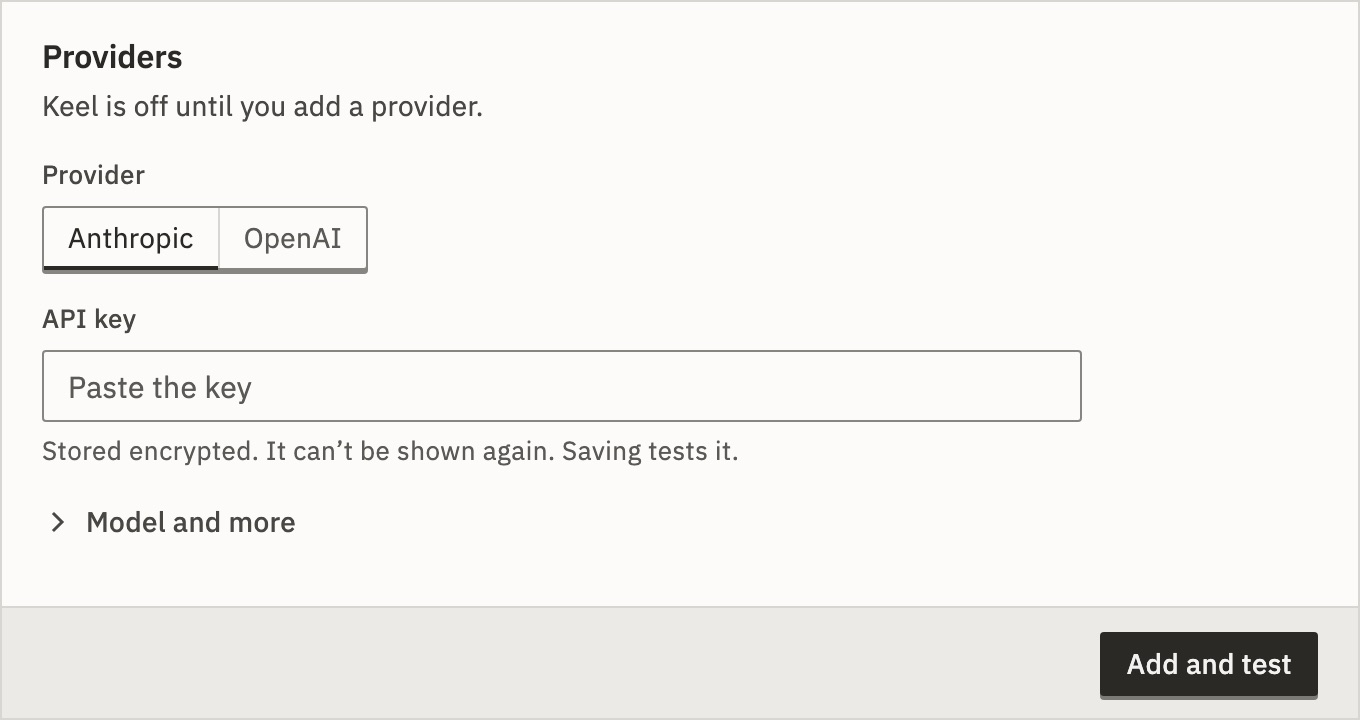
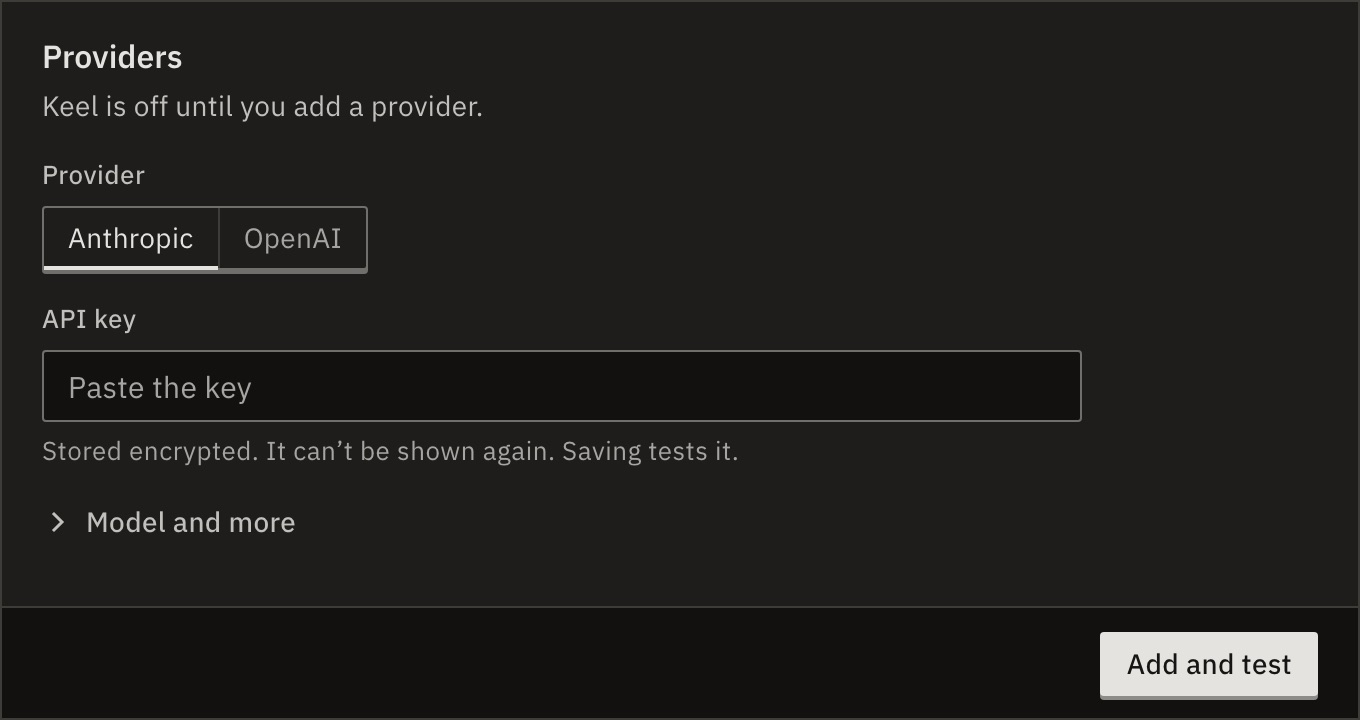
You should see the provider’s row says Works · tested just now, and Limits appears below it.
Or open Keel itself: while it is asleep, owners and admins can choose the provider and paste the key there. Anyone else sees who can, with Copy a note to send them.
The key is stored encrypted and never shown again. Saving tests it on a worker.
What if the test fails?
The panel says why, such as Couldn’t use the key. or Couldn’t reach the provider. Fix the key and press Add and test again.
Save anyway keeps it, marked Doesn’t work. Keel stays off until a provider’s key works.
What if it says no worker is running?
The key is tested on a worker. Start one, then test again. A worker with KEEL_CONCURRENCY=0 runs no Keel conversations.
See Settings (.env).
Model and more
Open Model and more before you save to change these. Leave them, and Keel uses the recommended model.
- Model
- Recommended:
claude-opus-5orgpt-6-astra. Alsoclaude-sonnet-5orgpt-5.6-terra. - Reasoning effort
- Model default, or Low to Maximum. Higher is more careful, slower and costs more.
- Base URL
- Only for a proxy or gateway.
- Display name
- The name the row shows.
Set the limits
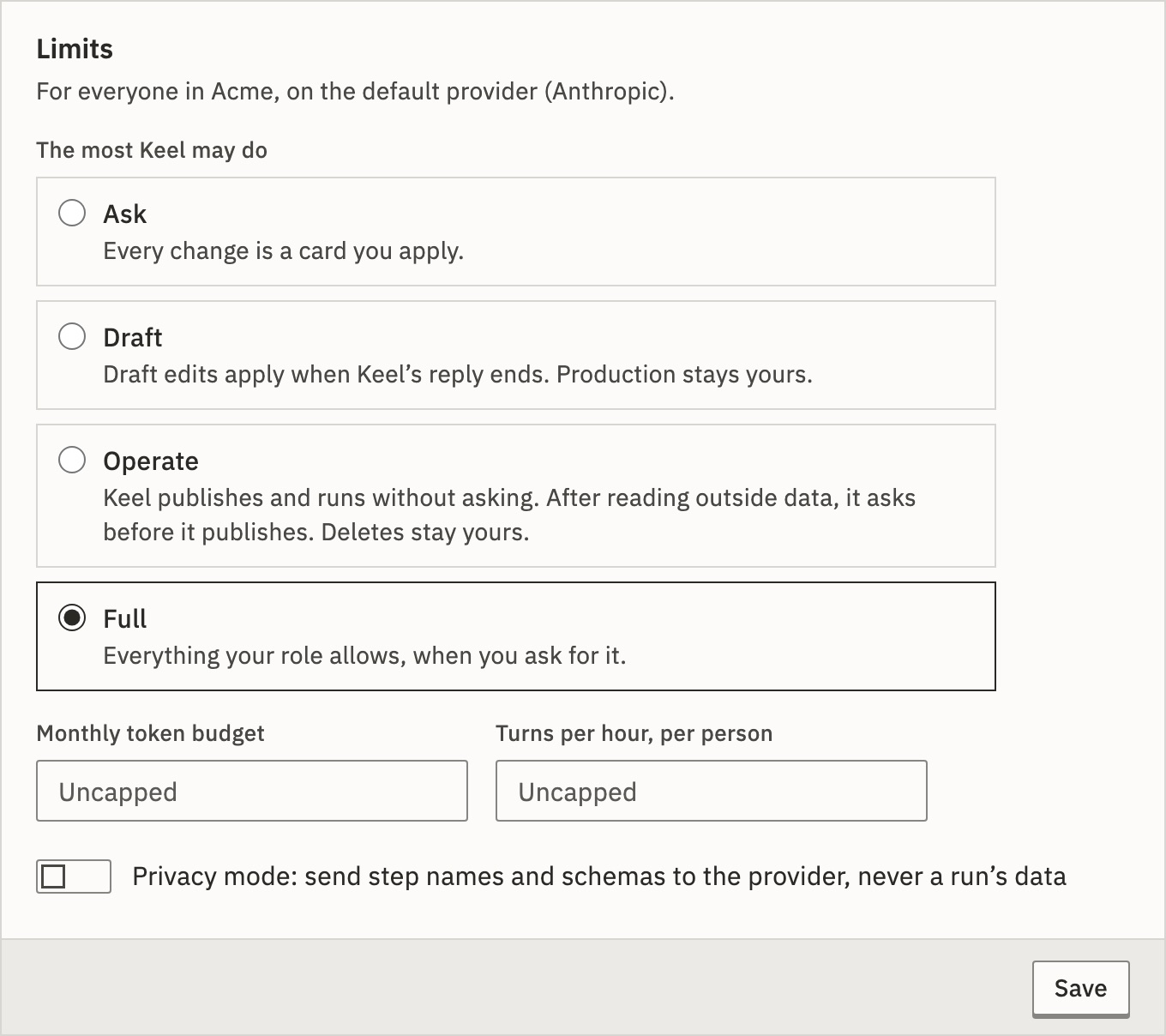
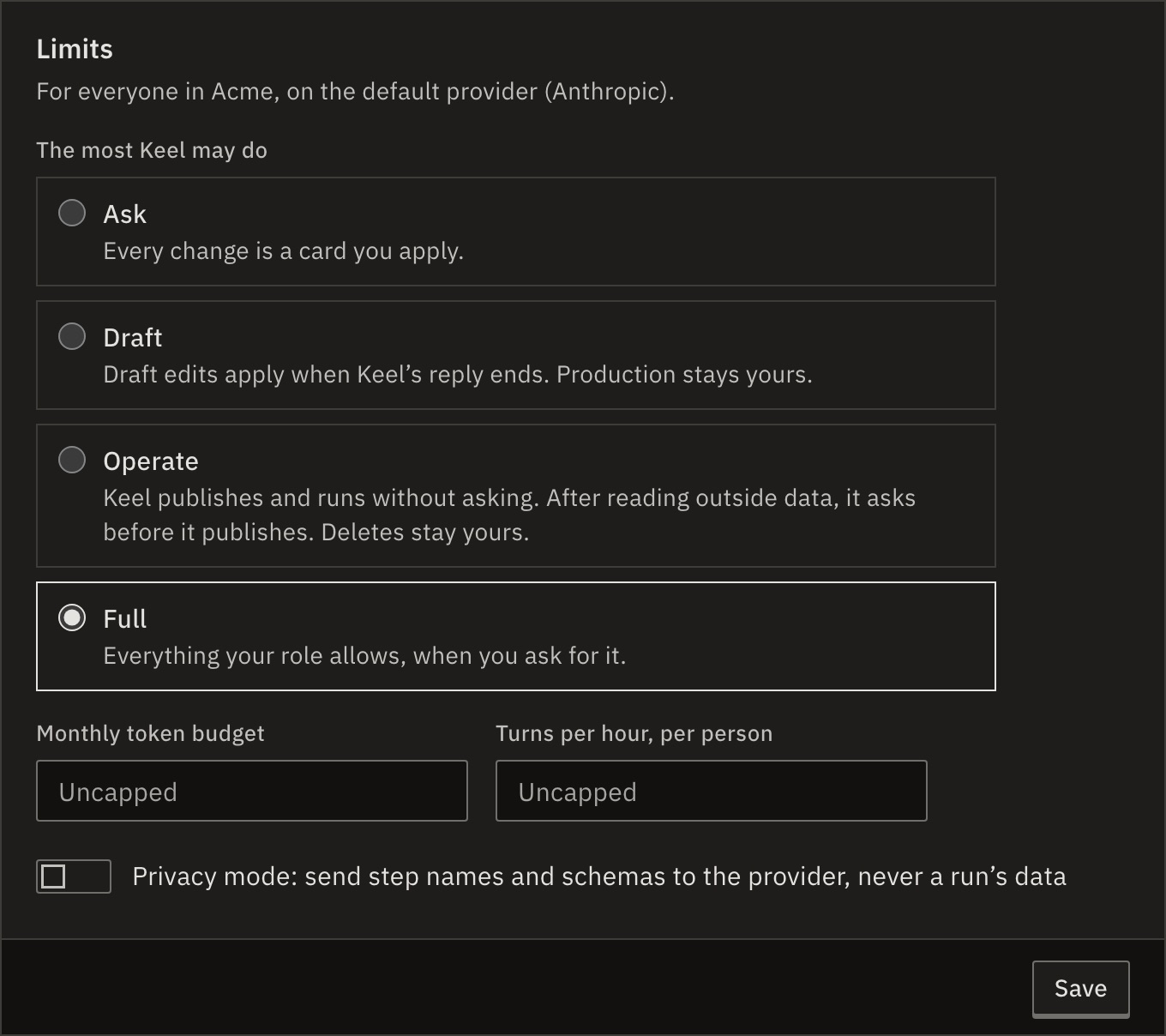
Limits apply to everyone in the organization, on the default provider.
- The most Keel may do
- Ask, Draft, Operate or Full, the default. Each conversation starts at Ask, and nobody can go above this.
- Monthly token budget
- Empty is Uncapped. When it is spent, Keel stops until the next month.
- Turns per hour, per person
- Empty is Uncapped.
- Privacy mode
- Send step names and schemas to the provider, never a run’s data.
Press Save. See What Keel can do.
More than one provider
Press Add provider to add the other one. Keel uses the default. In a row’s ⋯ menu:
- Set as default
- Keel switches to it. The limits move with it.
- Test the key
- Checks the stored key again.
- Edit…
- Change the key, the model or the name.
- Remove…
- Deletes the stored key. If it was the default, the oldest other provider takes over, with the same limits.
A platform admin visiting your organization can’t change its providers or limits. Someone who belongs to it has to.
Check it worked
Open Keel in the sidebar and ask it something. It answers instead of saying Keel is asleep.
Related
- What Keel can doCommands, cards and the four levels · 4 min
- Let Keel build it for youDescribe a workflow, then apply it · 5 min
- Fix failing workflows with KeelFix with Keel, and Maintenance mode · 3 min
Checked against 12d85b3b