Run again, cancel or delete runs
Start a run over, stop one, or remove runs, one at a time or many at once.
You need
- An operator, editor or admin
- Of the workspace. A viewer can only read runs.
Run one again
On a finished run’s page, press Run again. A new run starts with the same trigger data. A production run runs on the published version. A test run runs as a test, on the version that ran, or on your current draft if it tested the draft.
In Runs, a row’s Run again… asks first, and says which version it will use. Before v2026.10.31, Runs ran a test again on your current draft.
Warning Every step runs again. Anything the run sent, such as an email, goes out a second time.
- Same data, published version
- The usual choice: a production run with the data the run started with.
- Test from
- On a failed run, for an editor: a test of your draft from the failed step, with earlier test data. Steps from there still do their real work.
- Same test data, v3
- For a test run of a version: runs that version again in the test environment. Nothing runs in production.
- Same test data, the current draft
- For a test of your draft: runs your draft as it is now, in the test environment. Nothing runs in production.
Why does it say Go live… instead?
The workflow is paused or a draft, so it can’t run again in production. Go live… publishes it and turns its trigger on.
Run many again
- In Runs, press Select, then tick the runs. On a busy workspace, Select all takes every run your filters match.
- Press Run again… and confirm. If only some of the selection can run again, the key says how many, such as Run 2 again….
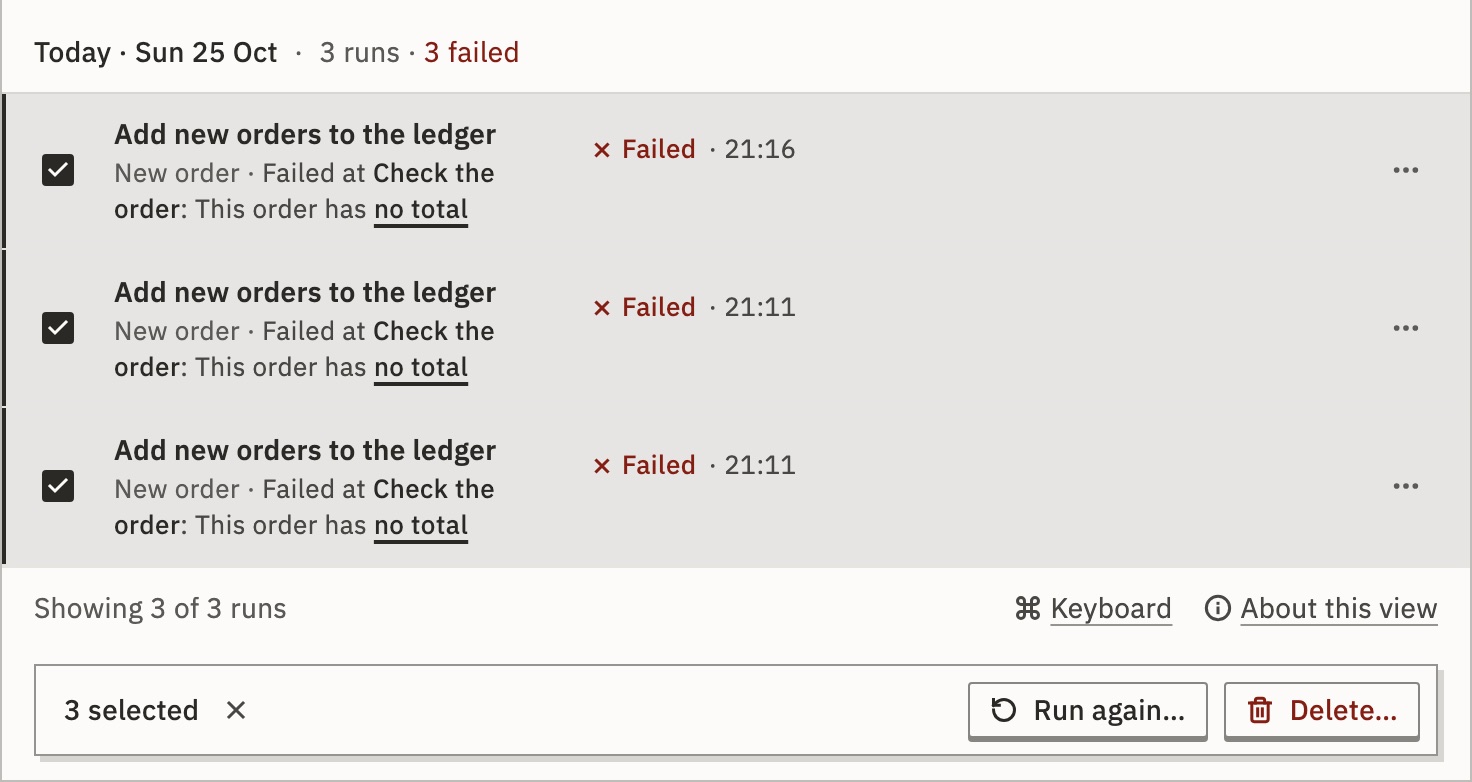
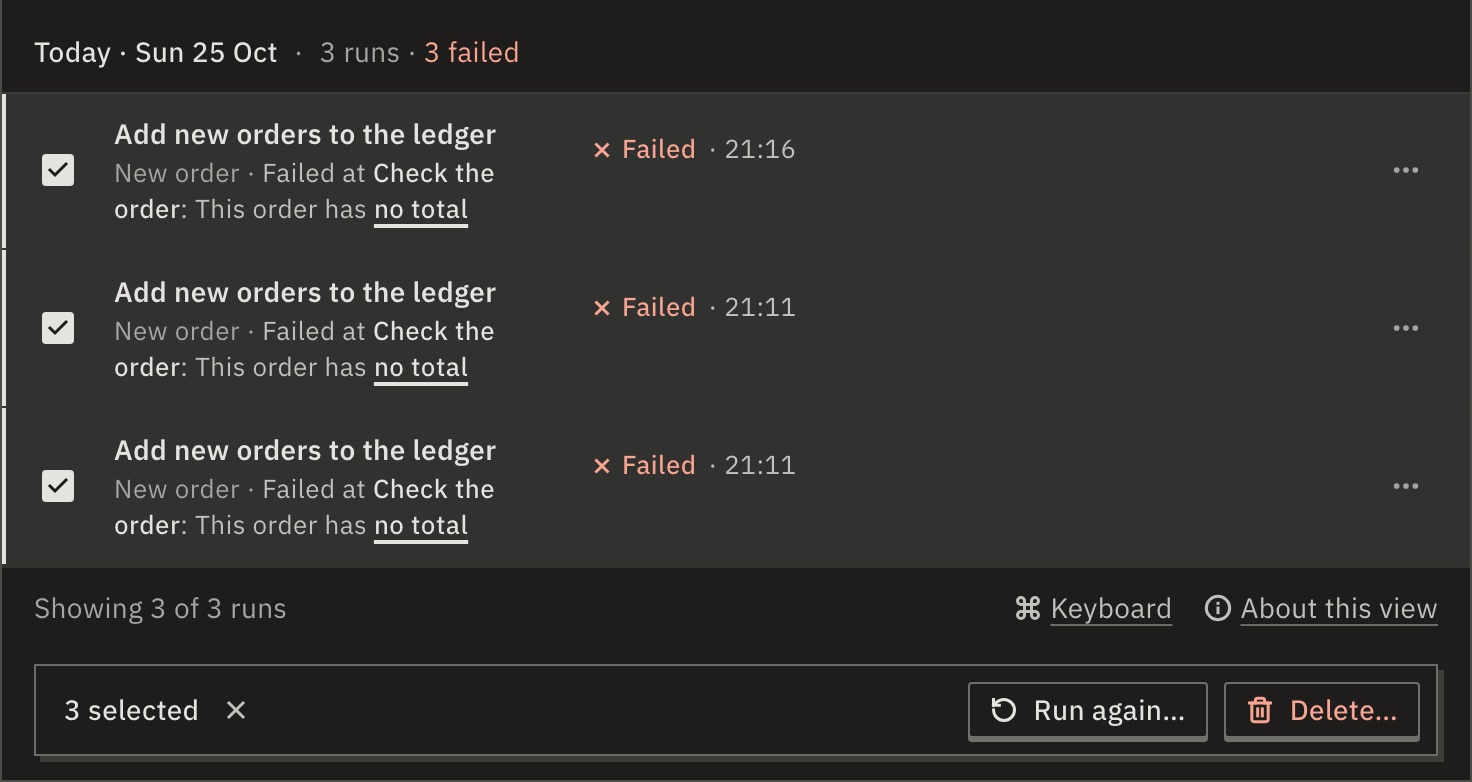
Each runs with its own data and joins the line. A production run runs the published version. A test run runs the version it ran, or the current draft if it ran the draft (before v2026.10.31, always the current draft). Up to 200 start at once, oldest first; the rest stay selected.
Left out: runs that haven’t finished, runs of a paused workflow, and runs whose retry already worked or is running.
Cancel a run
Press Cancel on a run that is Running, Queued or Held, and confirm. It stops at its current step. Steps already done stay done; nothing is rolled back.
- Queued
- It leaves the line and never runs. One queued run goes without a question.
- Held
- Nobody can answer its approval after this.
- Running
- The step that was running records Cancelled while it ran.
To cancel many, select them and press Cancel…. When runs are queued, the band above the list offers Cancel 2 queued…, with your count: running and held runs carry on.
Delete runs
Use Delete… in a row’s ⋯ menu, or select runs and press Delete…. The runs and their step data are removed.
Only finished runs can be deleted: cancel a running one first. Cancel and Delete also take 200 at a time, oldest first.
You can undo for 30 seconds. After that they can’t be brought back.
In Embed: Your provider chooses whether you can run again, cancel and delete runs. Deleting is off unless they turn it on.
For developers
POST /api/runs/{id}/rerun and /cancel, DELETE /api/runs/{id}, and the same three for many runs. A token needs workflow:run to run again and run:manage to cancel or delete. See Run a run again and Cancel a run.
Related
- RunsTest and production runs, and the six states · 4 min
- Limit runs at onceWait in line, or refuse · 4 min
- Keyboard shortcutsEvery key Runs answers
Checked against 12d85b3b