Provision people with SCIM
Let your identity provider add people to your organization, and remove them when they leave.
Not on GoRunner Cloud yet: the page says Not on GoRunner Cloud yet. To ask about it, write to GoRunner.
Not in the Embed: your provider adds and removes your people.
You need
- An owner
- Of the organization, to make, rotate or revoke the token. An admin can read the page: it says Only an owner of this organization can issue a provisioning token.
- A license with SCIM
- Licenses come from GoRunner on request.
- An identity provider with SCIM 2.0
- Such as Okta or Microsoft Entra.
Connect your identity provider
- Open Settings. Under Organization, open Single sign-on and go to Provisioning (SCIM).
- Copy the SCIM base URL. In Okta it goes in Provisioning › Integration; in Microsoft Entra, in Provisioning › Tenant URL.
- Press Generate token, copy the SCIM token, and press Done. It isn’t shown again.
- Paste the token into your identity provider, and turn its provisioning on.
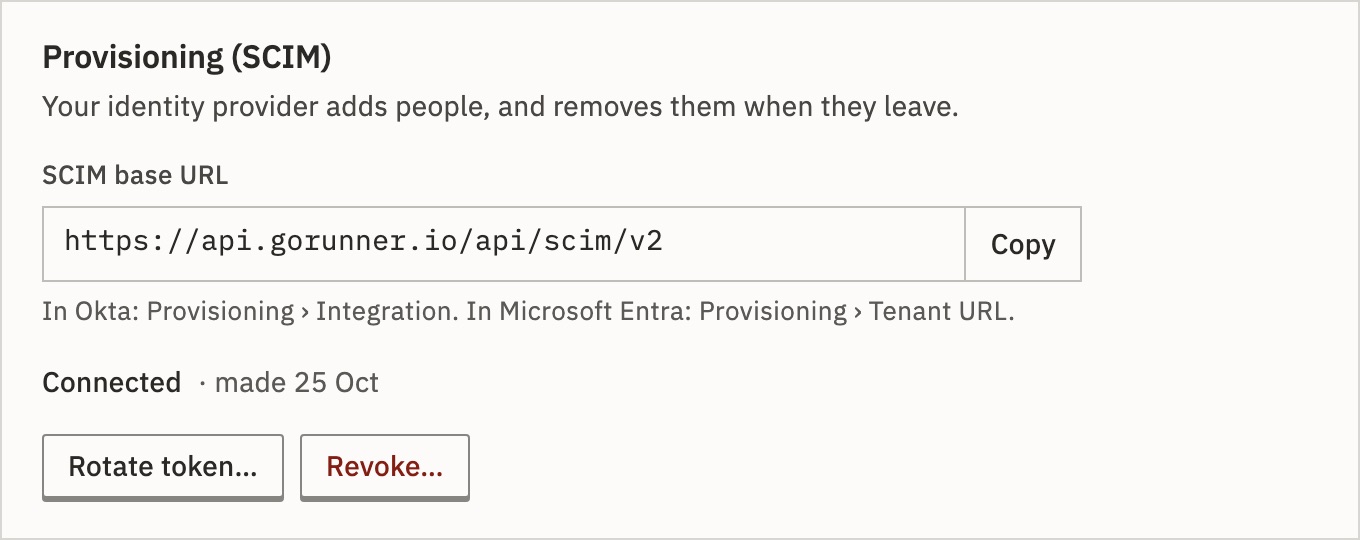
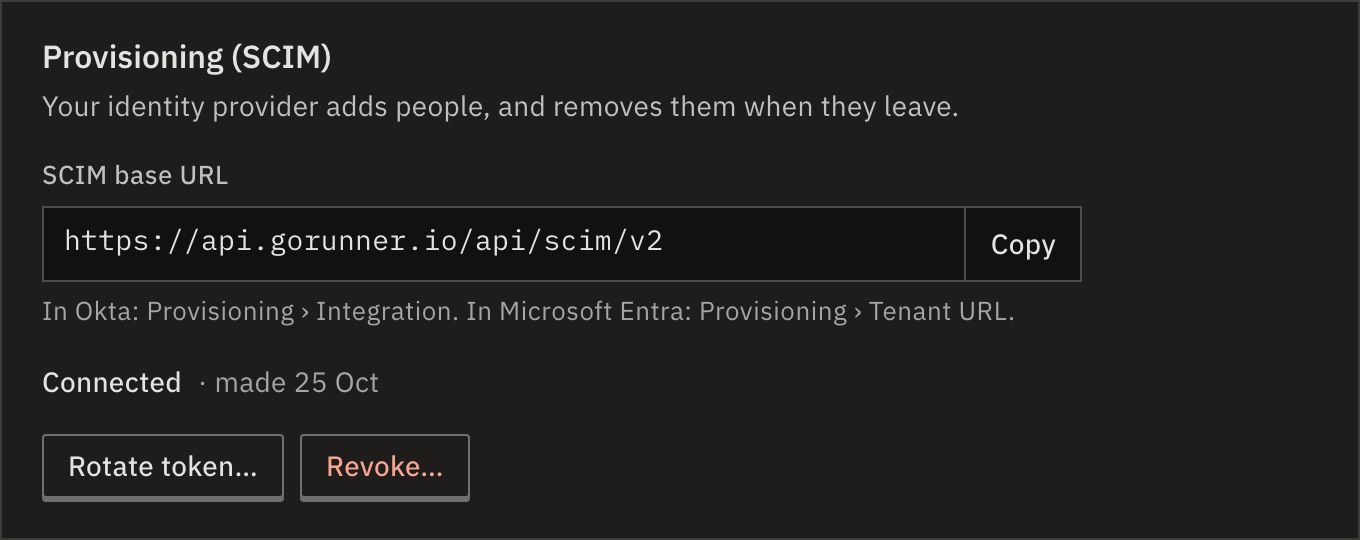
You should see the panel says Connected and the day the token was made.
What your identity provider can do
- Add a person
- Creates the account as a member of the organization, and an editor in its first workspace by name. Each takes a seat. At the license’s seat limit, new people are refused, and your provider shows why.
- Deactivate or remove
- Removes them from the organization and its workspaces. Their account stays. Their API tokens there end, and so do the invitations they sent that are still open. Reactivating adds them back as a member, and as an editor in the first workspace by name. Their earlier workspace roles aren’t restored.
- An owner
- Your provider can’t remove the person who owns the organization, or its last owner: it gets a
403that says so. Hand the organization over or name another owner first. Any other owner goes as anyone does. - Rename
- Changes the person’s name, when the organization holds their account.
Groups aren’t provisioned: give workspaces and roles in GoRunner. An address that already has an account of its own, outside your organization, is refused.
Each change is in the audit log as Person provisioned (SCIM), Person updated (SCIM) or Person deprovisioned (SCIM).
Rotate or revoke the token
- Rotate token…
- Makes a new token. The old one stops at once, so update your identity provider right after.
- Revoke…
- Your identity provider stops adding and removing people. Nobody loses access. You can revoke even without a license.
What if the license ends?
Single sign-on and SCIM stop at once. People already provisioned keep their access. Without the feature, your provider’s calls are refused with SCIM provisioning requires an enterprise license.
For developers
The base URL ends in /api/scim/v2. Your provider calls /Users with the token as Authorization: Bearer, in application/scim+json. It may list with filter=userName eq "…" or externalId eq "…", and deactivates with PATCH on active.
Related
- Set up single sign-onSign in through your identity provider · 5 min
- Invite people and set rolesMembers and People · 4 min
- Your licenseWhat your license includes · 4 min
Checked against 12d85b3b