Run on a schedule
Start a workflow at set times, such as every weekday at 9.
Add the schedule
- In a new workflow, press Add a trigger, type
scheduleand choose Schedule. - Choose a Frequency, such as Every Day.
- Set Hour of the day and Timezone. If your city isn’t listed, choose one that keeps the same time, such as Europe, Paris for Madrid.
- To run on Saturday and Sunday too, tick Run on weekends (Sat, Sun).
- Read the times at the top of the panel. They are the next five runs.
- Add your steps, then press Publish.
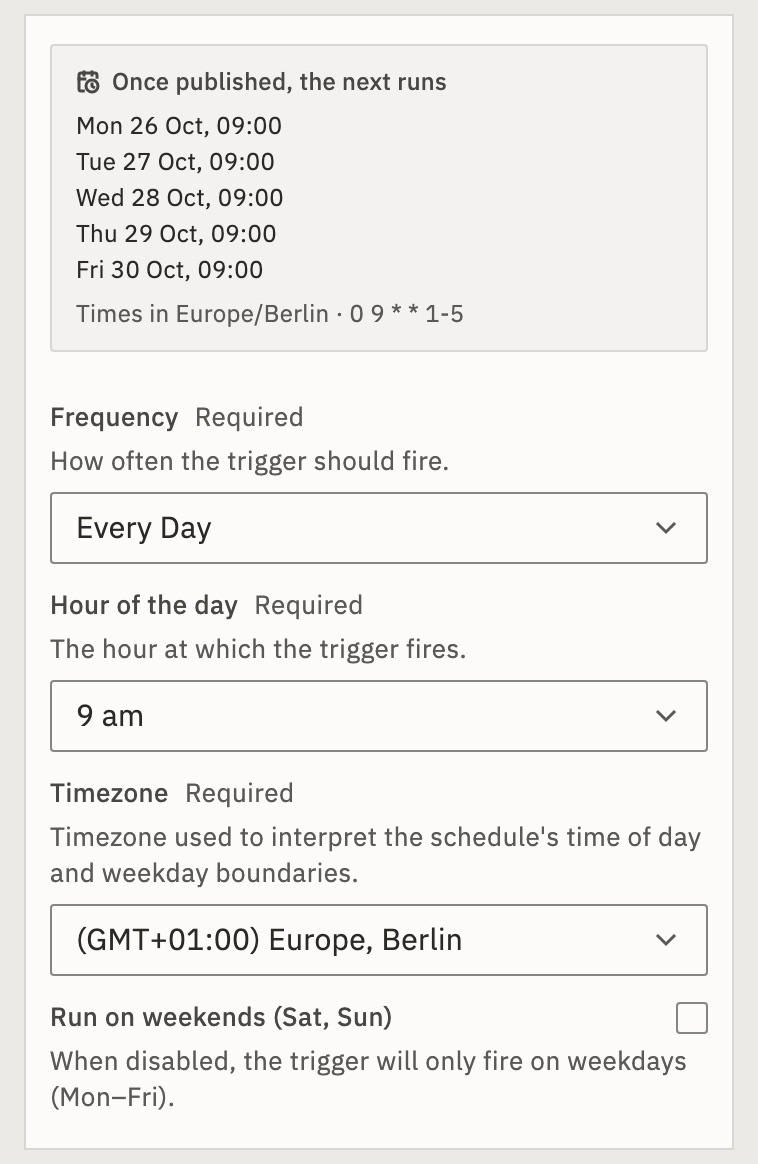
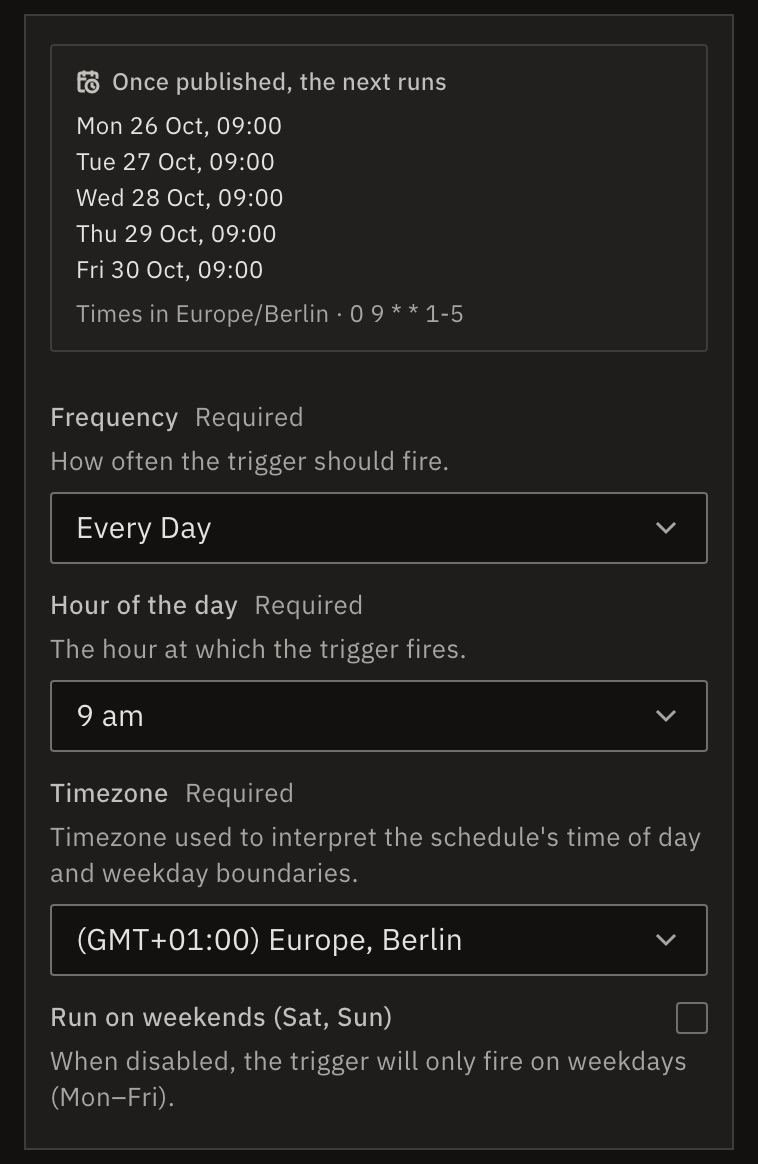
Until you publish, the list says Once published, the next runs.
Choose the frequency
- Every X Minutes
- Every 1 to 59 minutes.
- Every Hour
- On the hour. Weekdays only, unless you tick Run on weekends (Sat, Sun).
- Every X Hours
- Every 1, 2, 3, 4, 6, 8 or 12 hours.
- Every Day
- At one hour. Weekdays only, unless you tick Run on weekends (Sat, Sun).
- Every X Days
- Every 1 to 7, 10, 14, 15 or 30 days, at one hour.
- Every Week
- On the days you choose, at one hour.
- Every Month
- On one day of the month, at one hour.
- Cron Expression
- Five fields, such as
*/5 9-17 * * 1-5.
Times follow the trigger’s Timezone, not your computer’s. It is UTC until you change it.
What if GoRunner was down at the time?
A run missed in the last hour starts once when it’s back. Older ones, and any while the workflow was paused, are skipped. When the clocks go back in autumn, a time that happens twice runs once.
What if I choose the 31st in Every Month?
It runs only in months that have a 31st. The list of next runs shows which ones.
Check it worked
After the first time comes round, open Runs. The run shows Worked.
For developers
The trigger is pieceId: "schedule", actionId: "schedule", with config.frequency (such as every_day), hour_of_the_day and timezone. Each run gets the time it was due, in UTC, on {{trigger.scheduled_time}}, and {{trigger.day_of_week}}, {{trigger.hour}} and the rest in the schedule’s time zone. See Triggers.
Related
- A trigger didn’t fireNot published, weekends off, the wrong time zone
- Choose a triggerWhich trigger fits which job · 3 min
- Limit runs at onceWait in line, or refuse · 4 min
Checked against 12d85b3b