Start from a form
Collect answers on a web form GoRunner hosts, and start a run with each one.
Add the form
- In a new workflow, press Add a trigger, type
formand choose Form. - Set Form Title, and a Description if you like.
- Under Fields, press Add Field for each question. Give it a label and a type, and tick Required if it must be filled in.
- Add your steps, then press Publish.
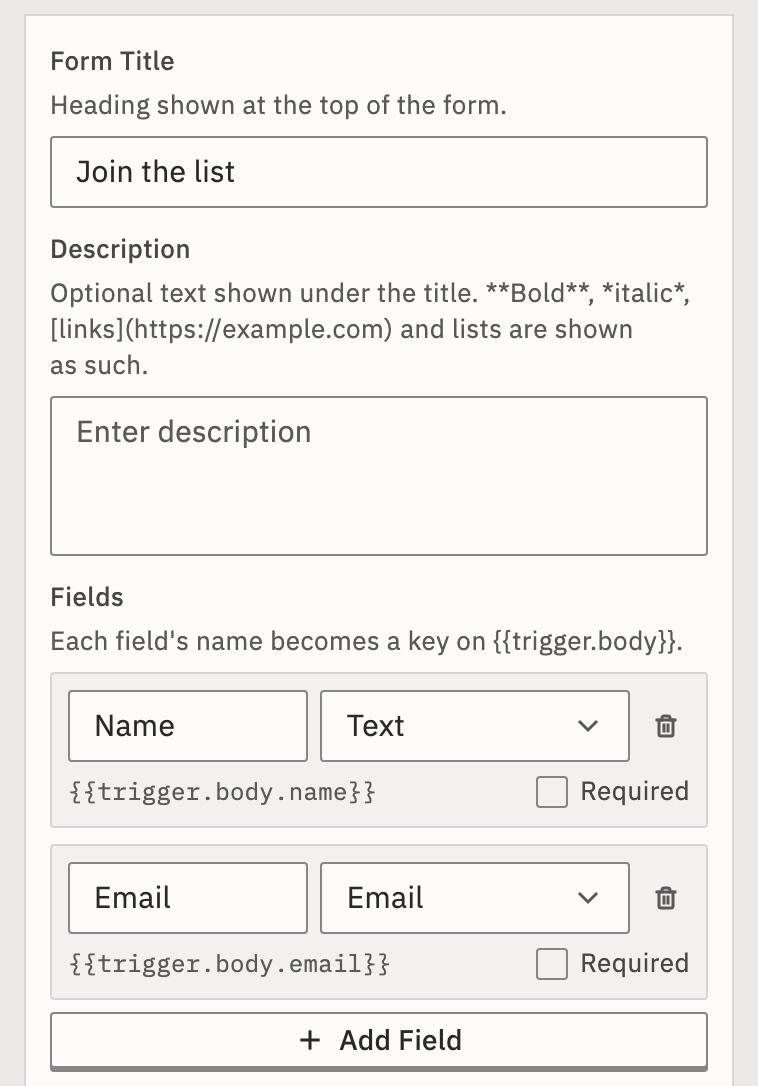
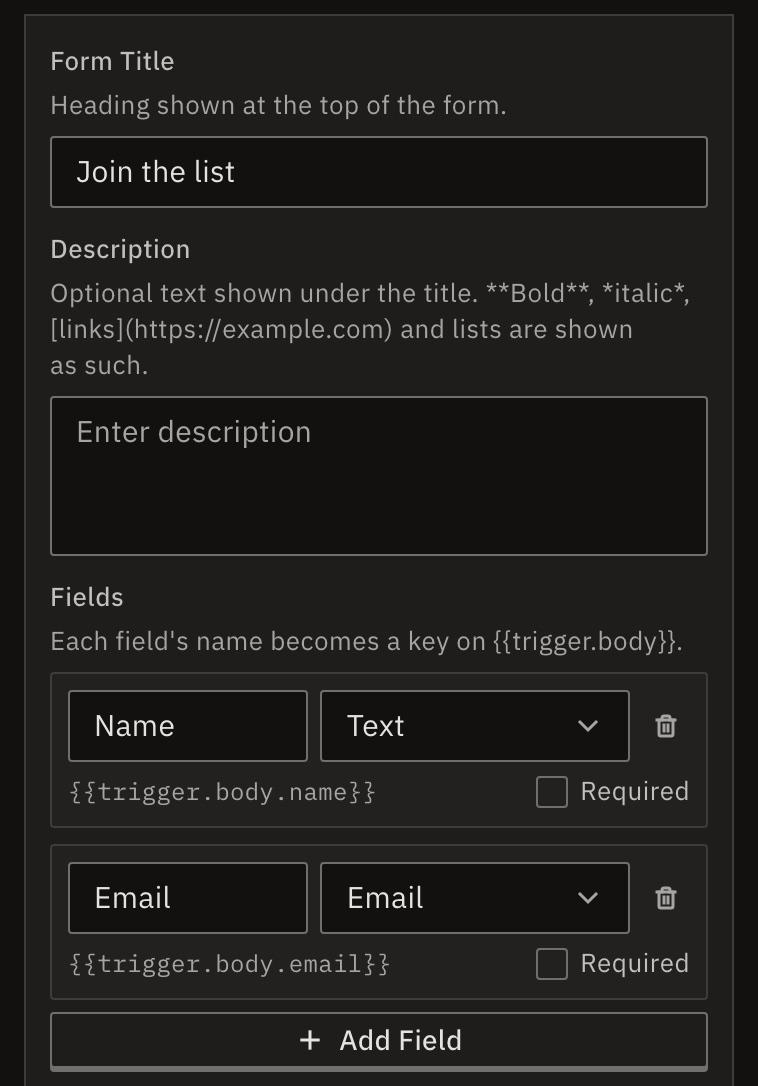
You should see under each field, the expression that holds its answer, such as {{trigger.body.email}}.
Field types
- Text, Long text
- A line, or a box for a paragraph.
- Number, Whole number
- Any number, or one without decimals.
- Must look like an email address.
- Date
- A date picker.
- Dropdown, Radio
- One choice from your options, typed comma-separated.
- Checkbox
- Yes or no.
- Password
- Typed out of sight.
- Hidden
- Not shown. It sends a fixed value, such as
{{trigger.query.utm_source}}from the form’s address.
GoRunner checks required fields, emails, numbers and choices when the form is sent, and shows the form again with the answers kept.
Share the form
- Select the On Form Submission card.
- Copy the Form URL (public) and send it to the people who should fill it in.
The address looks like https://api.gorunner.io/api/webhooks/…. It starts with your installation’s address. It starts with the address of the product you use. It serves the form only once the workflow is published.
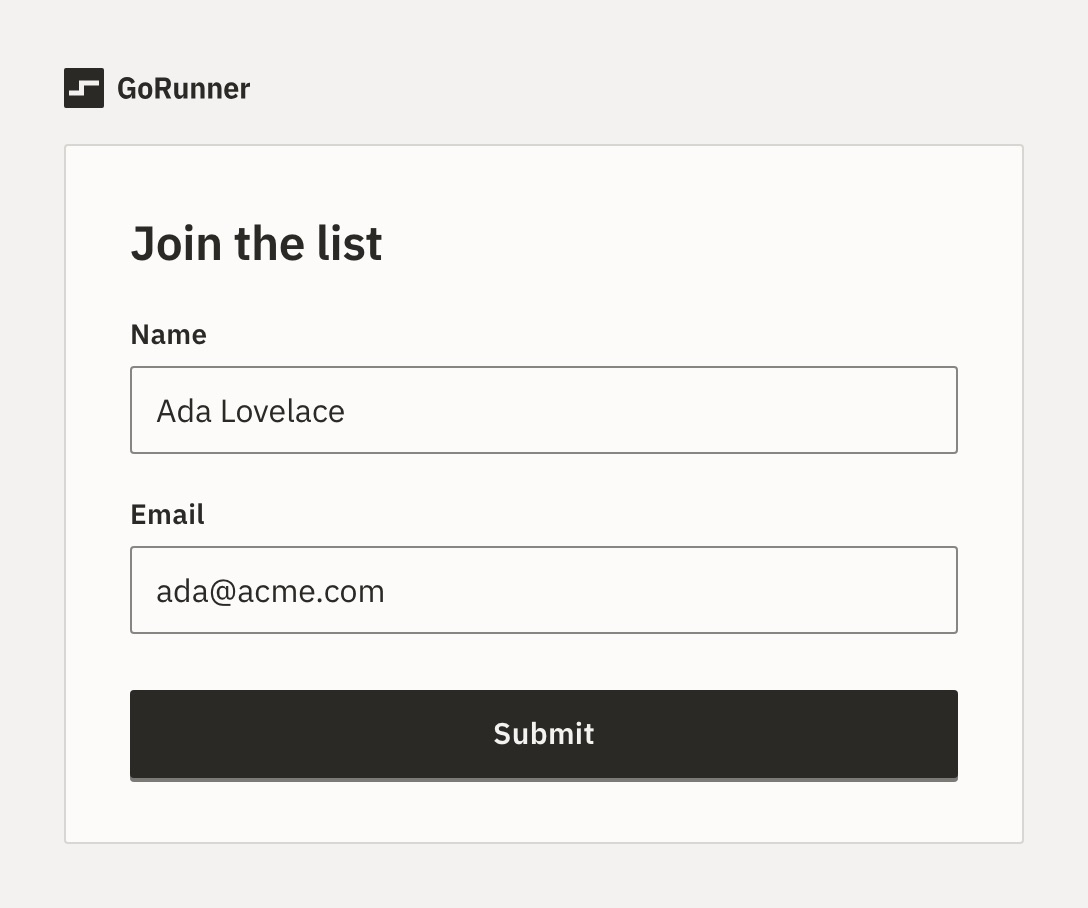
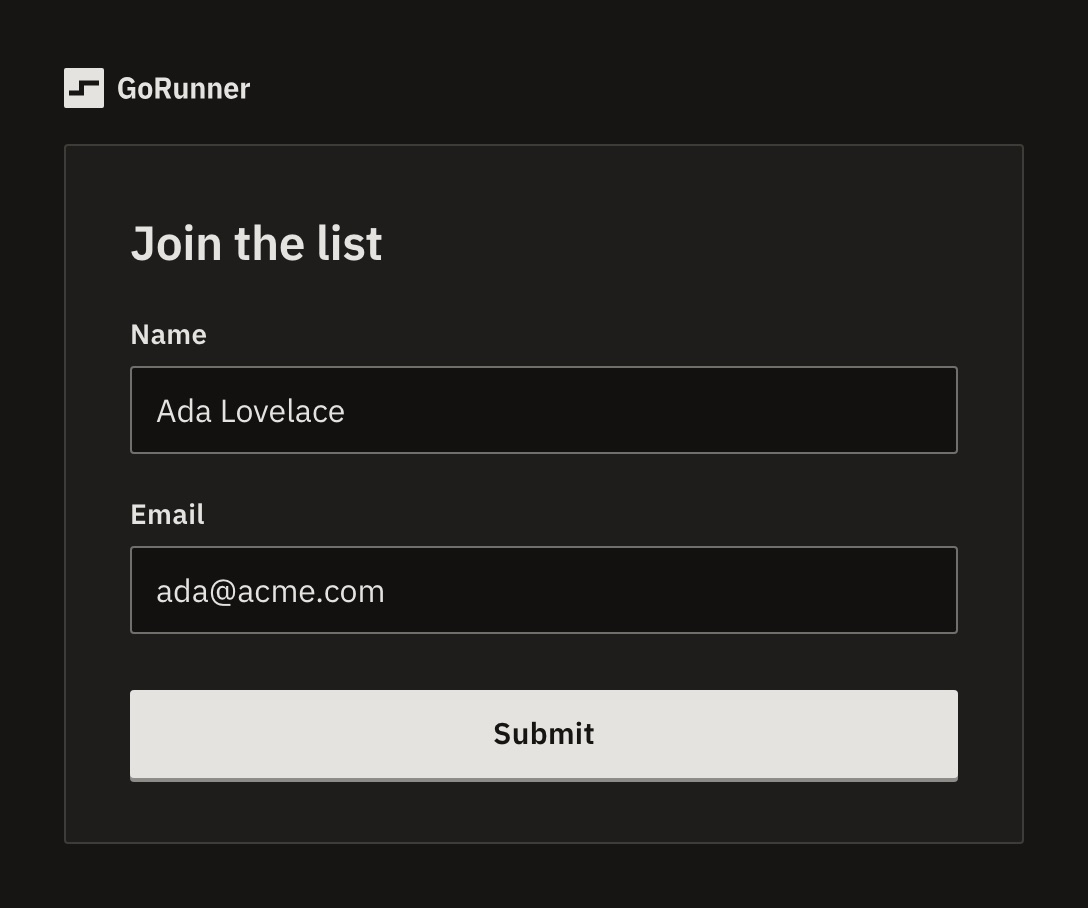
After someone sends it
- Response Message
- What the person sees after sending.
Sent.unless you change it. - Redirect URL
- Send them to a page of yours instead, such as a thank-you page.
- Submit Button Text
- The key’s label.
Submitunless you change it.
What if someone sends the same form twice?
A refresh or Back after sending doesn’t start a second run. Filling it in again does.
What if it says “This form is busy”?
The workflow is at its limit of runs at once and refuses new ones, or too many runs wait in line. Limit runs at once explains both. If the run fails within 30 seconds, the person sees Your answers weren’t sent. A run still going by then counts as sent.
Check it worked
Fill in the form and press Submit. In Runs, the new run shows Worked.
For developers
The form shares the workflow’s webhook address: GET serves the page and POST takes an answer, as a form or as JSON. Each field arrives as {{trigger.body.<name>}}, where the name is the label in lower case, with _ in place of spaces and signs. The time it was sent is {{trigger.submittedAt}}.
Related
- Build your first workflowA form that adds each answer to a Google Sheet · 10 min
- Use data from earlier stepsPut a form answer into an email · 5 min
- FormEvery field of the trigger
Checked against 12d85b3b