Ask for approval
Hold a run until a person approves or rejects it.
Choose how to ask
- In GoRunner
- Approval › Request Approval (wait). People decide in Runs. It sends nothing.
- By email
- Email (SMTP) › Send for Approval (wait for decision). One step emails Approve and Reject buttons, then waits.
- Anywhere else
- Approval › Create Approval Links (no wait), then your own step that sends the links, such as Gmail, or HTTP Request to your chat tool’s API, then Approval › Wait for Decision.
Add an approval in GoRunner
- Where the run should wait, add a step on the main line: type
approvaland choose Approval › Request Approval (wait). - Fill in Title and Details, so whoever decides knows what it’s about.
- Press Publish.
When a run reaches the step, it waits and shows Held. Approvers is only a note on the run; nobody is told. To tell people, ask by email or send the links yourself.
Decide a held run
- Open Runs. Held runs are under Needs you, in Held for a person.
- Press Approve or Reject, then confirm.
Operators, editors and admins of the workspace can decide. Viewers see the run under Needs attention.
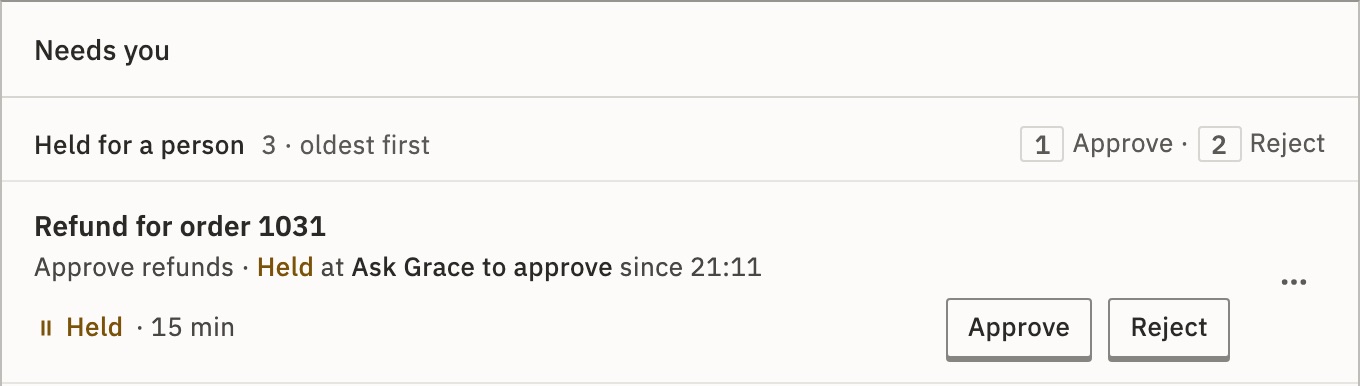
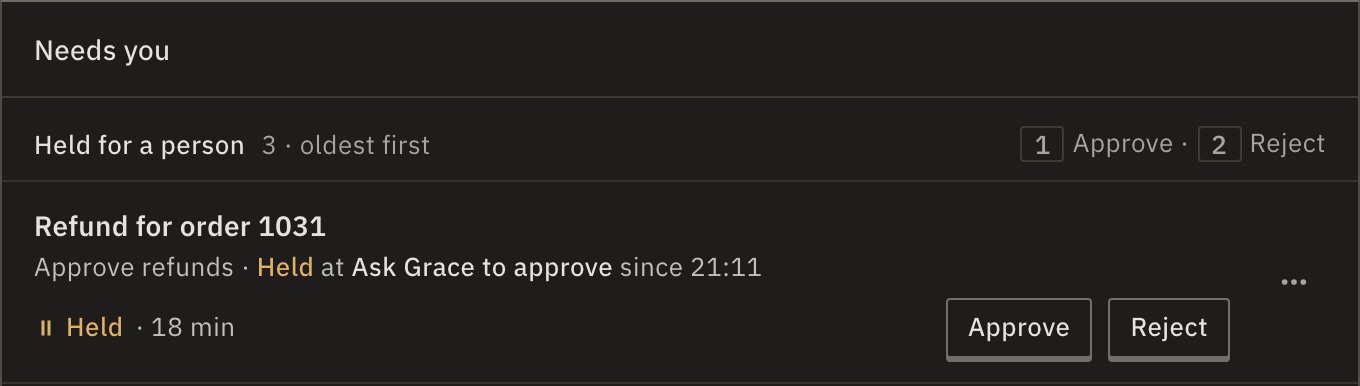
You can also decide on the run’s own page. Either way, the run carries on with your answer, and ends Worked even when rejected.
Act on the answer
Add a Branch after the approval that checks whether {{steps.step_2.status}} equals approved, with your approval step’s name in place of step_2. Anything else is a rejection, or no answer in time: then status is timed_out.
Auto-continue after (timeout) lets the run go on without an answer. At 0, the default, it waits for ever.
Note An approval works only on the main line. Inside a Branch, a Loop or a workflow run by a Sub-flow step, it fails.
What if a mail scanner opens the link?
Nothing is decided. Opening a link shows a page with the choice; only pressing it records the answer. Each link works once, and the first answer wins. Anyone who has the link can answer, without signing in, so send it only to whoever decides.
Can I stop a held run instead?
Yes. On the run’s page, press Cancel; if you can approve the run, it is under ⋯. It stops waiting, and the steps after it don’t run.
Can another system answer instead of a person?
Yes. Use Delay / Wait › Wait for Approval / Webhook. Send its resumeUrl to the other system; a POST to it carries on the run, with the body on resumeData.
Check it worked
Once the workflow is live, start a run. In Runs, it shows Held under Needs you.
For developers
A held run is paused with waitingOn: person. Approve or reject a held run decides it with an API token. The answer is also on {{steps.step_2.resumeData.decision}}.
Related
- ApprovalEvery action and field
- Email (SMTP)Send for Approval and its fields
- RunsHeld and the other states · 4 min
Checked against 12d85b3b