Find out why a run failed
Open the run, then read the failed step: its error, and what it received.
Open the run
- Open Runs. A failed row says where and why, such as Failed at Check the order: This order has no total.
- Select the row. The run’s page opens on the step that failed.
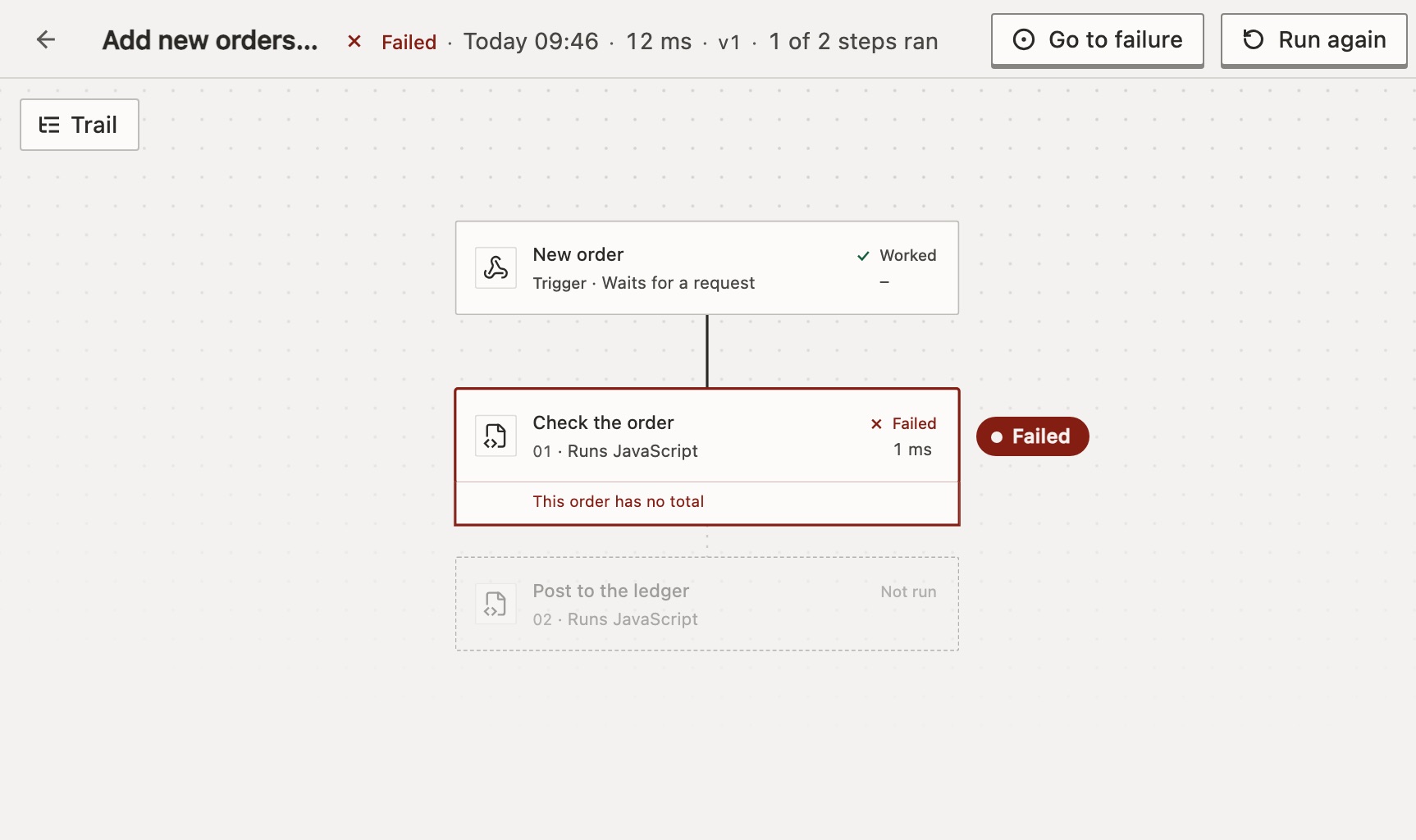
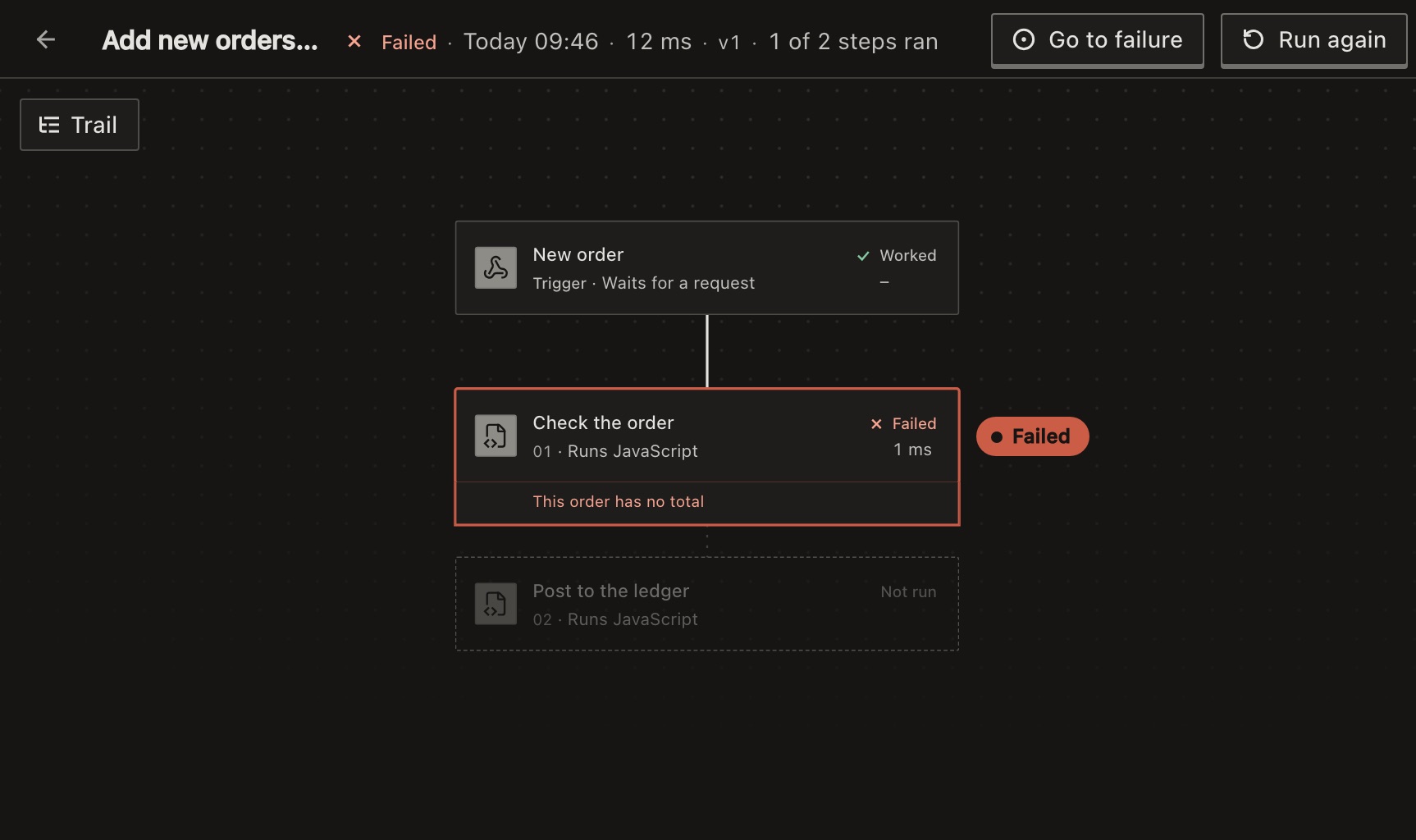
The canvas is the version that ran, not your draft. Steps the run didn’t reach are faded. If you move away, Go to failure in the top bar brings you back.
Press Trail to read the run as a list: the steps that ran, in order, and where it stopped.
Read the failed step
Under the step’s name, one line says what happened, such as Failed · after 3 tries · 6.0 s in all · 02:34:50. The panel has three tabs:
- Error
- Why it failed. A long error folds; press Show the whole error. Below it are the link to the step’s connection if it uses one, Fix with Keel for anyone who can edit the workflow, and Earlier tries if it was retried. While Keel is asleep, the key stays for someone who can wake it, with Keel is asleep. Add an AI key to wake it. under it; anyone else is told whom to ask. Anything the step returned comes last, such as a web request’s response.
- Input
- What the step received, with every expression already filled in.
- Settings
- The settings it ran with. You can’t change them here.
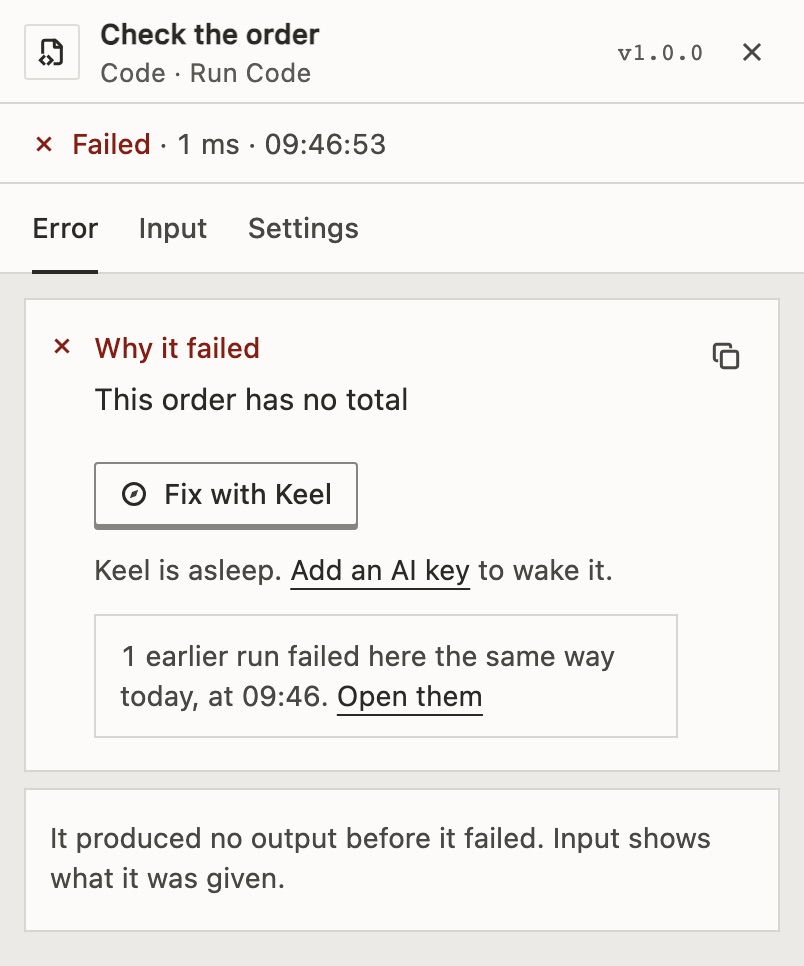
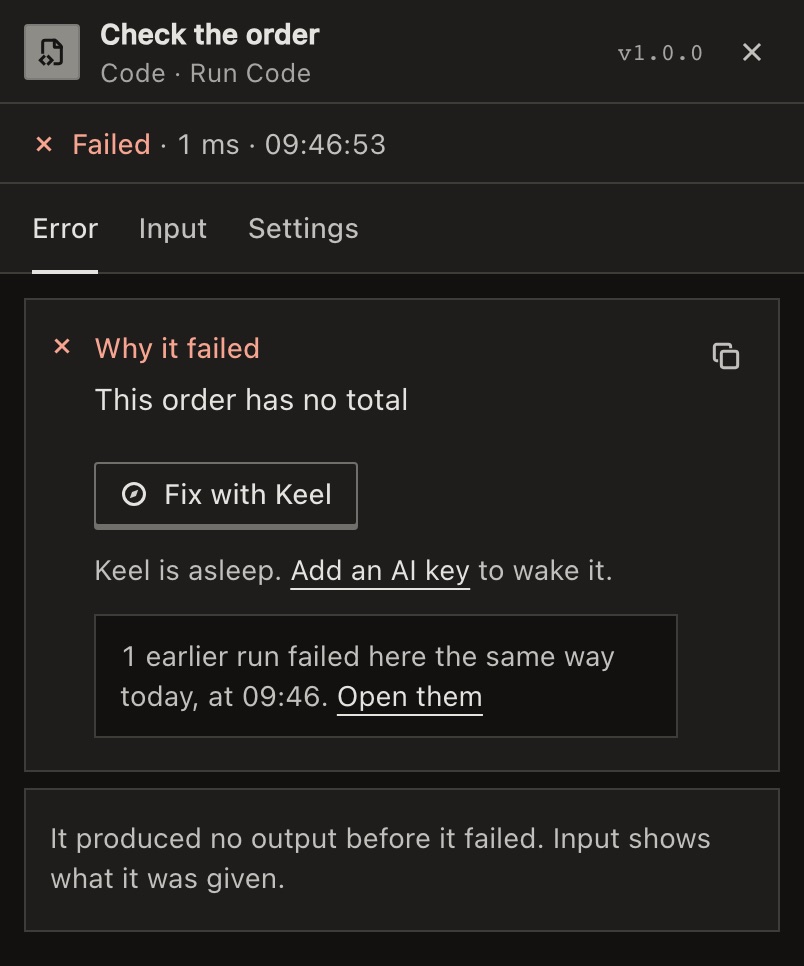
Compare Input with what the step expected. An empty field or a wrong path is the usual cause.
Has this happened before?
If earlier runs failed at the same step the same way today, the page says how many, with Open them. In Runs, Needs you groups failed runs by cause.
Why does it say the run started at a step?
It was a test from that step, such as Test from in Runs. The steps above it were filled with earlier test data, not run.
What the short reason means
The Runs list shortens the error to its kind, such as the sign-in was refused (HTTP 401) or it timed out. Press Show the whole error for the full text. A run failed lists each one and its fix.
To move between steps and runs from the keyboard, see Keyboard shortcuts.
For developers
GET /api/runs/{id} returns the run’s errorMessage and, in steps, each step’s inputData, outputData and errorMessage. See Get a run.
Related
- A run failedFixes, by the error on screen
- Fix failing workflows with KeelLet Keel test a fix against the run · 3 min
- Run again, cancel or delete runsOne run, or many at once · 4 min
Checked against 12d85b3b