HTTP Request
Call any web address or API from a workflow, and use its reply in later steps.
Use it when an app isn’t in GoRunner, or when you need a call its app doesn’t offer. Add an HTTP Request step, then fill in Method and URL. Those two are required. The rest are optional, except the fields an Authentication or Body Type choice adds.
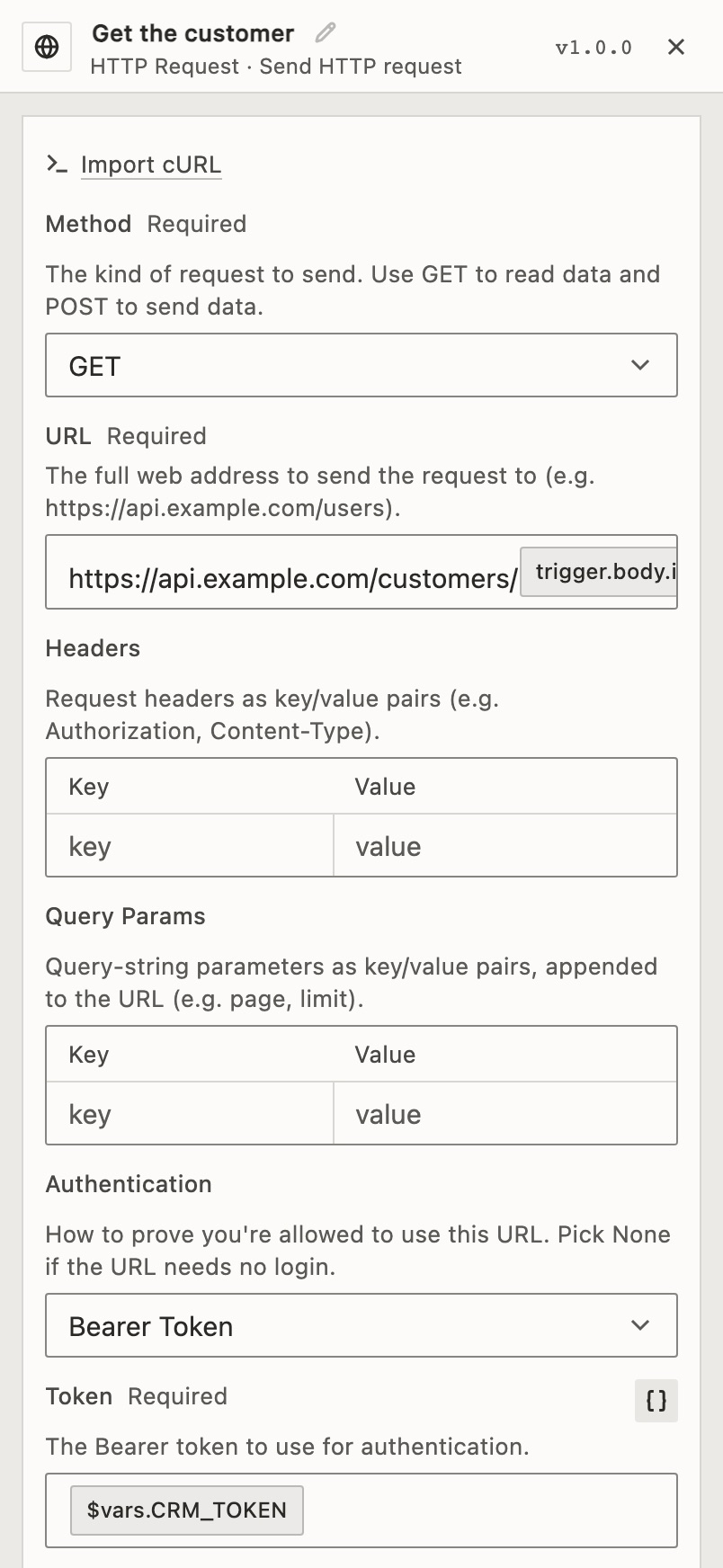
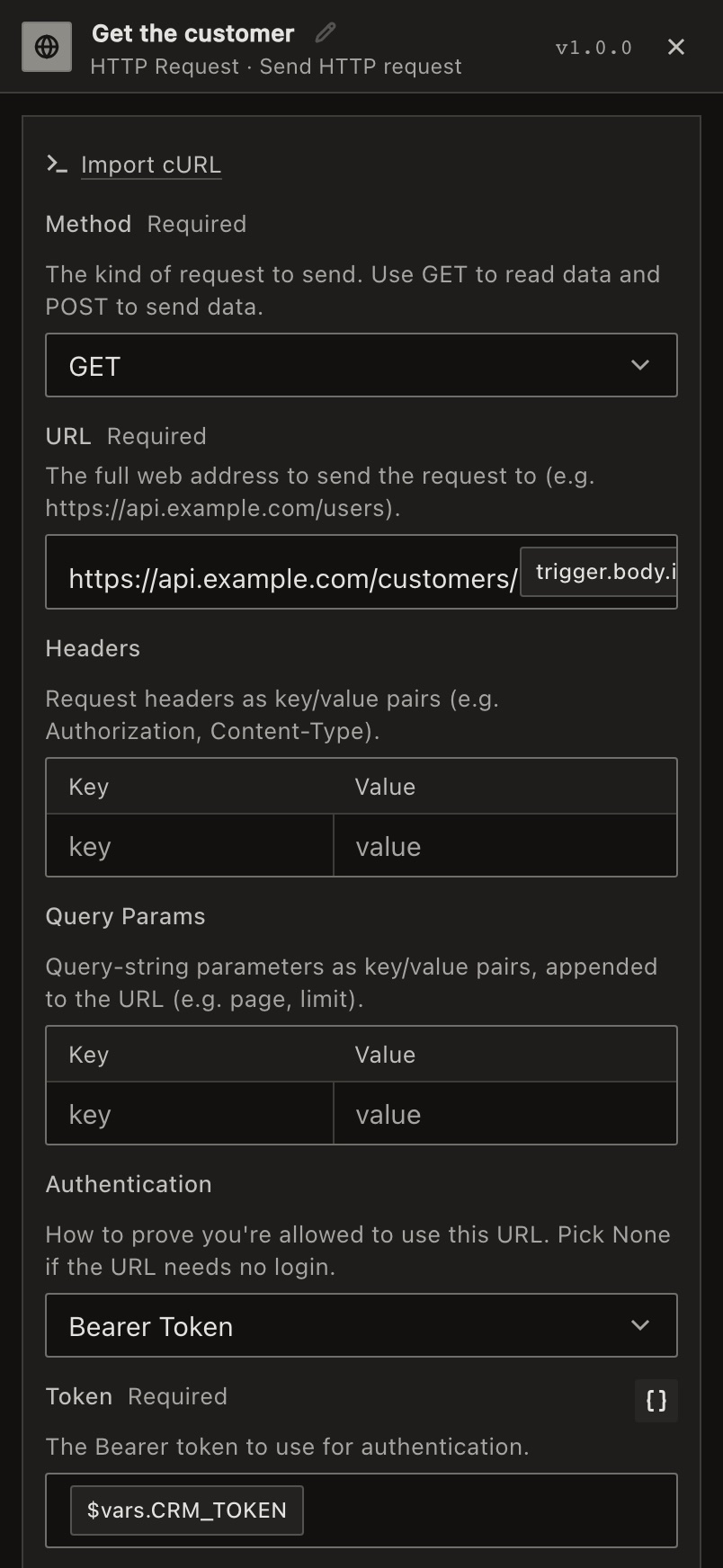
Pasting a curl command into Import cURL fills in the method, URL, headers, body and basic sign-in for you.
Do things in HTTP Request
Add an HTTP Request step. Choose the row to see all its fields.
Keep a key or token out of the step itself. Store it as a sensitive variable and put it in the field as an expression:
{{$vars.CRM_TOKEN}}The reply becomes the step’s output: its status, headers and body. Turn off Return Full Response to get the body alone.
Later steps read a step’s output by its name: see Use data from earlier steps.
Example
Look up a customer when your shop calls a webhook. Use a Webhook trigger, then an HTTP Request step. Set Method to GET, Authentication to Bearer Token, and URL to:
https://api.example.com/customers/{{trigger.body.id}}Limits
- Any reply outside 200–299 fails the step, such as a redirect while Follow Redirects is off. To keep the reply as the step’s output instead, turn on Error statuses are results.
- The step stops after its Timeout (under Error handling): 30 seconds unless you change it, up to 600.
- Pagination fetches 10 pages unless you change Max Pages, and never more than 100.
- A reply over 10 MB fails the step. With Error statuses are results on, it is cut at 10 MB instead.
- Steps can’t reach private network addresses, such as
10.0.0.5orlocalhost. On a self-hosted installation, an admin can allow some withWORKFLOW_PRIVATE_NETWORKS.
Not in your list? See When an app isn’t here.
For developers
In the API, which calls apps pieces, HTTP Request is pieceId: "http" with actionId: "send_request". Get an app returns every field.
It can change something outside the run (writes_external). See How versions and side effects work.
HTTP Request › Send HTTP request
Send HTTP request.
- Method · Required
The kind of request to send. Use GET to read data and POST to send data.
Options: GET, POST, PUT, PATCH, DELETE, HEAD, OPTIONS.
Default: GET.
- URL · Required
The full web address to send the request to (such as https://api.example.com/users).
- Headers · Optional
Request headers as key/value pairs (such as Authorization, Content-Type).
- Query Params · Optional
Query-string parameters as key/value pairs, appended to the URL (such as page, limit).
- Authentication · Optional
How to prove you're allowed to use this URL. Pick None if the URL needs no login.
Options: None, Basic Auth, Bearer Token, API Key (Header), API Key (Query Param), OAuth2 (connection).
Default: None.
- Key Name · Required
Header or query-param name for the API key (such as X-API-Key, api_key).
Shows when Authentication is API Key (Header) or API Key (Query Param).
- Username · Required
The username to use for authentication.
Shows when Authentication is Basic Auth.
- Key Value · Required
The API key value.
Shows when Authentication is API Key (Header) or API Key (Query Param).
- Password · Required
The password to use for authentication.
Shows when Authentication is Basic Auth.
- Token · Required
The Bearer token to use for authentication.
Shows when Authentication is Bearer Token.
- Body Type · Optional
The format of the data you're sending. Pick None if you're not sending any data.
Options: None, JSON, Raw, Form Data (multipart), Form URL-Encoded.
Default: None.
- JSON Body · Required
The data to send, written as JSON (such as {"name": "Alex", "age": 30}). A text value placed inside quotes is escaped for you; if the result is still not JSON, the step fails before sending anything.
Shows when Body Type is JSON.
- Raw Body · Required
The exact text to send as-is in the request, with no formatting applied.
Shows when Body Type is Raw.
- Form Data · Required
Key-value pairs to send as multipart/form-data.
Shows when Body Type is Form Data (multipart).
- Form Fields · Required
Key-value pairs sent as application/x-www-form-urlencoded.
Shows when Body Type is Form URL-Encoded.
- Response is Binary · Optional
Enable for files like PDFs, images, etc. The body is then returned as a file, {filename, data (base64), mimeType}, which every file step (Files Helper, Compression, Spreadsheet, Email attachments) accepts directly.
Off by default.
- Follow Redirects · Optional
Turn on to automatically go to a new address if the URL has moved.
On by default.
- Response Format · Optional
How to read the reply. Autodetect figures it out; pick Plain text to keep it as-is.
Options: Autodetect, Force JSON, Plain text.
Default: Autodetect.
- Return Full Response · Optional
Include status and headers. If off, output is the body only.
On by default.
- Max Redirects · Optional
The most times the request may jump to a new address before stopping (21 when not set).
Default: 21.
Shows when Follow Redirects is on.
- Ignore SSL Errors · Optional
Allow self-signed/invalid TLS certificates (insecure).
Off by default.
- Lowercase Response Headers · Optional
Normalize response header names to lowercase.
Off by default.
- Use Proxy · Optional
Turn on to route the request through a go-between server before reaching the URL.
Off by default.
- Proxy URL · Optional
The address of the go-between server to route through (such as http://proxy.example.com:3128).
Shows when Use Proxy is on.
- Error statuses are results · Optional
Return a 4xx/5xx reply as this step's output (status, headers, body) instead of failing the step; a request that gets no reply returns its error the same way. Retries, the time limit and what happens on failure are under Error handling.
Off by default.
- Query Array Format · Optional
How array-valued query params are serialized.
Options: Repeat (a=1&a=2), Brackets (a[]=1&a[]=2), Comma (a=1,2), Indices (a[0]=1&a[1]=2).
Default: Repeat (a=1&a=2).
- Pagination · Optional
Fetch multiple pages automatically and accumulate every page's items. Off (default) sends a single request.
Options: Off, Update a parameter (page/offset), Follow next URL in response.
Default: Off.
- Page/Offset Parameter · Optional
The query parameter to advance on each request (such as page or offset).
Shows when Pagination is Update a parameter (page/offset).
- Start Value · Optional
Initial value for the parameter (such as 1 for page numbers, 0 for offsets).
Default: 1.
Shows when Pagination is Update a parameter (page/offset).
- Increment · Optional
How much to add each page (1 for page numbers; your page size for offsets).
Default: 1.
Shows when Pagination is Update a parameter (page/offset).
- Next URL Path · Optional
Dot-path to the next-page URL in the response body (such as next or paging.next). Falls back to the Link rel="next" header when blank.
Shows when Pagination is Follow next URL in response.
- Items Path · Optional
Dot-path to the array of items in each response (such as data or results). Leave blank if the body is itself the array.
Shows when Pagination isn’t Off.
- Max Pages · Optional
Maximum number of pages to fetch (hard cap 100).
Default: 10.
Shows when Pagination isn’t Off.
- Interval Between Pages (ms) · Optional
Delay between page requests in milliseconds (rate-limit friendliness).
Default: 0.
Shows when Pagination isn’t Off.